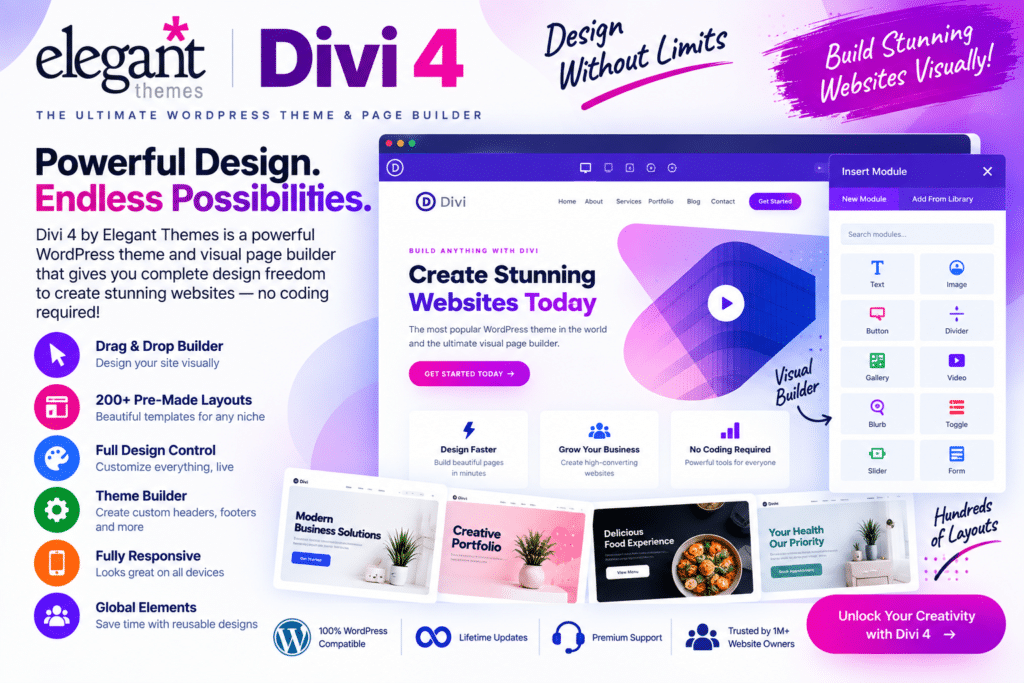
Elegant Themes Divi 4 is a popular multipurpose WordPress theme with a built-in visual page-building system. It is designed for users who want greater control over their website’s appearance without having to build every page through custom code.
With Divi’s visual editing experience, you can create pages on the front end of your website, customize individual sections and modules, and see many design changes as you work.
From business websites and portfolios to blogs, landing pages, agencies, and WooCommerce stores, Divi 4 provides a flexible foundation for creating many different types of WordPress websites.
Key Features
- Visual Drag-and-Drop Builder – Build and customize pages through Divi’s visual editing interface.
- Real-Time Design Editing – Preview many layout and styling changes while working on your pages.
- Reusable Modules & Sections – Save frequently used design elements and reuse them across your website.
- Responsive Editing – Fine-tune supported design settings for desktop, tablet, and mobile devices.
- Pre-Made Layouts – Start with available professionally designed layouts instead of creating every page from scratch.
- Global Design Controls – Maintain greater consistency across colors, typography, and reusable website elements.
- WooCommerce Support – Design and customize supported eCommerce pages for WordPress stores.
- Custom CSS Options – Add custom styling when you need more control beyond the visual settings.
- Animation & Visual Effects – Add supported transitions, animations, shadows, transforms, and other design effects.
- Theme Builder – Create custom templates for supported headers, footers, posts, archives, and other areas of your site.
- Marketing Modules – Build calls to action, forms, testimonials, pricing sections, and other conversion-focused layouts.
- Blog & Content Layouts – Create attractive designs for articles and content-focused websites.
- Flexible Typography & Styling – Customize fonts, spacing, sizing, backgrounds, borders, and other visual details.
- WordPress Integration – Build and manage your website within the familiar WordPress environment.
Perfect For
Divi 4 is suitable for business websites, agencies, freelancers, portfolios, blogs, WooCommerce stores, landing pages, service businesses, designers, marketers, and WordPress users who prefer a visual website-building workflow.
Design Without Starting from Scratch
Divi 4 combines a WordPress theme and visual design system, giving you the flexibility to build everything from a simple landing page to a complete multi-page website.
Reusable layouts and global design controls can also make managing larger websites easier, particularly when you want multiple pages to maintain a consistent visual identity.
Build Your Website with Divi 4
Create flexible and visually engaging WordPress websites with Elegant Themes Divi 4 – WordPress Theme & Visual Page Builder.
With drag-and-drop editing, responsive controls, reusable elements, Theme Builder functionality, WooCommerce support, and extensive design options, Divi 4 provides a versatile toolkit for creating customized WordPress websites.