
Quick Verdict
Editorial Rating: 4.6/5
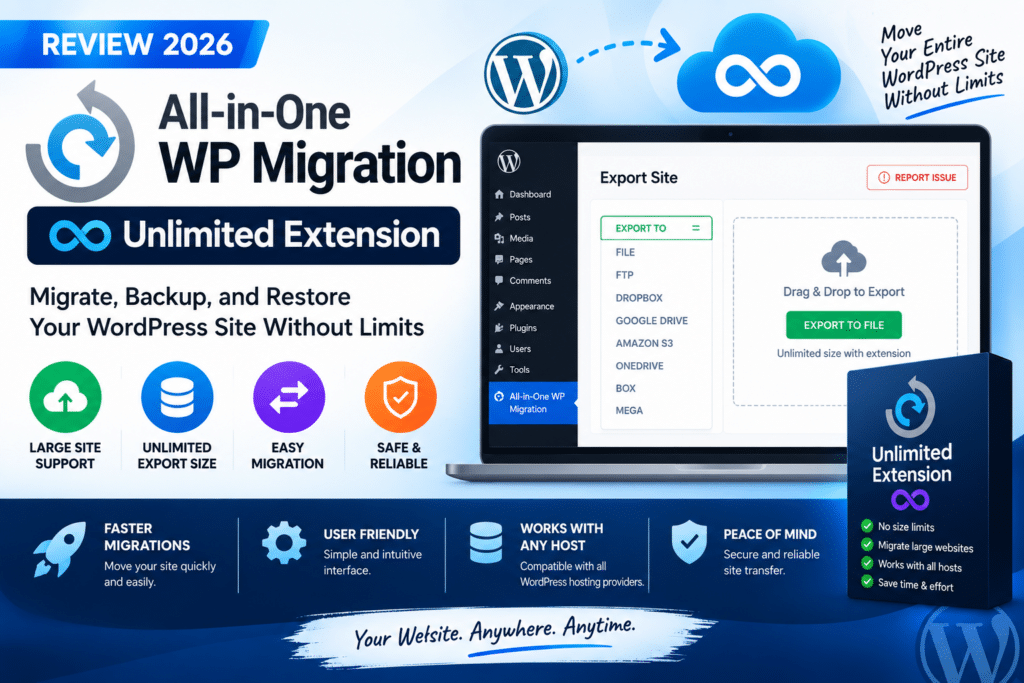
All-in-One WP Migration Unlimited Extension is a practical upgrade for WordPress users who regularly migrate or restore large websites. Its main advantage is bypassing hosting-related upload restrictions and providing additional tools for large backup imports.
It is especially useful for agencies, developers, and website owners moving between hosting providers. However, “Unlimited” refers to migration size capabilities—not unlimited licensed website usage.
What Is the Unlimited Extension?
The Unlimited Extension is a premium add-on for the All-in-One WP Migration plugin by ServMask. The core plugin exports a WordPress website into a portable .wpress archive and allows it to be imported into another WordPress installation.
The extension expands this workflow by addressing hosting upload limits and providing additional restoration and management features.
Key Features
1. Bypass Hosting Upload Limits
The extension’s main selling point is its ability to bypass PHP upload restrictions that can prevent large backup files from being imported.
This is particularly useful when moving websites containing large media libraries, WooCommerce products, or extensive databases.
The free plugin does not currently impose a fixed 512 MB import limit; the limits users encounter are generally related to hosting configuration.
2. Server Restore
The extension supports importing backups directly from the server, which can be useful when a backup is too large or inconvenient to upload through the browser.
This provides an alternative workflow for restoring large WordPress websites.
3. Complete Website Migration
All-in-One WP Migration packages website files and database content into a portable archive.
This makes it useful for moving a website from one hosting provider to another, transferring a development site to production, or restoring a previous backup.
4. WP-CLI Support
Advanced users can use WP-CLI commands for migration and management workflows.
This is particularly useful for developers and agencies that prefer command-line operations or need to automate repetitive tasks.
5. Reset Hub
The extension includes Reset Hub tools for site-management tasks.
These tools should be used carefully, especially on production websites, because reset operations can affect existing website data or configuration.
Free vs Unlimited vs Pro
| Feature | Free | Unlimited | Pro |
|---|---|---|---|
| Website export | Yes | Yes | Yes |
| Website import | Yes | Yes | Yes |
| Bypass hosting upload limits | No | Yes | Yes |
| Server restore | Limited | Yes | Yes |
| WP-CLI tools | Limited | Yes | Yes |
| Automated cloud backups | No | No | Yes |
| Multiple cloud destinations | No | No | Yes |
| Best For | Small migrations | Large migrations | Complete backup management |
The Unlimited Extension focuses on removing migration restrictions. Pro is the broader package for users who also need scheduled backups and cloud storage.
How to Migrate a WordPress Website
The general migration process is straightforward:
- Install All-in-One WP Migration on the original website.
- Export the website into a
.wpressbackup file. - Prepare the destination WordPress installation.
- Install the core plugin and the required extension.
- Import the backup file.
- Verify the website, permalinks, forms, and important functionality.
Before importing, create a separate backup of the destination website because a full migration can replace its existing content and database.
Pricing in 2026
The official Unlimited Extension is listed at $69 per year for up to 50 sites. Local development sites are excluded from the usage count, while temporary or staging domains may count.
The Pro package is listed at $99 per year and includes the Unlimited Extension along with additional backup and cloud-storage features.
Pricing and licensing terms should always be checked before purchase, particularly for agency or client-site usage.
Pros and Cons
Pros
- Simple export and import workflow
- Useful for large WordPress websites
- Bypasses hosting upload restrictions
- Server-based restore option
- WP-CLI support
- Suitable for agencies and developers
- Pro upgrade available for cloud backups
Cons
- Requires a premium subscription
- “Unlimited” does not mean unlimited licensed sites
- Large migrations still require sufficient server resources
- Cloud backup automation requires Pro
- Full imports can overwrite destination data
- Multisite requires a separate supported solution
Unlimited Extension vs Duplicator
Both plugins are popular WordPress migration tools, but they use different workflows.
All-in-One WP Migration is particularly attractive for users who prefer exporting a website into one archive and importing it through WordPress.
Duplicator is another strong option, especially for developers who want more control over deployment and installer-based migration workflows.
The best choice depends on your hosting environment, website size, and whether you need automated backups or advanced deployment features.
Who Should Use It?
The Unlimited Extension is worth considering for website owners moving large sites, agencies handling client migrations, developers working with staging environments, and users who frequently restore substantial backups.
For a small website that can be migrated successfully with the free plugin, the premium extension may not be necessary.
Final Verdict
Overall Rating: 4.6/5
All-in-One WP Migration Unlimited Extension is a useful upgrade for users who need a simple, reliable workflow for large WordPress migrations.
Its strongest value is removing hosting-related import restrictions and making large backup restoration more convenient.
If you only migrate small websites occasionally, start with the free version. If you need scheduled backups and cloud storage in addition to migration tools, compare the Pro package before purchasing.
Frequently Asked Questions
Is All-in-One WP Migration Unlimited Extension free?
No. It is a premium extension for the free All-in-One WP Migration plugin.
Does Unlimited mean unlimited websites?
No. The current standard license includes usage on up to 50 sites per subscription year, with separate terms for local development sites.
Can it migrate large WordPress websites?
Yes. Its main purpose is to bypass hosting upload restrictions and support large backup imports, although sufficient server resources are still important.
Does it include cloud backups?
The Unlimited Extension focuses on migration capabilities. Automated backups and multiple cloud destinations are part of the broader Pro package.
Can I use it for WooCommerce?
Yes, it can migrate WooCommerce websites. Always verify orders, customer accounts, payment settings, and checkout functionality after migration.
Does it support WordPress Multisite?
Full multisite migration functionality is provided through ServMask’s separate Multisite Extension.



