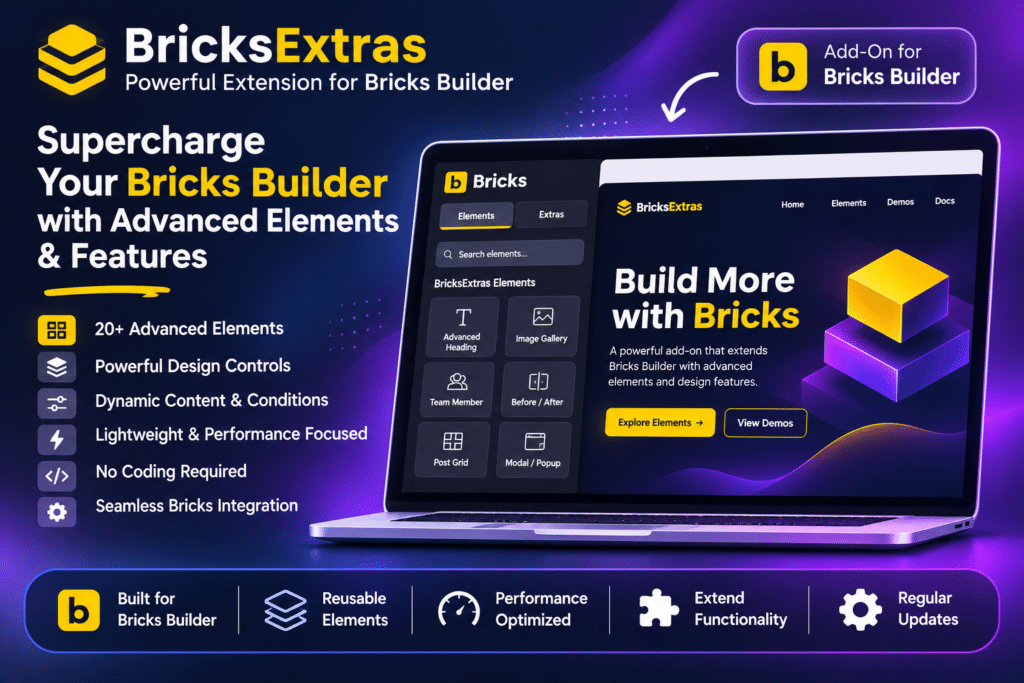
BricksExtras is a premium add-on for the Bricks Builder WordPress theme that extends its design capabilities with a large collection of advanced elements, interactive components, dynamic conditions, and visual effects. It helps designers and developers build feature-rich WordPress websites without relying on multiple separate plugins or writing extensive custom code.
The plugin integrates directly into the Bricks Builder interface, adding new elements and settings to the existing visual editor. You can create interactive menus, modals, sliders, accordions, dynamic tables, image hotspots, media players, and other advanced website components.
BricksExtras also extends Bricks with additional query loop features, dynamic tags, membership conditions, WooCommerce conditions, and custom interactions. Its modular architecture lets you enable or disable individual features, keeping your website-building workflow organized.
Designed specifically for Bricks Builder, BricksExtras is suitable for WordPress designers, developers, agencies, and freelancers who want more flexibility and control when building custom websites.
Key Features
Extensive Collection of Advanced Elements
Extend Bricks Builder with a wide range of additional elements for website layouts, navigation, content presentation, and interactive experiences. Access the elements directly from the Bricks Builder interface.
Advanced Navigation Elements
Create custom navigation experiences using features such as Burger Trigger, Slide Menu, Header Search, Header Extras, and Pro OffCanvas. Build responsive menus and flexible header layouts.
Modal and Popup Functionality
Add interactive modal windows for announcements, forms, promotional content, and other website elements. Configure opening and closing behaviour and connect modals with Bricks interactions.
Pro Tabs and Accordion
Organize content into interactive tabs and expandable accordion sections. Present FAQs, product information, service details, and other structured content without overwhelming visitors.
Pro Slider
Create responsive sliders for images, content, and custom layouts. Use the Pro Slider Control element to build custom navigation and slider controls.
Interactive Content Elements
Add engaging website components such as Before/After Image, Content Switcher, Content Timeline, Image Hotspots, Interactive Cursor, and Popovers or Tooltips.
Dynamic Tables and Charts
Present structured information through Dynamic Table, Nestable Table, and Dynamic Chart elements. Create more engaging ways to display data and other website content.
Media and Animation Elements
Integrate Lottie animations, media players, audio playlists, media controls, and dynamic lightboxes into your pages. Build richer multimedia experiences within Bricks Builder.
Dynamic Countdown and Notifications
Use Pro Countdown, Pro Alert, Toast Notifications, and Notification Bar elements to display timers, announcements, alerts, and temporary messages.
Favorites and Wishlist
Add Favorites or Wishlist functionality to supported content and query loop layouts. Allow visitors to save selected items for easier access.
Reading and Content Tools
Improve content navigation with Table of Contents, Reading Progress Bar, Read More / Less, Site Breadcrumbs, and Copy to Clipboard elements.
QR Code and Calendar Elements
Generate QR codes and add calendar-related functionality using Add to Calendar, Calendar, and Calendar Control elements.
Advanced Element Effects
Add visual effects to website elements with Floating Effect, Parallax Scroll, Tilt Hover, and X-ray Mode. Customize interactions and visual presentation without building every effect from scratch.
Dynamic Conditions
Control whether elements appear based on different conditions, including page types, post information, user activity, archive types, search results, and other supported criteria.
WooCommerce Conditions
Display or hide elements according to WooCommerce-related conditions. Create more personalized store experiences based on product, shop, cart, checkout, account, and other supported store contexts.
Membership and Access Conditions
Integrate conditional visibility with supported membership and content-restriction plugins, including MemberPress, Paid Memberships Pro, Restrict Content, SureMembers, WishList Member, WP-Members, and WooCommerce Memberships.
Easy Digital Downloads and FluentCart Conditions
Use supported conditions for Easy Digital Downloads and FluentCart to control content visibility according to relevant store and customer contexts.
Query Loop Enhancements
Extend Bricks Query Loop functionality with additional features such as Adjacent Posts, Related Posts, Gallery, Favorites, and WP Menu.
Additional Dynamic Tags
Access extra dynamic tags to display supported WordPress data and create more flexible dynamic content layouts.
Bricks Interactions Integration
Connect BricksExtras elements with Bricks’ native Interactions system. Use element-specific triggers and actions to create interactive workflows, control components, and respond to visitor activity.
Third-Party Form Styling
Style supported third-party form elements directly within the Bricks Builder workflow. Available integrations include Fluent Forms and WS Forms, along with WP Grid Builder Facet Styler.
Modular Feature Management
Enable or disable individual elements, conditions, and additional features from the BricksExtras settings. This helps keep the builder interface organized around the functionality required for each project.
Conditional Front-End Loading
BricksExtras loads its elements and associated functionality conditionally on the front end. Unused elements do not need to add their functionality to a page, helping maintain a more controlled website setup.
Developer-Friendly Extensibility
Use documented interactions, element events, and developer options to extend supported components and create more customized website experiences.