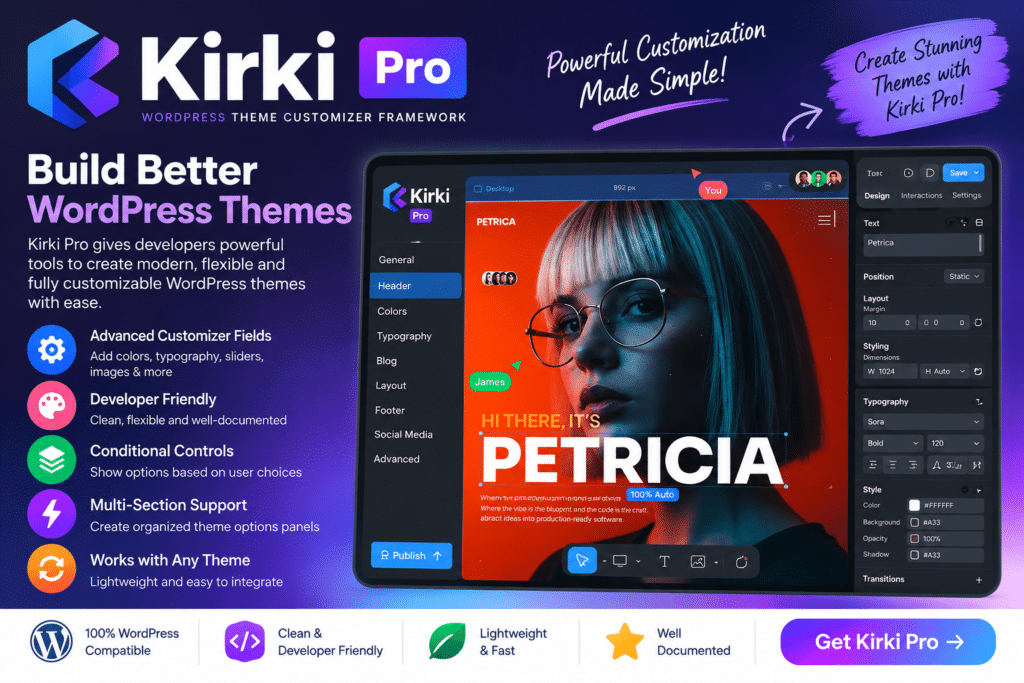
Kirki Pro is an advanced WordPress customization solution designed to extend the capabilities of the Kirki Customizer Framework with additional controls and professional customization features.
It is particularly useful for WordPress theme developers, agencies, and advanced users who want to build richer theme options without creating every Customizer component manually.
With Kirki Pro, developers can create more flexible customization experiences for colors, typography, layouts, backgrounds, and other theme settings while keeping controls organized within the WordPress customization workflow.
Key Features
- Advanced Customizer Controls – Extend WordPress customization with additional supported control types.
- Kirki Framework Integration – Designed to work alongside compatible Kirki Framework installations.
- Typography Controls – Create flexible options for fonts, sizes, weights, spacing, and other supported typography settings.
- Color Controls – Give users convenient options for managing supported website and theme colors.
- Layout Customization – Build controls for supported layout and design settings.
- Background Options – Provide configurable background settings for different areas of a theme.
- Responsive Controls – Create supported settings that can adapt designs for desktop, tablet, and mobile layouts.
- Theme Options Development – Build more user-friendly configuration options for custom WordPress themes.
- Developer-Focused Workflow – Reduce the amount of repetitive work involved in creating advanced Customizer options.
- Live Preview Experience – Allow supported changes to be previewed while users customize their website.
- Flexible Configuration – Create customization controls that match the specific requirements of your theme.
- WordPress Integration – Keep supported theme customization within the familiar WordPress environment.
Perfect For
Kirki Pro is particularly useful for WordPress theme developers, web development agencies, freelancers, custom theme creators, advanced WordPress users, theme marketplaces, development teams, and projects that require extensive theme customization controls.
Build Better Theme Customization Options
Creating a professional WordPress theme often means giving users enough flexibility to personalize the design without requiring them to edit code.
Kirki Pro helps developers create structured customization options for elements such as typography, colors, layouts, and other supported theme settings.
This can make a custom theme easier to configure while allowing developers to maintain control over which design options are available.
Extend Your WordPress Customizer Workflow
Build more flexible customization experiences with Kirki Pro – Advanced WordPress Customizer Framework.
With advanced controls, typography options, responsive settings, live customization capabilities, and developer-focused tools, Kirki Pro provides additional flexibility for creating customizable WordPress themes and development projects