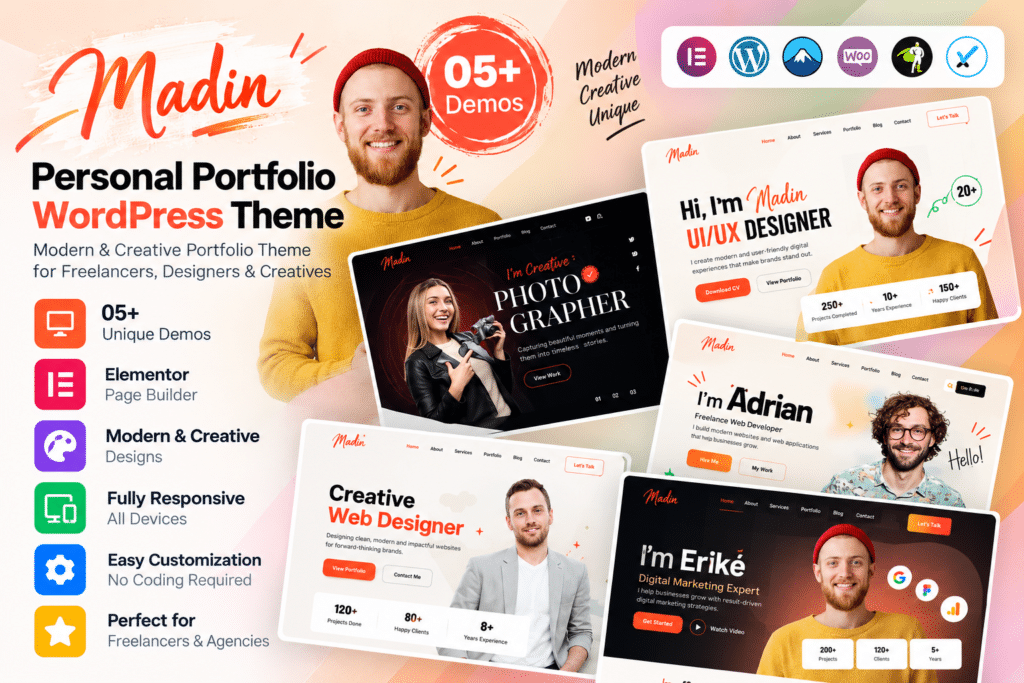
Madin is a modern WordPress theme created for freelancers, designers, developers, creative professionals, and individuals who want to build a polished personal portfolio website.
Its portfolio-focused layouts make it easy to present your projects, professional skills, services, experience, testimonials, and contact information in a clean and visually engaging way.
Whether you’re building a personal website, online resume, creative portfolio, or freelancer profile, Madin provides a flexible foundation powered by Elementor.
Key Features
- Personal Portfolio Design – Modern layouts created for freelancers, designers, developers, and creative professionals.
- Elementor Page Builder – Customize supported pages visually using Elementor’s drag-and-drop editor.
- 5+ Pre-Built Websites – Start faster with multiple ready-made website concepts.
- 55+ Elementor Elements – Build creative layouts using a broad collection of custom widgets.
- One-Click Demo Import – Import supported demo content to speed up your initial website setup.
- Header & Footer Builder – Create customized headers and footers with supported layout controls.
- Mega Menu Support – Build more advanced navigation menus with images, icons, and multi-column layouts.
- One-Page Navigation – Create smooth-scrolling single-page portfolio websites.
- Portfolio & Gallery Elements – Showcase projects, artwork, photography, and other creative work.
- Testimonials & Team Elements – Present recommendations, collaborators, or professional team information.
- WooCommerce Ready – Add supported eCommerce functionality for products or digital offerings.
- WPML & Polylang Ready – Build multilingual websites using compatible translation solutions.
- RTL Support – Create supported right-to-left language websites.
- Responsive & Retina Ready – Keep your portfolio looking polished across desktops, tablets, and mobile devices.
Perfect For
Madin is suitable for freelancers, web developers, graphic designers, UI/UX designers, photographers, creative agencies, illustrators, digital artists, consultants, personal brands, resume websites, and other portfolio-focused professionals.
Showcase Your Work Professionally
For freelancers and creative professionals, a portfolio website often acts as both a resume and a sales tool.
Madin gives you dedicated layouts for presenting projects, professional experience, services, testimonials, and contact details while keeping your work at the center of the design.
Its Elementor integration also makes it easier to customize individual sections and build a portfolio that reflects your own personal brand.
Build a Modern Personal Portfolio
Create a professional online presence with Madin – Personal Portfolio WordPress Theme.
With Elementor, portfolio layouts, multiple demos, custom widgets, one-page navigation, WooCommerce support, multilingual compatibility, and responsive design, Madin provides a flexible foundation for creative personal websites.