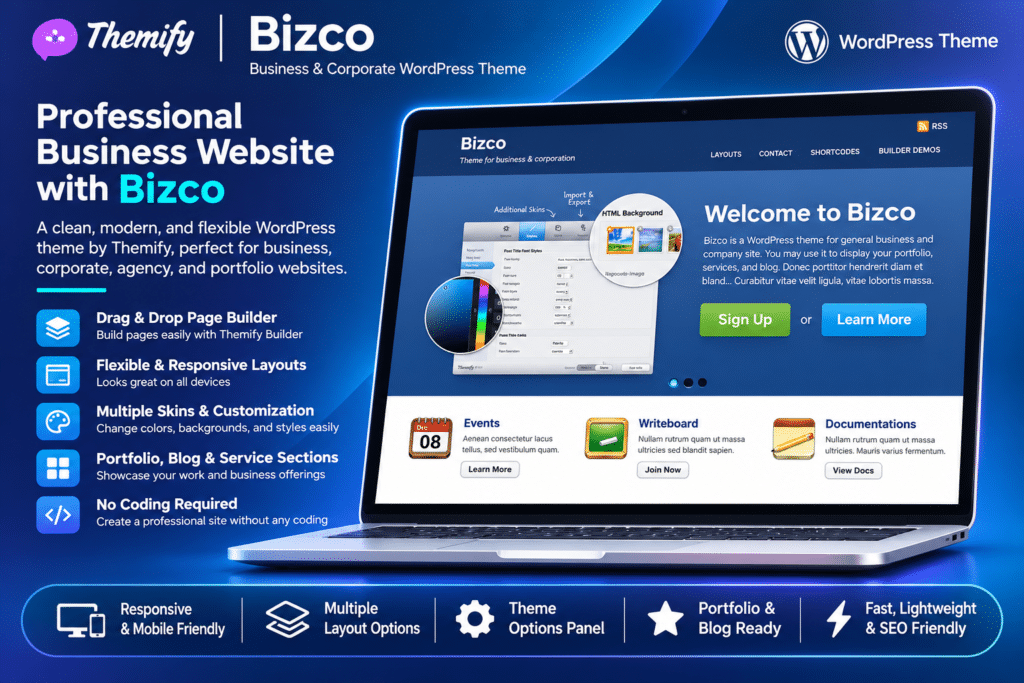
Bizco is a professional WordPress theme by Themify, designed for business websites, corporate presentations, service providers, and product-focused companies. Its structured layouts and customizable homepage sections make it easy to showcase business services, highlight product features, present company information, and share updates with visitors.
Powered by the Themify framework, Bizco includes a drag-and-drop Builder, custom page templates, homepage feature sliders, highlight sections, and flexible widget areas. It also offers multiple layout options, six theme skins, custom menus, and individual sidebar controls for posts and pages.
With responsive design, WooCommerce compatibility, demo import, and child theme support, Bizco provides a flexible foundation for creating and customizing a business website. It is an established Themify theme, so test its compatibility with your current WordPress version and required plugins on a staging website before using it on a production site.
Key Features
Professional Business Design
Create a corporate website with a clean, professional layout. Showcase company services, products, business information, and important content through dedicated homepage sections.
Themify Drag-and-Drop Builder
Design custom page layouts using the Themify Builder. Arrange content modules, columns, and sections through a visual editing interface without writing code.
Custom Homepage Slider
Display featured content using the built-in slider custom post type. Choose from four slider layouts:
- Default layout with featured image, title, and content
- Image-only slider
- Content-only slider
- Gallery-style slider
Homepage Highlights
Create dedicated homepage highlight sections to showcase important services, products, features, or business benefits. Add optional icons and customize their presentation.
Custom Page Templates
Create pages that display posts from selected categories alongside custom page content. Choose the number of posts, layout style, image dimensions, and pagination settings.
Multiple Layout Options
Choose from different content layouts, including default, three-column, and four-column designs, with or without sidebars. Organize website content according to your business requirements.
Flexible Sidebar Controls
Control sidebar visibility on individual posts and pages. Configure different sidebar arrangements for archive pages, blog posts, and static pages.
Six Theme Skins
Choose from six pre-designed colour skins to change the appearance of your website. Customize the visual style to complement your company’s branding.
Custom Menus and Navigation
Create custom navigation menus for your website. Organize header and footer links, dropdown menus, and other supported navigation areas.
Top Bar Widget Area
Use the top bar widget area to display social media links and additional website information. Add supported widgets to make important links more accessible.
Homepage and Footer Widgets
Configure optional widget areas with one to four columns. Add useful content such as contact information, social links, announcements, and other business details.
Built-In Shortcodes
Use integrated shortcodes to add common design elements, including buttons, columns, images, and horizontal rules. Create structured page content without manually writing HTML.
Custom Footer Text
Personalize the footer with your own copyright information, company details, and custom text. Adjust footer widget layouts to match the overall website design.
WooCommerce Compatibility
Integrate WooCommerce to add product listings and online shopping functionality. Turn your business website into an online store using supported WooCommerce features.
Themify Customizer
Customize supported design elements through the WordPress Customizer with live previews. Adjust colours, typography, backgrounds, spacing, and other appearance settings.
Demo Content Import
Import the available Bizco demo setup, including sample pages, posts, menus, widgets, and theme settings. Use the imported content as a starting point for your website.
Responsive Design
Present website content across desktop computers, tablets, and mobile devices with a responsive layout that adapts to different screen sizes.
Social Media Integration
Configure social media profile links through the Themify settings panel. Display social icons using available icon fonts or custom images.
Child Theme Support
Customize theme files using a child theme. Keep custom code and template modifications separate from the parent theme to make future maintenance easier.
SEO-Friendly Framework
Use the theme’s structured layouts and customizable content areas as a foundation for search-friendly business pages. Search performance also depends on content quality, technical SEO, and your chosen SEO plugin.
Multilingual and Translation Support
Translate website content using the theme’s translation-ready functionality and compatible WordPress multilingual plugins.