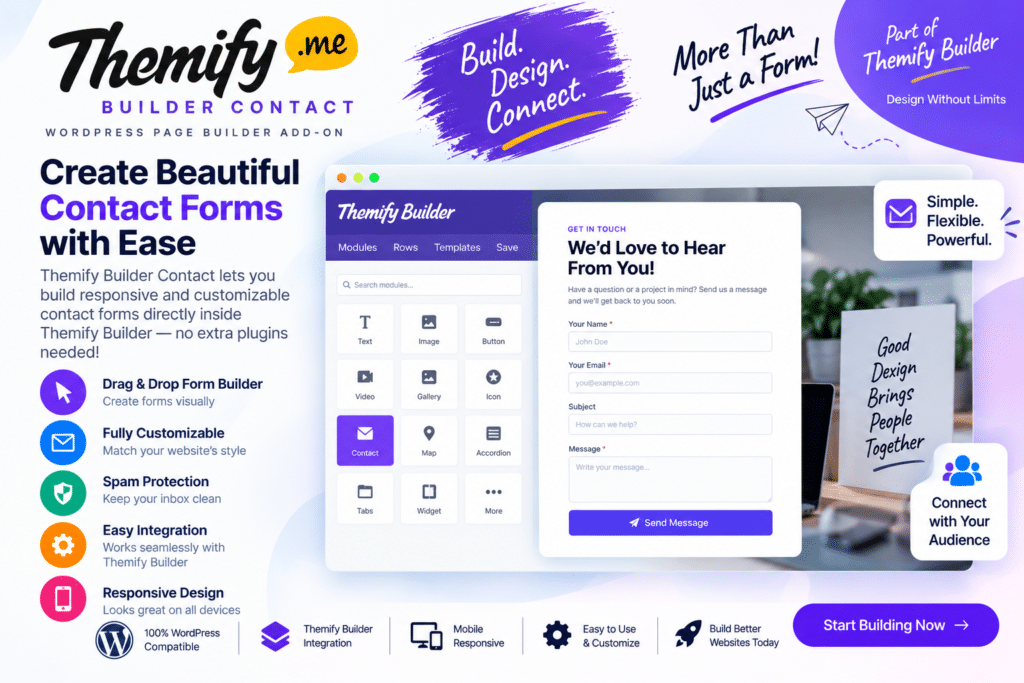
Themify Builder Contact is a WordPress addon designed to help you create and display contact forms within pages built using Themify Builder.
It gives you a convenient way to add contact and enquiry forms to landing pages, service pages, business websites, portfolios, and other WordPress layouts without having to build a form from scratch with custom code.
For websites already using the Themify Builder ecosystem, the Contact addon provides a straightforward way to keep form creation inside the same visual page-building workflow.
Key Features
- Themify Builder Integration – Add contact forms directly to supported Themify Builder layouts.
- Easy Contact Forms – Create forms for general enquiries, customer questions, and website communication.
- Visual Page Building – Position contact forms alongside other page elements using your Builder layout.
- Custom Form Fields – Configure supported fields according to the information you want to collect.
- Email Notifications – Send submitted contact information to configured email recipients.
- Custom Labels – Adjust field labels and form content to suit your website.
- Required Fields – Mark important fields as required before a visitor can submit the form.
- Spam Protection – Use available protection features to help reduce unwanted submissions.
- Responsive Layouts – Display forms across desktop, tablet, and mobile devices.
- Flexible Placement – Add forms to contact pages, landing pages, service pages, and other Builder layouts.
- Business Enquiry Forms – Give potential customers an easy way to contact your company.
- No Complex Coding Required – Build supported contact layouts through the Themify Builder workflow.
Perfect For
Themify Builder Contact is useful for business websites, freelancers, agencies, portfolios, service providers, consultants, landing pages, corporate websites, local businesses, and existing Themify Builder users who need a simple contact or enquiry solution.
Make It Easier for Visitors to Contact You
A clear contact form gives visitors a convenient way to ask questions, request information, or enquire about your services.
With Themify Builder Contact, you can place forms naturally within your existing page layouts and keep the design consistent with the rest of your Themify-powered website.
Add Contact Forms to Themify Builder
Create simple and professional website forms with Themify Builder Contact – WordPress Contact Form Addon.
Its integration with Themify Builder makes it a practical option for website owners who want to add contact and enquiry forms while continuing to work within their existing visual page-building setup.