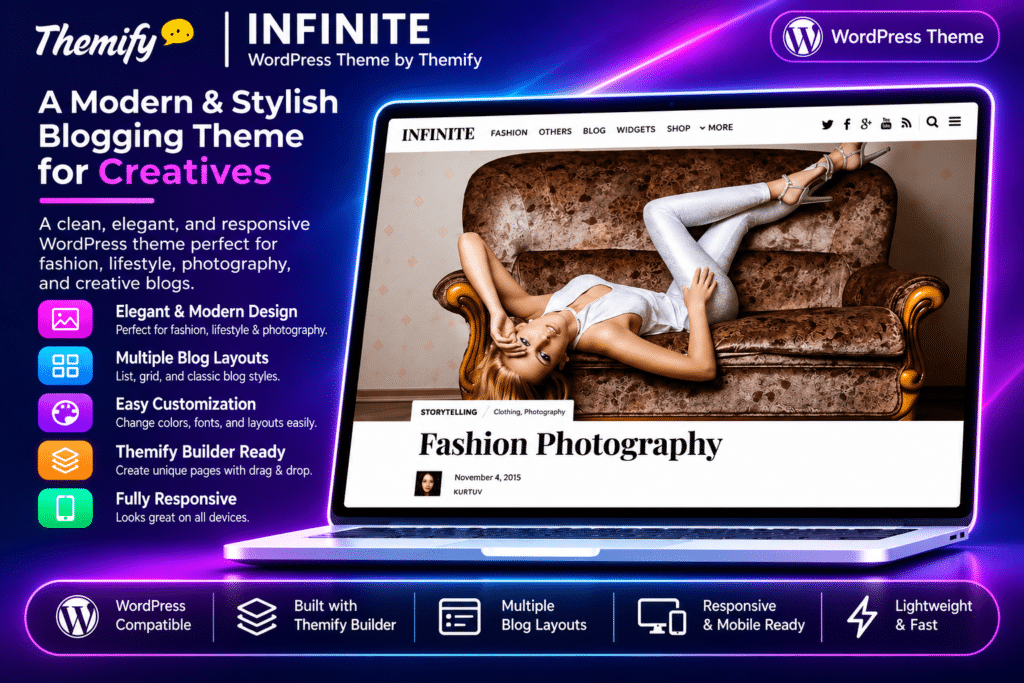
Themify Infinite is a modern, content-focused WordPress theme designed for blogs, online magazines, editorial websites, and digital publishers. Its signature infinite scrolling feature automatically loads additional content as visitors browse, creating a continuous reading experience without requiring them to navigate through multiple pages.
With a clean layout, flexible post grids, sticky navigation, advertising placements, and the built-in Themify Builder, Infinite gives publishers the tools to create engaging content-driven websites. It also supports WooCommerce, making it possible to add an online shop alongside your blog or magazine.
Key Features
Infinite Scrolling
- Automatically load more posts as visitors scroll through archive pages.
- Enable infinite scrolling on individual post pages.
- Display a back-to-top button when infinite scrolling is active.
- Switch to a Load More button or disable automatic scrolling when preferred.
Custom Article Layouts
- Build unique article designs using the included Themify Builder.
- Create custom layouts for feature stories, photography posts, and editorial content.
- Design magazine-style landing pages with flexible content sections.
- Use a combination of text, images, and other Builder elements to present stories.
Flexible Blog & Grid Layouts
- Choose from multiple grid layouts and a full-width display option.
- Create a clean presentation for blog posts and editorial content.
- Customize default layouts for archive pages, individual posts, and static pages.
- Adjust sidebars, featured images, post metadata, and content display settings.
Sticky Header & Sidebar
- Use the smart sticky header, which hides while scrolling down and reappears when scrolling up.
- Enable a sticky sidebar to keep important widgets and advertising visible.
- Improve navigation access without taking unnecessary space away from content.
Advertising Placement Options
- Insert banner advertisements between individual posts.
- Display advertisements after a selected number of posts on archive pages.
- Add advertising code through the theme settings.
- Use widget areas and sidebar placements for additional promotional content.
Mega Menu & Slide-Out Widgets
- Create expanded navigation menus with multiple columns, recent posts, and widgets.
- Add useful widgets to the slide-out panel.
- Organize navigation and supporting content without overcrowding the main layout.
Custom Social Sharing
- Use the theme’s built-in social sharing buttons.
- Add social profile links through Themify settings.
- Help readers share articles and editorial content across social platforms.
WooCommerce Integration
- Add an online store to your content website using WooCommerce.
- Display products with theme-matched styling.
- Combine editorial content, product pages, and shopping functionality within one WordPress website.
Image Filters & Typography
- Apply built-in grayscale, blur, and sepia image filters.
- Configure image hover effects for featured images and other content.
- Use drop-cap styling to give article introductions a traditional editorial appearance.
- Customize typography with Google Fonts and theme styling options.
Responsive Design & Customization
- Use a fluid, responsive layout for desktop, tablet, and mobile screens.
- Customize colors, backgrounds, typography, spacing, and other visual elements.
- Import demo content to get started with a preconfigured layout.
- Use custom CSS, header and footer code fields, and Hook Content options for additional customization.