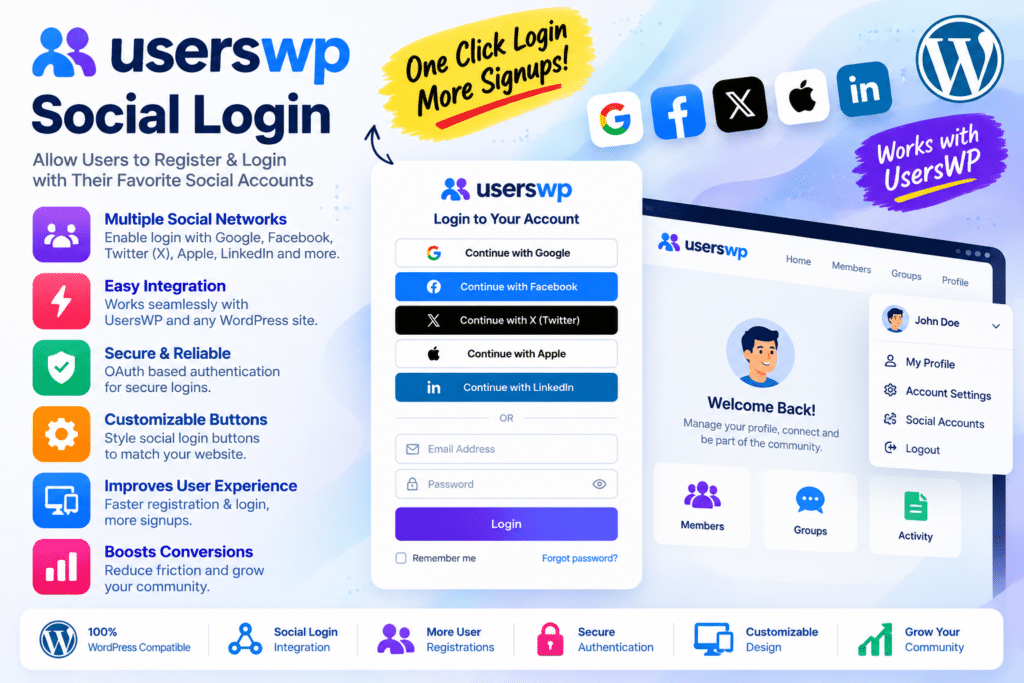
UsersWP Social Login is an addon for the UsersWP WordPress plugin that lets visitors register and log in to your website using supported social accounts. Instead of completing every field in a traditional registration form, users can authenticate through providers such as Google, Facebook, X, LinkedIn, Yahoo, and WordPress.com, subject to current provider support and configuration.
The addon integrates social authentication with the existing UsersWP registration and login experience. It helps simplify account creation while allowing website owners to manage user profiles, registration settings, and account access through their WordPress website.
Whether you run a membership website, online community, directory, business portal, or content platform, UsersWP Social Login can make registration more convenient for visitors who prefer using an existing account.
- Social login and registration for UsersWP.
- Integration with supported third-party authentication providers.
- Social login buttons on compatible login and registration forms.
- Provider-specific application and credential settings.
- Integration with the existing UsersWP user registration workflow.
- Support for configuring usernames and email addresses during registration.
- User type and role assignment through supported UsersWP settings.
- Translation-ready interface text.
- Customization options for social login button output.
- Provider-specific setup guides and troubleshooting resources.
Key Features
- Google Login – Allow visitors to authenticate or register using a supported Google account integration.
- Facebook Login – Add Facebook authentication to compatible UsersWP registration and login forms.
- X Login – Support authentication through X using the provider’s currently supported OAuth configuration.
- LinkedIn Login – Connect LinkedIn authentication through the supported OpenID-based setup.
- Yahoo Login – Offer Yahoo account authentication when the integration is available and correctly configured.
- WordPress.com Login – Allow visitors to use supported WordPress.com authentication.
- Social Account Registration – Let new visitors create a WordPress account through a supported social provider.
- Existing Account Authentication – Support social sign-in for existing users when the provider identity and account-linking rules allow it.
- Username Configuration – Configure whether users can enter their own username or have one generated automatically.
- Email Configuration – Control whether users can enter an email address during registration or use the email supplied by the authentication provider, subject to verification rules.
- UsersWP Form Integration – Display social login options within the compatible UsersWP login and registration workflow.
- User Type Assignment – Use supported UsersWP settings to assign the appropriate user type during social registration.
- Customizable Button Output – Use available styling options and developer hooks to adapt the social login buttons to your website.
- Translation Support – Translate the addon’s interface text for multilingual websites.
- Provider-Specific Configuration – Configure each supported provider using its application credentials, authentication settings, and callback details.
- Authentication Troubleshooting – Use provider setup documentation and available logging to diagnose common connection problems.
Make WordPress Registration Easier
Traditional registration forms can ask visitors to enter usernames, email addresses, and passwords before they can access a website. Social Login offers an alternative by allowing visitors to authenticate through a supported account they already use.
This can make the registration process more convenient for users who prefer a shorter signup journey. It is especially useful for websites where visitors need to create accounts before accessing community features, member profiles, directory listings, or restricted content.
The addon works with UsersWP rather than replacing the entire user management system, so your existing registration and profile workflows can remain part of the overall experience.
Connect Social Authentication to UsersWP
UsersWP provides front-end login, registration, and profile functionality. The Social Login addon extends that environment by connecting supported external authentication providers to the website’s account system.
After configuring a provider, you can display its login option on compatible registration and login forms. When a visitor authenticates successfully, the addon processes the provider response and follows the configured account registration or login workflow.
The final behavior depends on the provider’s API, verified identity information, existing WordPress accounts, and your UsersWP configuration.
Configure Registration to Suit Your Website
Different websites have different registration requirements. Some allow users to choose their own usernames, while others prefer to generate usernames automatically. Email handling and user type assignment may also vary according to the site’s registration workflow.
UsersWP Social Login includes configuration options for supported registration behavior. These controls help administrators adapt social registration to the requirements of their website rather than relying on a completely separate signup process.
For membership websites, directories, and online communities, the result can be a more consistent experience across standard registration and social sign-in.
Support Multiple Social Login Options
Offering more than one authentication provider gives visitors flexibility. A user who prefers Google may choose that option, while another may prefer Facebook, X, LinkedIn, or another currently supported provider.
However, provider availability can change as external platforms update their authentication APIs and policies. The current addon changelog indicates that Instagram and VKontakte support were removed in earlier 2026 updates, so older feature lists mentioning those providers should not be treated as confirmation of current support.
Check the latest developer documentation before selecting providers for a new website.
Who Should Use UsersWP Social Login?
This addon can be useful for:
- Membership websites simplifying the registration experience.
- Online communities allowing visitors to create accounts more conveniently.
- Business portals providing front-end account access.
- Directory websites that require user registration or member profiles.
- Content platforms offering registered-user features.
- WordPress developers adding supported social authentication to UsersWP projects.
- Website owners who want to offer an alternative to traditional username-and-password registration.
Requirements and Setup Notes
UsersWP Social Login is an addon, not a standalone user registration plugin. You need a compatible installation of the core UsersWP plugin before configuring social authentication.
For each provider you want to enable, follow the relevant setup guide and create or configure the required application through that provider’s developer platform. Depending on the provider, setup may require an application ID, client secret, redirect or callback URL, and approved authentication permissions.
Important considerations:
- Social providers may change their APIs, permissions, or authentication requirements.
- Some providers require domain verification, application review, or additional configuration.
- Existing-account matching should rely on verified identity information; an unverified email address should not automatically be treated as proof of account ownership.
- Social authentication involves third-party services and the processing of account information. Update your privacy policy and explain relevant data use to visitors.
- Keep the core plugin and Social Login addon updated to receive security fixes and maintain provider compatibility.
Test new-user registration, existing-user login, account linking, redirects, and failure scenarios before enabling social login on a live website.
Simplify User Authentication with UsersWP Social Login
UsersWP Social Login extends UsersWP with social registration and authentication for supported third-party providers. Its integration with the existing user management workflow, provider-specific settings, and configurable registration behavior can help make account access more convenient.
If your WordPress website already uses UsersWP and you want to offer visitors an alternative to standard registration forms, Social Login is a practical addon to consider.