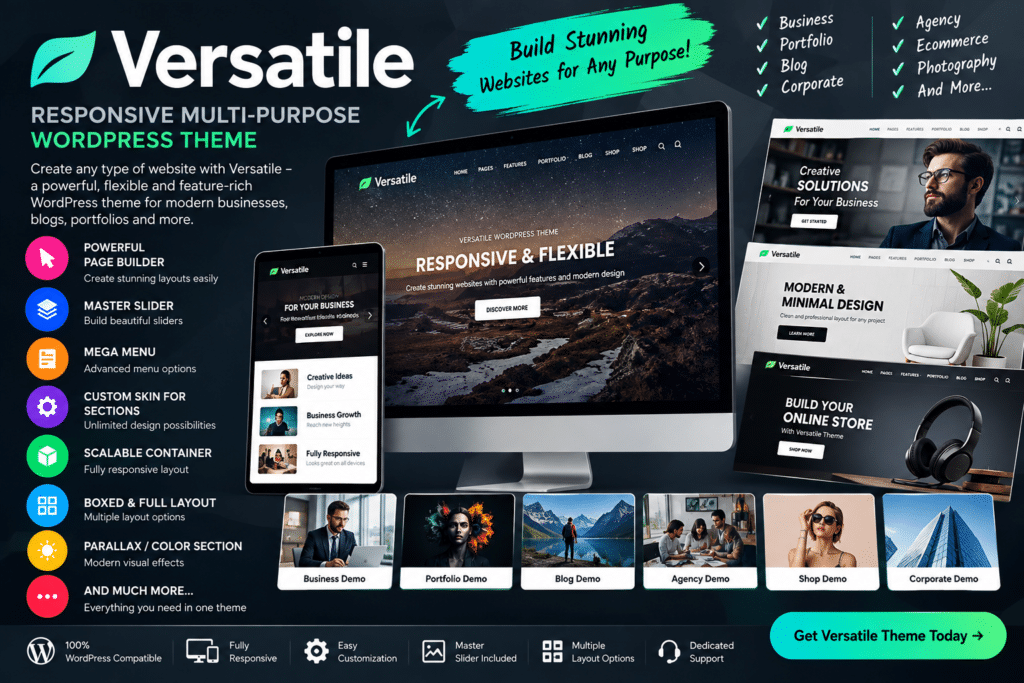
Versatile is a responsive multipurpose WordPress theme built for users who want a flexible foundation for different types of websites.
Its adaptable design makes it suitable for business websites, portfolios, agencies, blogs, creative projects, service companies, and other professional WordPress sites. Instead of being limited to one niche, Versatile gives you room to shape the layout around your own content and branding.
Whether you’re creating a company website, freelancer portfolio, or general-purpose business site, Versatile provides a practical starting point with responsive layouts and broad customization possibilities.
Key Features
- Multipurpose Design – Suitable for business, agency, portfolio, blog, and professional websites.
- Responsive Layout – Keep your site easy to browse across desktop, tablet, and mobile devices.
- Flexible Homepage Structure – Organize your main content around the sections that matter most to your website.
- Portfolio Support – Showcase projects, creative work, case studies, and client work.
- Business-Focused Sections – Present services, company details, team members, and calls to action.
- Blog Support – Publish articles, updates, guides, and other website content.
- Customizable Appearance – Adjust supported colors, typography, spacing, and layout settings.
- Multiple Page Possibilities – Build important inner pages for services, about information, contact details, and more.
- Navigation Options – Create clear menus and supported navigation structures for different site types.
- Image & Media Support – Present visual content throughout your pages and portfolio areas.
- Contact Sections – Give visitors clear ways to reach your business or submit enquiries.
- Call-to-Action Elements – Encourage users to explore services, contact your team, or view more content.
- Professional Website Structure – Build a polished site without being tied to one specific industry.
- Mobile-Friendly Experience – Make important website content accessible on smaller screens.
Perfect For
Versatile is suitable for small businesses, agencies, consultants, freelancers, creative professionals, portfolio websites, corporate sites, bloggers, service companies, startups, and general professional websites.
One Theme for Different Website Ideas
A multipurpose theme can be useful when you want flexibility instead of a design built around a single niche.
Versatile gives you a general-purpose framework that can be adapted to different types of projects. You can focus on services, projects, blog content, or business information depending on what your website needs.
This makes it especially practical for freelancers, agencies, and website owners who want a flexible WordPress design they can shape around different content.
Build a Flexible WordPress Website
Create a professional site with Versatile – Responsive Multi-Purpose WordPress Theme.
With responsive design, portfolio support, business sections, blogging features, customizable layouts, and broad website flexibility, Versatile provides a practical foundation for many types of WordPress projects.