
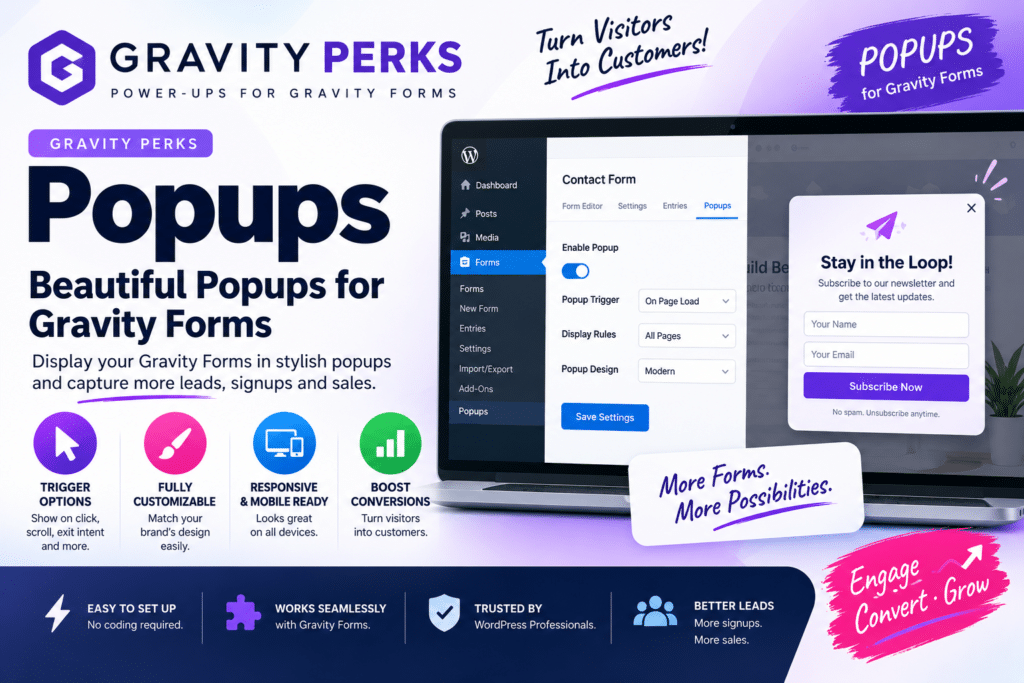
Gravity Forms is widely used for building forms in WordPress, but sometimes displaying a form directly inside a page isn’t the best experience. You may want a form to appear inside a popup after a visitor clicks a button or performs another action.
Gravity Perks Popups is designed to bring Gravity Forms into popup-style experiences, helping website owners create cleaner landing pages, lead-generation forms, registrations, and other interactive form workflows.
But is Gravity Perks Popups worth using in 2026? Let’s look at its features, use cases, advantages, and limitations.
Quick Verdict
Editorial Rating: 4.5/5
Gravity Perks Popups is a useful solution for Gravity Forms users who want to display forms in modal or popup interfaces without building an entirely separate popup workflow.
It makes the most sense for websites already using Gravity Forms and the Gravity Perks ecosystem.
What Is Gravity Perks Popups?
Gravity Perks is an ecosystem of enhancements for Gravity Forms. Its popup functionality is intended to make forms accessible through popup or modal-style interactions.
Instead of permanently placing a large form on a page, visitors can open it when needed.
For example:
Get a Quote → Popup Opens → Customer Completes Gravity Form → Form Is Submitted
This can create a cleaner page while keeping important forms easily accessible.
Key Features
1. Gravity Forms in Popups
The core benefit is displaying Gravity Forms through a popup-style interface.
This can be useful for:
- Contact forms
- Quote requests
- Lead generation
- Newsletter signup
- Registration
- Consultation requests
- Surveys
- Event forms
Visitors can interact with the form without navigating to a separate page.
2. Click-to-Open Forms
A common implementation is opening a popup after a visitor clicks a button or link.
For example:
Request a Quote
or
Contact Us
The page remains clean until the visitor chooses to interact with the form.
This approach works particularly well on landing and service pages.
3. Lead Generation
Popup forms can be useful for collecting leads when they are placed at relevant points in the customer journey.
Instead of immediately showing a long form, you can present a clear call-to-action first.
For example:
Get Free Consultation → Open Form
This can make complex landing pages feel less cluttered.
4. Gravity Forms Features
Because the popup contains a Gravity Forms form, you can continue using supported Gravity Forms functionality.
Depending on your form and installed add-ons, this may include:
- Conditional logic
- Required fields
- Email notifications
- Confirmations
- Multi-page forms
- File uploads
- Payment-related workflows
- CRM integrations
The exact functionality depends on your Gravity Forms license, add-ons, and Gravity Perks setup.
5. Conditional Forms
Gravity Forms conditional logic can make popup forms more interactive.
For example, a user selecting:
Website Development
could see different fields than someone selecting:
SEO Services
This helps businesses collect more relevant information without displaying every field at once.
6. Mobile Experience
Popup forms should work well across desktop, tablet, and mobile devices.
However, mobile forms require careful design.
Keep forms relatively short, use clear field labels, and test the popup on smaller screens before publishing.
A large multi-step form inside a small popup can create a poor user experience.
Gravity Perks Popups + Elementor
Gravity Forms can be incorporated into Elementor-based websites, making popup form workflows useful for Elementor landing pages.
For example:
Elementor CTA Button → Popup → Gravity Form
This can work well for agency websites, service pages, product inquiries, and lead-generation campaigns.
Always test interactions if Elementor’s own popup functionality or another popup plugin is also active.
Gravity Perks Popups + WooCommerce
WooCommerce stores can also use Gravity Forms popup workflows for supplementary actions such as:
- Product inquiries
- Wholesale requests
- Custom-order requests
- Pre-sale questions
- Quote requests
For standard cart and checkout processes, WooCommerce’s native workflow should generally remain the primary solution.
Popup Forms vs Embedded Forms
| Feature | Popup Form | Embedded Form |
|---|---|---|
| Saves page space | Excellent | Moderate |
| Always visible | No | Yes |
| CTA-driven | Excellent | Good |
| Landing pages | Excellent | Excellent |
| Long forms | Less ideal | Better |
| Mobile usability | Requires testing | Usually easier |
| Best For | Quick actions | Detailed forms |
Neither approach is universally better.
Use popup forms when keeping the page compact is important. Use embedded forms when the form itself is a major part of the page.
Gravity Perks Popups vs Elementor Popups
Elementor Pro includes a broader popup-building system that can be used for marketing designs, announcements, lead generation, and other content.
Gravity Perks is more relevant when your workflow is centered specifically around Gravity Forms.
Choose Gravity Perks when:
- You already use Gravity Forms
- Form functionality is the priority
- You need Gravity Forms features and integrations
Choose Elementor Popups when:
- You need highly visual marketing popups
- You already use Elementor Pro
- You want broader popup design flexibility
Some websites may use both, but overlapping popup functionality should be kept under control.
Performance Considerations
Popup functionality adds frontend scripts and styles, so it should be implemented carefully.
For better performance:
- Avoid unnecessary popup plugins
- Keep forms lightweight
- Optimize images inside popups
- Avoid excessive animations
- Test JavaScript optimization
- Use caching carefully
If you use WP Rocket, FlyingPress, Swift Performance, or Asset CleanUp Pro, test popup functionality after delaying or unloading JavaScript.
Pros and Cons
Pros
- Designed for Gravity Forms workflows
- Keeps pages cleaner
- Useful for lead generation
- Good for quote and contact forms
- Supports Gravity Forms functionality
- Useful for service businesses
- Can complement Elementor websites
Cons
- Gravity Forms is required
- Additional Gravity Perks functionality may require a paid license
- Not a replacement for a complete marketing popup platform
- Long forms can feel cramped
- Mobile experience requires testing
- JavaScript optimization may cause compatibility issues if configured incorrectly
Who Should Use It?
Gravity Perks Popups is best suited to:
- Gravity Forms users
- Agencies
- Business websites
- Lead-generation websites
- Consultants
- Service providers
- Elementor websites
- Websites using quote-request forms
It is particularly valuable when you already rely heavily on Gravity Forms.
Who Should Skip It?
You probably don’t need it if you don’t use Gravity Forms.
Likewise, websites requiring advanced marketing campaigns with exit-intent targeting, detailed behavioral rules, extensive popup templates, and campaign analytics may be better served by a dedicated popup platform.
Is Gravity Perks Popups Worth It in 2026?
Yes, for Gravity Forms users who specifically need popup forms.
Its biggest advantage is keeping your form workflow within the Gravity Forms ecosystem.
Rather than replacing your existing forms with another lead-generation system, you can use your Gravity Forms functionality in a more compact popup experience.
For simple contact and lead-generation websites, however, determine whether your existing page builder already provides enough popup functionality before adding another tool.
Final Verdict
Overall Rating: 4.5/5
Gravity Forms Integration: 4.9/5
Ease of Use: 4.5/5
Lead Generation: 4.6/5
Customization: 4.4/5
Performance: 4.3/5
Value: 4.4/5
Gravity Perks Popups is a useful addition for websites that already depend on Gravity Forms and want a cleaner way to present forms.
For quote requests, consultations, contact forms, and lead-generation workflows, it can provide a more focused user experience without requiring visitors to leave the current page.
Frequently Asked Questions
What is Gravity Perks Popups?
It provides popup-style functionality for workflows centered around Gravity Forms, allowing forms to be displayed without permanently occupying page space.
Do I need Gravity Forms?
Yes. Gravity Perks products are designed to extend Gravity Forms, so Gravity Forms is a core requirement.
Does it work with Elementor?
Gravity Forms can be used on Elementor websites. Popup interactions should be tested carefully if you’re also using Elementor Pro’s popup system.
Can I use it for WooCommerce?
It can be useful for supplementary forms such as product inquiries and quote requests. It is not intended to replace WooCommerce’s cart and checkout system.
Is it good for lead generation?
Yes. Popup forms can work particularly well for quote requests, consultations, registrations, and other CTA-driven lead forms.
Does it affect website speed?
Any popup or form functionality can add frontend resources. The actual impact depends on your configuration, theme, plugins, and optimization setup.



