
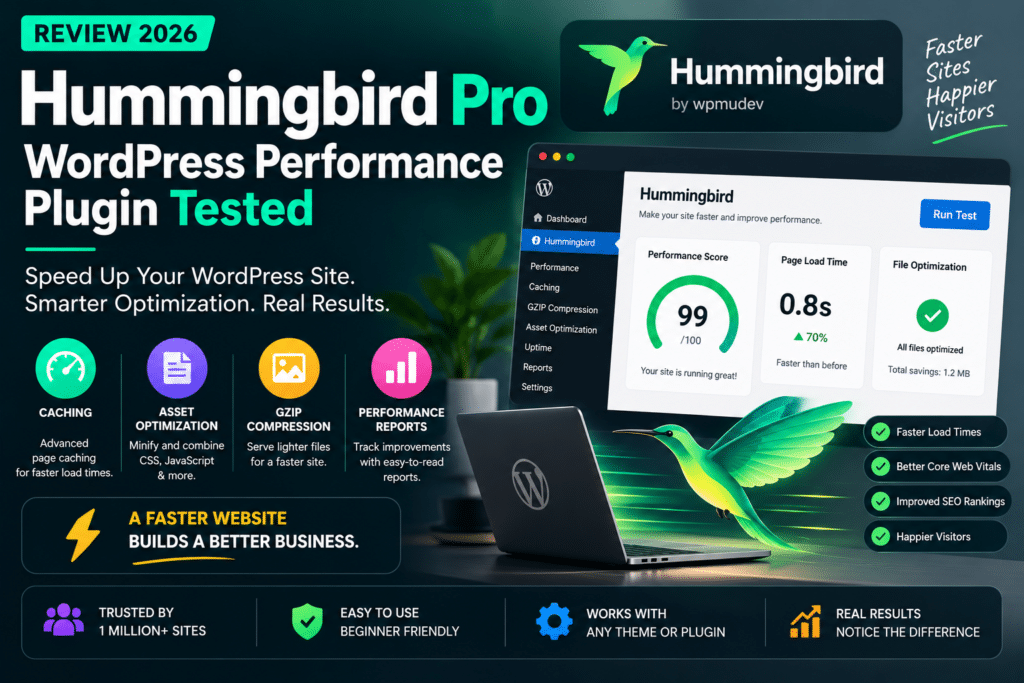
Hummingbird Pro Review 2026: WordPress Performance Plugin Tested
WordPress performance affects user experience, search visibility, and conversions. A slow website can frustrate visitors, especially when pages contain large images, unnecessary scripts, or poorly configured caching.
Hummingbird Pro is a WordPress performance optimization plugin from WPMU DEV. It combines caching, asset optimization, performance reporting, and other speed-related tools in one dashboard.
But is it worth choosing over WP Rocket, LiteSpeed Cache, or other popular performance plugins? This review examines its features, advantages, limitations, and value for WordPress website owners.
Quick Verdict
Editorial Rating: 4.4/5
Hummingbird Pro is a capable all-in-one performance plugin, particularly for website owners already using WPMU DEV tools. Its combination of caching, CSS and JavaScript optimization, performance audits, CDN delivery, and uptime monitoring makes it a practical solution for managing speed from one interface.
However, no plugin can guarantee a particular PageSpeed score. Results depend on hosting, theme quality, images, third-party scripts, and configuration. This is a feature-based review, not a hands-on benchmark of a live website.
What Is Hummingbird Pro?
Hummingbird Pro is the premium version of WPMU DEV’s WordPress performance plugin. It provides tools to reduce unnecessary asset weight, cache pages, improve resource delivery, and identify performance issues.
The plugin is designed to help both beginners and developers optimize websites without manually configuring every server and frontend setting. Its official documentation was updated in July 2026 and includes newer tools such as Safe Mode, critical CSS, and JavaScript delay.
Key Features
1. Page Caching
Hummingbird creates static HTML copies of pages so repeat requests can be served without generating the entire page through WordPress every time. It also supports cache preloading, automatic clearing, and exclusions for content that should remain dynamic.
WPMU DEV-hosted websites can use its Static Server Cache, while other hosting environments can use local page caching.
2. CSS and JavaScript Optimization
The plugin can minify, combine, and adjust the delivery of CSS and JavaScript files. Advanced options include delaying JavaScript execution, generating critical CSS, and moving suitable scripts to the footer.
These settings can improve loading performance, but aggressive optimization may break menus, sliders, forms, or other interactive elements. Hummingbird’s Safe Mode allows changes to be previewed before applying them to visitors.
3. Performance Reports
Hummingbird includes performance testing and recommendations based on page-speed audits. Reports help identify issues such as render-blocking resources, inefficient caching, and oversized assets.
The reports are useful for deciding what to optimize, but a higher laboratory score does not automatically mean every real visitor will experience the same improvement.
4. Browser Caching and Compression
Browser caching helps returning visitors avoid downloading unchanged static assets repeatedly. Hummingbird also provides compression-related configuration to reduce the amount of data transferred.
These features are especially useful when the hosting environment has not already configured equivalent optimizations.
5. WPMU DEV CDN
Hummingbird Pro can deliver optimized CSS and JavaScript through WPMU DEV’s CDN. This may reduce delivery latency for visitors located far from your origin server.
It is important to note that Hummingbird’s CDN is not the same as a complete image-optimization service. WPMU DEV recommends Smush Pro for image CDN functionality.
6. Uptime Monitoring
Hummingbird includes an uptime feature that monitors server response and can alert website owners when a site becomes unavailable or excessively slow.
This is a useful addition for agencies and business websites where downtime can affect revenue or customer trust.
Hummingbird Pro vs Free
|
Feature |
Free |
Pro |
|---|---|---|
|
Page caching |
Yes |
Yes |
|
Browser caching |
Yes |
Yes |
|
Performance reports |
Yes |
Yes |
|
CSS/JS optimization |
Yes |
Advanced options |
|
Super-compression |
No |
Yes |
|
WPMU DEV asset CDN |
No |
Yes |
|
Premium support |
Limited |
Included with applicable plan |
The free version is suitable for basic optimization, while Pro is more attractive when you need advanced asset delivery and the broader WPMU DEV ecosystem. Exact entitlements depend on the current subscription.
Hummingbird Pro vs WP Rocket
|
Feature |
Hummingbird Pro |
WP Rocket |
|---|---|---|
|
Main focus |
Performance toolkit |
Caching and speed optimization |
|
Page caching |
Yes |
Yes |
|
CSS/JS optimization |
Yes |
Yes |
|
Performance reports |
Built-in |
Different reporting approach |
|
Uptime monitoring |
Available |
Not a core feature |
|
Ecosystem |
WPMU DEV |
WP Rocket |
|
Best for |
WPMU DEV users, agencies |
Users wanting a streamlined premium cache plugin |
WP Rocket is often attractive for users who want a focused caching experience. Hummingbird Pro is compelling when performance reporting, uptime, and WPMU DEV integration are important.
Hummingbird Pro vs LiteSpeed Cache
LiteSpeed Cache is particularly strong when a website runs on a compatible LiteSpeed server because it can use server-level caching.
Hummingbird Pro is more hosting-agnostic and provides a broader management interface, but it should not be assumed to outperform LiteSpeed’s native cache on LiteSpeed hosting.
Choose LiteSpeed Cache when your hosting environment is optimized for it. Consider Hummingbird Pro when you prefer its workflow or already subscribe to WPMU DEV.
Pros and Cons
Pros
Comprehensive caching and asset tools, built-in performance reports, Safe Mode, CDN integration, uptime monitoring, and a useful free version.
Cons
Advanced settings require testing, premium features add subscription cost, image optimization is better handled with Smush, and overlapping cache plugins can cause conflicts.
Does Hummingbird Pro Actually Improve Speed?
It can, but the improvement depends on the website. A poorly optimized site with no caching may benefit substantially, while a site already using excellent server caching and optimized assets may see smaller gains.
For a meaningful test, measure the same pages before and after configuration using PageSpeed Insights or WebPageTest. Compare mobile and desktop results, Core Web Vitals, page weight, and server response time. Test the homepage, a blog post, and any important WooCommerce or membership pages.
Do not run Hummingbird alongside another full performance plugin without carefully disabling overlapping features. WPMU DEV explicitly warns that plugins such as WP Rocket, LiteSpeed Cache, W3 Total Cache, and WP-Optimize can conflict with Hummingbird.
Pricing and Value
Hummingbird Pro is available through WPMU DEV’s premium offerings. Subscription prices and included services can change, so verify the current plan rather than relying on an outdated annual figure.
For the latest licensing details, visit the official WPMU DEV website .
The value is strongest when you already use other WPMU DEV products, such as Smush, Defender, or Snapshot, and want to manage several website services through one ecosystem.
Who Should Use Hummingbird Pro?
Hummingbird Pro is a good fit for agencies, WPMU DEV subscribers, business websites, and WordPress users who want caching and performance diagnostics in one place. It can also be useful for developers who prefer granular asset controls.
You may prefer another solution if your host already provides a highly optimized caching stack, you only need basic caching, or you want the simplest possible premium setup.
Final Verdict
Hummingbird Pro is a well-rounded WordPress performance plugin with a strong feature set and useful management tools. Its biggest advantage is the combination of caching, asset optimization, reporting, and WPMU DEV integration.
It is worth considering in 2026, especially for existing WPMU DEV customers. For LiteSpeed-hosted websites, LiteSpeed Cache may be the more natural choice, while WP Rocket remains a strong alternative for users seeking a focused premium caching workflow.
Overall Rating: 4.4/5
Frequently Asked Questions
Is Hummingbird Pro free?
Hummingbird has a free version, while Pro features require an applicable premium subscription.
Is Hummingbird Pro better than WP Rocket?
Neither is universally better. Hummingbird offers a broader WPMU DEV-oriented toolkit, while WP Rocket focuses on a streamlined performance optimization experience.
Does Hummingbird Pro optimize images?
It provides performance tools, but WPMU DEV’s dedicated image optimization and image CDN functionality is primarily associated with Smush.
Can I use Hummingbird with LiteSpeed Cache?
Running two full caching or performance plugins can create conflicts. Use one primary optimization stack and avoid overlapping functionality.
Is Hummingbird Pro good for Elementor?
Yes, it can be used with Elementor websites, but CSS and JavaScript optimization should be tested carefully to ensure widgets, menus, and interactive elements continue working.



