
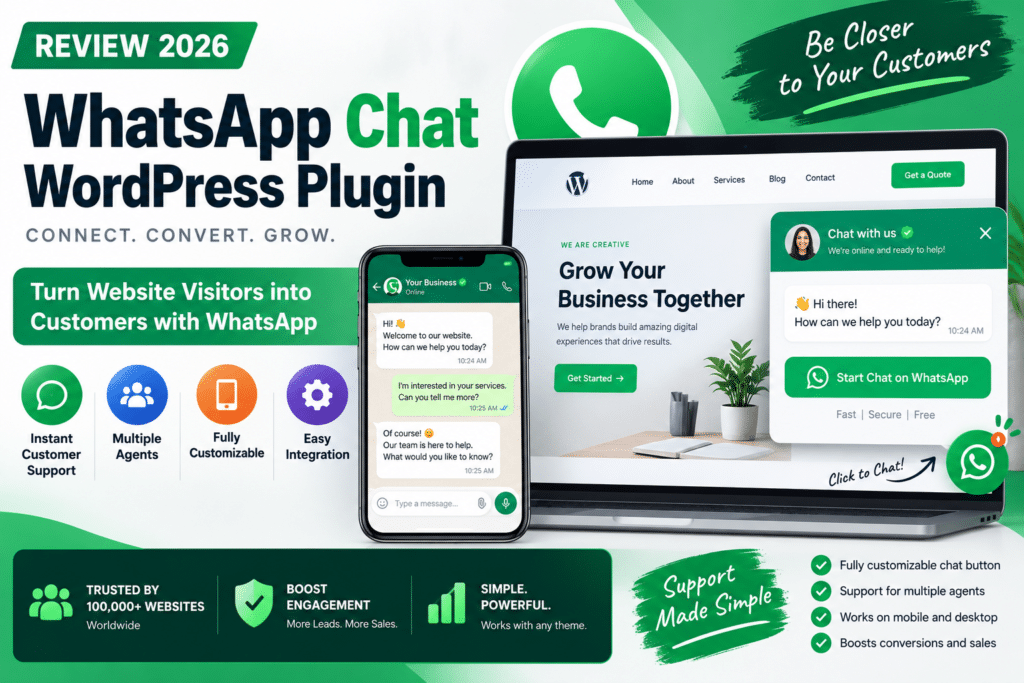
WhatsApp has become an important communication channel for businesses that want to answer customer questions quickly. Adding a WhatsApp chat button to WordPress can make it easier for visitors to contact your team without filling out a traditional contact form.
The WhatsApp Chat WordPress plugin is designed to connect website visitors with your business through WhatsApp. It is particularly useful for online stores, service businesses, and websites that receive frequent pre-sales questions.
In this review, we’ll explore its features, benefits, limitations, and whether a WhatsApp chat plugin is worth using in 2026.
Quick Verdict
Editorial Rating: 4.4/5
A WhatsApp chat plugin is a practical addition for businesses that already use WhatsApp for customer communication. It can reduce friction between browsing a website and starting a conversation.
However, it is not a complete live-chat or customer-support platform. Most basic WhatsApp plugins simply open a conversation in WhatsApp rather than providing a full messaging inbox inside WordPress.
What Is a WhatsApp Chat WordPress Plugin?
A WhatsApp chat plugin adds a contact button or floating chat widget to your website.
When a visitor clicks the button, they are directed to WhatsApp with your business number. Depending on the plugin, you may also be able to configure a predefined message, agent profiles, or different display settings.
For example, a visitor browsing a product page could click:
Chat with us on WhatsApp
The conversation then continues through WhatsApp rather than through a traditional website chat system.
Key Features
1. Floating WhatsApp Chat Button
The most common feature is a floating button that remains visible while visitors browse your website.
This gives customers an easy way to contact your business from different pages.
You can usually position the button on the left or right side of the screen and customize its appearance to match your website.
2. Predefined Messages
Many WhatsApp chat plugins allow you to create a default message that appears when a visitor starts a conversation.
For example:
“Hello, I would like to know more about this product.”
This makes it easier for customers to begin a conversation and gives your team immediate context.
3. Multiple Support Agents
Some premium WhatsApp chat plugins support multiple agents or departments.
For example:
Sales Team – Product and pricing questions
Support Team – Technical assistance
Billing Team – Payment and account questions
This can be useful for businesses with several team members handling different types of inquiries.
4. Customizable Chat Widget
Depending on the plugin, you may be able to customize:
- Button colors
- Widget position
- Welcome text
- Agent names
- Profile images
- Button labels
- Desktop and mobile visibility
These options help the chat widget fit naturally into your website design.
5. Mobile-Friendly Communication
WhatsApp is widely used on smartphones, making it a convenient contact option for mobile visitors.
A properly configured button can open the WhatsApp app when available or direct visitors to WhatsApp’s web interface.
Always test the experience on both desktop and mobile devices.
6. WooCommerce Integration
WhatsApp chat can be especially useful for WooCommerce stores.
Customers may want to ask about product availability, shipping, sizing, or payment options before placing an order.
A WhatsApp button on product pages can provide a direct communication channel for these questions.
Some plugins also offer product-specific messages, although this depends on the exact plugin and plan.
WhatsApp Chat vs Traditional Live Chat
| Feature | WhatsApp Chat | Traditional Live Chat |
|---|---|---|
| Conversation platform | Website or support platform | |
| Customer familiarity | High for WhatsApp users | Varies |
| Website inbox | Usually not included | Often included |
| Chat history | Stored in WhatsApp | Stored in support system |
| Automation | Depends on integration | Often available |
| Best For | Direct customer messaging | Full support operations |
WhatsApp chat is ideal for businesses that want simple, direct communication. A dedicated live-chat platform may be better if you need ticket management, detailed analytics, or advanced support automation.
Benefits for WooCommerce Stores
A WhatsApp chat button can help customers ask questions before purchasing.
For example, a customer may want to confirm whether a product is compatible with their website or whether a particular license includes updates.
For digital product stores, WhatsApp can also be useful for answering questions about installation, account access, and product compatibility.
However, sensitive account or payment information should be handled through secure channels rather than shared casually in chat.
Does WhatsApp Chat Improve Conversions?
It can help reduce communication friction, but results depend on your audience and how quickly your team responds.
A chat button is most useful when visitors have questions that prevent them from purchasing or submitting an inquiry.
Simply adding a WhatsApp icon does not guarantee more sales. Clear product information, trustworthy policies, and responsive support remain important.
Performance and Website Speed
A simple WhatsApp link or lightweight widget generally requires fewer resources than a full live-chat platform.
However, some plugins load additional scripts, animations, or tracking tools.
For better performance, choose a well-maintained plugin, avoid unnecessary visual effects, and test your website after installation.
Pros and Cons
Pros
- Easy contact option for visitors
- Familiar messaging platform
- Useful for WooCommerce pre-sales questions
- Mobile-friendly communication
- Customizable chat buttons
- Can reduce reliance on contact forms
- Multiple-agent support in some premium plugins
Cons
- Not a complete support-ticket system
- Requires staff to respond to messages
- Visitors may need WhatsApp
- Advanced features vary by plugin
- Can become difficult to manage with high message volume
- Privacy and consent should be considered
Who Should Use a WhatsApp Chat Plugin?
A WhatsApp chat plugin is a good fit for:
- WooCommerce stores
- Small businesses
- Service providers
- Agencies
- Real estate websites
- Digital product stores
- Businesses already using WhatsApp Business
It is particularly valuable when customers prefer messaging over email or phone calls.
Who Should Skip It?
You may not need a WhatsApp chat plugin if your audience rarely uses WhatsApp, your team cannot respond consistently, or you already have a complete support platform that handles all customer communication.
For large support teams, a dedicated help desk or official WhatsApp Business Platform integration may be more appropriate.
Is WhatsApp Chat Worth It in 2026?
Yes, for businesses that use WhatsApp as an active customer communication channel.
A well-designed chat button can make it easier for visitors to ask questions and connect with your team. It is especially useful for small businesses and online stores that rely on personal customer service.
The key is choosing a plugin that provides the features you actually need without adding unnecessary complexity.
Final Verdict
Overall Rating: 4.4/5
WhatsApp chat plugins are useful tools for improving customer communication on WordPress.
They are not a replacement for a complete customer-support system, but they can provide a convenient and familiar way for visitors to contact your business.
For WooCommerce stores and service-based websites, a WhatsApp chat button is worth considering if your team is prepared to respond promptly.
Frequently Asked Questions
What is a WhatsApp Chat WordPress plugin?
It is a plugin that adds a WhatsApp contact button or widget to your website, allowing visitors to start a conversation with your business.
Is WhatsApp Chat free?
Many WhatsApp chat plugins offer free versions, while advanced features such as multiple agents or additional customization may require a premium license.
Does WhatsApp Chat work with WooCommerce?
Yes, many WhatsApp chat plugins can be used on WooCommerce websites. Some offer additional product-page features.
Does WhatsApp Chat store messages in WordPress?
Most basic plugins open conversations in WhatsApp rather than storing messages inside WordPress. This depends on the specific plugin.
Can I add multiple WhatsApp agents?
Some premium plugins support multiple agents or departments. Check the exact plugin’s feature list before purchasing.
Does WhatsApp Chat slow down WordPress?
A lightweight widget usually has a limited impact, but performance depends on the plugin’s scripts and configuration.



