
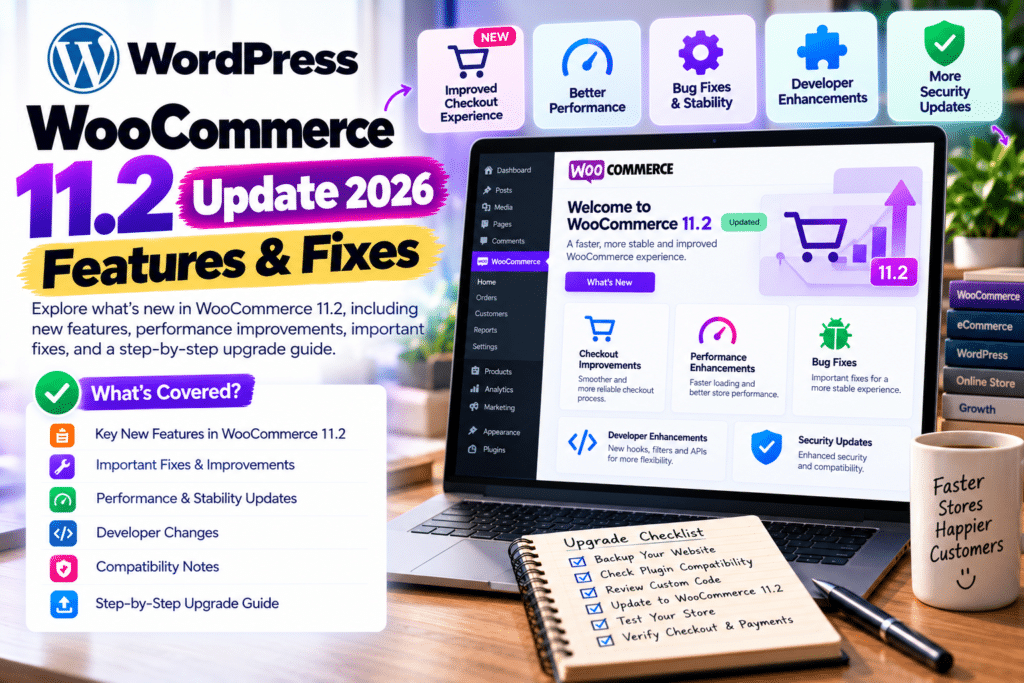
WooCommerce has released version 11.2, bringing improvements to product imports, checkout customization, store performance, and security.
The main WooCommerce 11.2 update arrived on October 7, 2026, followed by WooCommerce 11.2.1 on October 9 to resolve two checkout issues.
If you run an online store, here’s what changed and how to update safely.
WooCommerce 11.2: Quick Overview
| Feature | What’s New |
|---|---|
| Release date | October 7, 2026 |
| Latest 11.2 patch | Version 11.2.1, October 9 |
| Product CSV imports | GTIN, UPC, EAN and ISBN matching |
| Checkout customization | New date field support |
| Email settings | Configurable order withdrawal emails |
| Store design | Additional WooCommerce block styling |
| Performance | Catalog and reporting improvements |
| Security | Multiple security fixes |
| Checkout fixes | Address field and postcode corrections |
1. Improved Product CSV Imports
Managing a large WooCommerce catalog can be time-consuming.
WooCommerce 11.2 improves the product CSV importer by allowing existing products to be matched using global identifiers such as GTIN, UPC, EAN, and ISBN.
Previously, store owners primarily relied on product IDs and SKUs.
Now, when Update existing products is enabled, the importer can use global identifiers if an ID or SKU isn’t available.
The update also improves import cleanup, reducing unnecessary database operations.
Why it matters: Stores managing extensive product catalogs can benefit from more flexible imports.
2. New Checkout Date Fields
WooCommerce 11.2 adds date field support to the Additional Checkout Fields API.
Developers can now create date fields for the Checkout block.
Examples include:
- Preferred delivery dates
- Customer birthdays
- Event dates
- Appointment-related information
The feature uses the browser’s native date picker and supports configurable date restrictions.
Important: This is an API capability for developers and compatible extensions, not an automatically enabled delivery-date field on every checkout.
3. Configurable Order Withdrawal Emails
WooCommerce 11.2 introduces configurable email notifications for order withdrawal requests.
Store owners can manage customer acknowledgements and merchant notifications.
To find the settings, visit:
WooCommerce → Settings → Emails
Depending on the notification, you can adjust recipients, additional content, and whether the email is enabled.
This gives businesses more control over withdrawal-related communication.
4. More WooCommerce Block Styling Options
WooCommerce continues improving its block-based shopping experience.
Version 11.2 adds styling controls for several blocks, including:
- Product Image borders
- Product Quantity borders and colors
- Quantity selector border radius
- Product Filter sticky positioning
- Filter Chips typography and spacing
These improvements help store owners customize storefront designs without relying entirely on custom CSS.
5. Performance and Security Improvements
WooCommerce 11.2 includes improvements to product reordering, variable-product processing, and reporting queries.
The update also strengthens security around downloadable products, shop manager permissions, multisite Blueprint imports, and sensitive email links.
These changes make updating particularly important for stores handling customer accounts and digital downloads.
6. WooCommerce 11.2.1 Checkout Fixes
Shortly after version 11.2.0 launched, WooCommerce released 11.2.1.
This maintenance update fixes two problems.
Classic checkout: Some stores removing billing address fields experienced checkout errors, missing shipping methods, or incorrect tax behavior.
Checkout block: Postcode validation was corrected for Argentina, El Salvador, Saint Vincent and the Grenadines, and the British Virgin Islands.
Version 11.2.1 contains no additional security update or database update.
How to Update WooCommerce Safely
Before upgrading your live store, follow these steps.
Step 1: Back Up Your Website
Create a complete backup of your WordPress files and database.
Step 2: Check Plugin Compatibility
Review compatibility for your payment gateways, shipping extensions, subscriptions, and checkout customization plugins.
Important: If you use PublishPress Future, update it to version 4.10.4 or later before installing WooCommerce 11.2 to avoid a documented compatibility issue.
Step 3: Test on a Staging Website
Update WooCommerce on a staging copy first.
Test product pages, carts, checkout, coupons, and payment processing.
Step 4: Update WooCommerce
Navigate to:
WordPress Dashboard → Plugins → Installed Plugins
Find WooCommerce and select Update Now.
Install the latest compatible maintenance release rather than stopping at 11.2.0.
Step 5: Complete Database Updates
WooCommerce 11.2.0 includes a database update.
If WordPress displays a WooCommerce database update prompt, complete it after confirming your backup.
Step 6: Test Your Store
Verify that customers can place orders successfully and that emails, shipping calculations, and payment gateways work correctly.
Frequently Asked Questions
When was WooCommerce 11.2 released?
WooCommerce 11.2.0 was released on October 7, 2026.
What is WooCommerce 11.2.1?
It’s a maintenance release from October 9, 2026, fixing classic checkout and postcode validation issues.
Does WooCommerce 11.2 improve performance?
Yes. The official release notes describe improvements to catalog operations, variable-product processing, and reporting.
Should I update WooCommerce immediately?
Security fixes make updating important, but production stores should first back up their data and test compatibility.
Final Verdict
The WooCommerce 11.2 update brings practical improvements for store owners, developers, and online businesses.
Better CSV imports, checkout date fields, additional styling controls, and security fixes make this a worthwhile release.
For the safest experience, use WooCommerce 11.2.1 or a newer compatible release after testing your store.
For more WooCommerce updates, WordPress tutorials, and plugin reviews, visit GPLNESTS.COM.



