
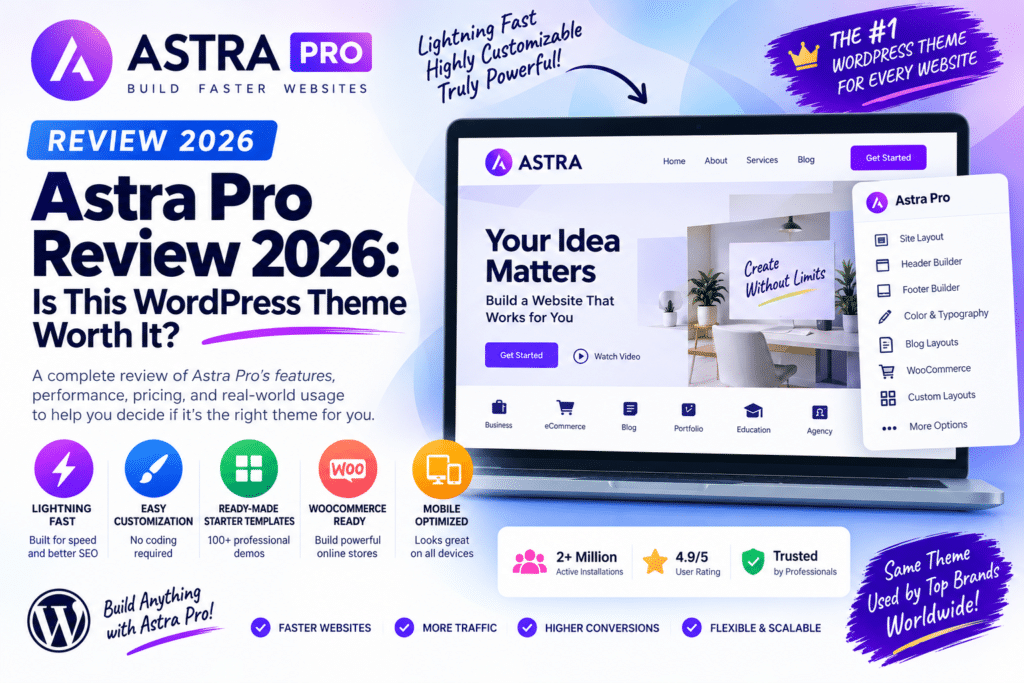
Choosing the right WordPress theme can have a major impact on website design, performance, WooCommerce functionality, and how easily you can customize your site.
Astra is a popular multipurpose WordPress theme, while Astra Pro expands the free theme with additional customization and design features. It is commonly used for blogs, business websites, WooCommerce stores, portfolios, and page-builder websites.
But is Astra Pro still worth using in 2026? Let’s look at its main features, performance, WooCommerce capabilities, pros, cons, and alternatives.
Quick Verdict
Editorial Rating: 4.8/5
Astra Pro is an excellent option for users who want a lightweight, flexible WordPress theme with deeper customization than the free version.
Its strongest advantages are performance-focused architecture, WooCommerce features, extensive layout controls, and compatibility with popular page-building workflows.
The free Astra theme is sufficient for many simple websites, so Pro makes the most sense when you actually need its advanced customization.
What Is Astra Pro?
Astra is a WordPress theme developed by Brainstorm Force.
Astra Pro is a premium add-on that extends the free Astra theme with additional functionality.
This means you generally use:
Astra Theme + Astra Pro Add-on
rather than installing Astra Pro as an entirely separate theme.
The combination provides additional control over headers, layouts, typography, colors, WooCommerce, blogs, and other design elements.
1. Lightweight Performance
Performance is one of Astra’s biggest selling points.
A lightweight theme provides a better foundation for optimization than a design that loads excessive scripts and styles before you even add content.
However, installing Astra does not automatically guarantee a fast website.
Your final performance also depends on:
- Hosting
- Page builder
- Images
- Plugins
- Fonts
- Third-party scripts
- Caching
- CDN configuration
Astra provides the foundation; the rest of your website still needs to be optimized properly.
2. Advanced Header Options
Headers are one of the most important parts of a website’s design.
Astra provides header-building and customization options that can be used to create layouts containing elements such as:
- Logo
- Navigation
- Search
- Buttons
- Social elements
- Account links
- WooCommerce cart
Advanced controls make it easier to build business, eCommerce, and content-focused headers without manually editing theme files.
3. Footer Customization
Astra also provides flexible footer-building options.
You can create footer areas for:
- Navigation links
- Copyright information
- Social profiles
- Contact information
- Widgets
- Calls to action
A well-designed footer is especially useful for business and WooCommerce websites where visitors need quick access to support and policy pages.
4. Blog Layouts
Astra Pro offers additional controls for blog and archive layouts.
This can help create customized designs for:
- Blog homepage
- Category archives
- Individual posts
- Featured images
- Post metadata
- Content layouts
These features make Astra suitable for blogs, magazines, affiliate sites, and content-heavy websites.
5. Typography and Colors
Brand consistency requires more than selecting a page template.
Astra provides global controls for typography and colors, allowing you to create a more consistent visual system across the website.
You can configure elements such as:
- Headings
- Body text
- Links
- Buttons
- Backgrounds
- Navigation
Using global design settings also makes future redesigns easier.
6. WooCommerce Features
Astra is widely used for WooCommerce websites.
Astra Pro adds additional customization options for store layouts and shopping experiences.
Depending on your setup, you can customize areas such as:
- Product listings
- Product pages
- Shop layouts
- Cart-related elements
- Store navigation
- Product display options
This allows you to build a more customized WooCommerce store without relying entirely on custom CSS.
7. Page Builder Compatibility
Astra works well with popular WordPress page-building workflows.
It is commonly paired with:
- Elementor
- Gutenberg
- Beaver Builder
- Spectra
This flexibility is one reason Astra is popular with agencies.
You can use Astra to control the global website structure while using a page builder for individual landing pages and content sections.
8. Starter Templates
The Astra ecosystem includes access to starter website templates through Brainstorm Force’s template tools.
These templates can speed up website creation by providing pre-designed pages and complete website structures.
Templates are available for many types of sites, including:
- Agencies
- Restaurants
- Blogs
- eCommerce
- Education
- Fitness
- Local businesses
- Portfolios
Template availability and premium access depend on the current product package.
9. Custom Layouts
Advanced users can create custom layouts and display content in specific areas of a website.
This is useful when you need promotional banners, custom sections, calls to action, or content that appears only under certain conditions.
For example:
Show a promotional banner only on WooCommerce product pages.
This type of conditional design functionality can reduce the need for additional plugins.
Astra Free vs Astra Pro
| Feature | Astra Free | Astra Pro |
|---|---|---|
| Lightweight theme | Yes | Yes |
| Basic customization | Yes | Yes |
| Advanced layouts | Limited | Yes |
| Blog controls | Basic | Advanced |
| WooCommerce customization | Basic | Advanced |
| Header options | Available | More advanced |
| Custom layouts | Limited | Advanced |
| Premium features | No | Yes |
| Best For | Simple websites | Professional websites |
The free version is one of Astra’s strengths.
You can build a functional website without immediately purchasing Pro and upgrade when advanced controls become necessary.
Astra Pro and Elementor
Astra and Elementor are a popular combination.
Astra controls the overall theme structure, while Elementor can handle detailed page design.
A typical setup might use:
Astra: Header, footer, global layout and theme styling
Elementor: Homepage, landing pages, service pages and custom sections
This approach can provide flexibility without requiring Elementor to control every aspect of the website.
Astra Pro and WooCommerce
Astra Pro is particularly attractive for WooCommerce users who want more design control without replacing WooCommerce itself.
It can help customize the storefront while WooCommerce continues to manage products, orders, customers, payments, and other commerce functionality.
For large stores, remember that theme choice is only one part of WooCommerce performance.
Good hosting, database optimization, caching, and image optimization remain important.
Astra Pro vs GeneratePress
GeneratePress is another lightweight WordPress theme with a strong reputation among performance-focused users.
Astra is especially attractive for users wanting a large design ecosystem, starter templates, and strong page-builder integration.
GeneratePress is popular with users who prefer a minimal, developer-friendly foundation.
Both can create fast websites when configured properly.
Astra Pro vs Kadence
Kadence is another strong Astra alternative.
Both themes provide extensive customization, WooCommerce functionality, and modern WordPress design tools.
Astra benefits from a large ecosystem and strong integration with Brainstorm Force products, while Kadence has its own tightly integrated theme-and-block ecosystem.
The better choice depends on your preferred workflow and required features.
Astra Pro vs Blocksy
Blocksy offers another modern, performance-oriented approach to WordPress theme design.
Blocksy is particularly attractive for users who enjoy its Customizer experience and WooCommerce tools.
Astra remains compelling for agencies and users who value its large template and plugin ecosystem.
Performance
Astra can provide an excellent performance foundation, but don’t judge speed based only on theme marketing claims.
Test your completed website using tools such as PageSpeed Insights or WebPageTest.
Pay attention to:
- Largest Contentful Paint
- Interaction to Next Paint
- Cumulative Layout Shift
- Server response
- JavaScript
- Image size
- Fonts
A lightweight theme helps, but poorly optimized plugins and page-builder designs can still make an Astra website slow.
Pros and Cons
Pros
- Lightweight foundation
- Free version available
- Extensive customization
- Strong WooCommerce support
- Elementor compatible
- Gutenberg friendly
- Starter template ecosystem
- Flexible header and footer
- Good for agencies
- Suitable for many website types
Cons
- Best features require Pro
- Large ecosystem can make package selection confusing
- Some users may not need Pro
- Page builders can still add performance overhead
- Advanced store functionality may require additional plugins
- Pricing and bundle features can change
Who Should Use Astra Pro?
Astra Pro is a strong choice for:
- Business websites
- WooCommerce stores
- Blogs
- Agencies
- Freelancers
- Elementor users
- Gutenberg users
- Affiliate websites
- Portfolio websites
- Education websites
It is especially useful when you want a lightweight theme but don’t want to sacrifice customization.
Who Should Skip Astra Pro?
You may not need Astra Pro if the free Astra theme already provides everything required for your website.
Users who prefer full-site editing with a block theme may also want to compare modern native WordPress block themes.
Likewise, GeneratePress, Kadence, and Blocksy are worth considering before choosing a premium theme ecosystem.
Is Astra Pro Worth It in 2026?
Yes, for users who need its advanced customization features.
Astra Pro combines a lightweight theme foundation with deeper controls for layouts, blogs, WooCommerce, headers, and other areas.
Its strongest advantage is flexibility.
You can use Astra for a small business website today and adapt the same ecosystem to a more complex WooCommerce or content website later.
For simple websites, however, start with Astra Free before deciding whether Pro is necessary.
Final Verdict
Overall Rating: 4.8/5
Performance Foundation: 4.8/5
Customization: 4.9/5
WooCommerce: 4.7/5
Page Builder Compatibility: 4.9/5
Ease of Use: 4.7/5
Value: 4.6/5
Astra Pro remains one of the strongest multipurpose WordPress theme options in 2026.
It is lightweight, highly customizable, WooCommerce-friendly, and works well with popular page builders.
The free version makes Astra easy to try, while Pro is most valuable for users building professional websites that need more control over design and layout.
Frequently Asked Questions
What is Astra Pro?
Astra Pro is a premium add-on that extends the free Astra WordPress theme with additional customization and design features.
Is Astra free?
Yes. Astra has a free WordPress theme. Astra Pro adds premium functionality.
Does Astra Pro work with Elementor?
Yes. Astra is commonly used with Elementor and provides a lightweight theme foundation around Elementor-designed pages.
Is Astra Pro good for WooCommerce?
Yes. Astra provides WooCommerce integration, while Pro adds more store customization options.
Is Astra faster than Elementor?
They serve different purposes. Astra is primarily a WordPress theme, while Elementor is a page builder. They can be used together.
Which is better: Astra or GeneratePress?
Both are strong lightweight themes. Astra emphasizes a broad design and template ecosystem, while GeneratePress is popular for its minimal and developer-friendly approach.
Is Astra Pro worth buying?
It can be worth buying if you need its advanced layouts, WooCommerce controls, and customization features. For basic websites, Astra Free may be sufficient.



