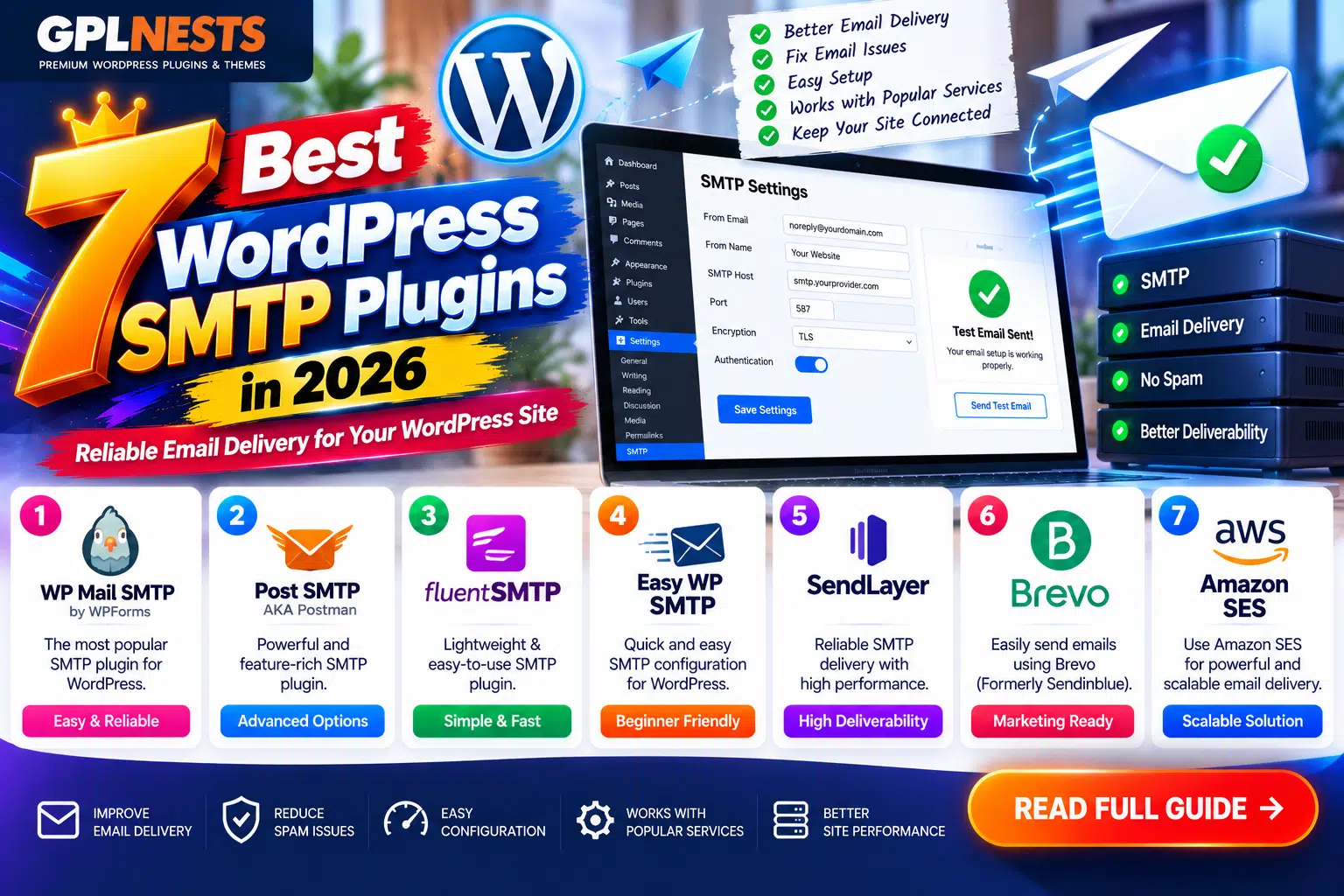
Are WordPress contact-form notifications, password resets, or WooCommerce order emails failing to arrive? An SMTP plugin can help your website send messages through an authenticated email provider instead of relying on your hosting server’s default mail function.
The best WordPress SMTP plugins in 2026 offer straightforward setup, provider integrations, troubleshooting tools, and optional email logs.
Here are seven options for different website needs and budgets.
Best WordPress SMTP Plugins: Comparison Table
| Plugin or Option | Best For | Free Option |
|---|---|---|
| WP Mail SMTP | Beginners and email troubleshooting | Yes |
| FluentSMTP | Free email logs and integrations | Yes |
| Post SMTP | Diagnostics and backup connections | Yes |
| Easy WP SMTP | Simple SMTP configuration | Yes |
| Brevo | Transactional email and marketing | Yes, with service limits |
| SMTP Mailer | Basic SMTP setup | Yes |
| Gmail / Google Workspace | Sending through Google accounts | Connector-dependent |
1. WP Mail SMTP – Best Overall
WP Mail SMTP is a popular option for configuring WordPress email delivery. It supports providers such as Brevo, Gmail, Mailgun, and SMTP.com.
Free: SMTP connections, mailer setup, and email error information.
Pro: Email logs, detailed reports, failure alerts, backup connections, and smart email routing.
Pros: Beginner-friendly setup, broad provider support.
Cons: Several monitoring and automation features require Pro.
2. FluentSMTP – Best Free Alternative
FluentSMTP connects WordPress to multiple email services, including Amazon SES, Gmail, Outlook, Brevo, and Postmark.
Free: Provider integrations, email logging, delivery information, and support for multiple connections.
Pros: Extensive integrations without a paid plugin upgrade.
Cons: Some providers require additional account or API configuration.
3. Post SMTP – Best for Troubleshooting
Post SMTP provides email logs, failure alerts, mailer configuration, and backup connections.
Its version 4.0.2 release on September 24, 2026, fixed a stored cross-site scripting issue affecting failed email logs on WordPress Multisite.
Free: Email delivery configuration, logging, and troubleshooting features.
Premium: Check the current developer offering for additional services and support.
Pros: Detailed diagnostics and resend tools.
Cons: Advanced configuration can take time. Keep it updated and review its security changelog.
4. Easy WP SMTP – Best for Simple Setup
Easy WP SMTP provides a setup wizard and supports several transactional mailers and custom SMTP servers.
Free: Core SMTP configuration, error diagnostics, and basic email delivery tools.
Pro: Email logs, alerts, backup connections, conditional routing, and additional provider integrations.
Pros: Clear setup process, useful troubleshooting.
Cons: Some popular integrations and monitoring features require Pro.
5. Brevo – Best for Transactional Email and Marketing
Brevo combines transactional email services with email marketing tools. Its WordPress integration can connect a website to Brevo’s platform.
Free: Available features depend on the plugin and Brevo account limits.
Paid: Higher service limits and additional marketing or automation capabilities depend on the selected plan.
Pros: Useful for order notifications and marketing workflows.
Cons: Requires a Brevo account, and sending limits apply.
6. SMTP Mailer – Best Lightweight Option
SMTP Mailer is a straightforward plugin for configuring an SMTP server and routing WordPress email through it.
Free: SMTP host, port, authentication, encryption, and sender configuration.
Optional add-ons provide features such as email logging, CC, and Reply-To.
Pros: Simple, focused configuration.
Cons: Fewer built-in advanced monitoring features than some alternatives.
7. Gmail / Google Workspace – Best for Google Accounts
If your website sends a moderate volume of notifications, Google’s email service may be suitable.
Rather than installing an unknown Gmail SMTP plugin, use a reputable connector such as WP Mail SMTP or Easy WP SMTP with its supported Gmail or Google Workspace integration.
Free: The connector may be free, but Google’s account policies and sending limits still apply.
Paid: Some connectors reserve simplified OAuth setup for premium users; Google Workspace itself may require a subscription.
Pros: Familiar account management and authenticated sending.
Cons: Requires correct authorization and compliance with Google’s sending policies.
SMTP Plugin Setup: Essential Tips
After installing your chosen plugin:
- Select an email provider and complete its authentication process.
- Use an appropriate sender address associated with your domain.
- Configure SPF, DKIM, and DMARC according to your email provider’s instructions.
- Send a test email and inspect the plugin’s error logs.
- Test contact forms, password resets, and WooCommerce order notifications.
- Keep the plugin updated and avoid running multiple SMTP plugins simultaneously.
Remember: SMTP improves the way WordPress sends email, but it cannot guarantee inbox placement. Provider reputation, DNS configuration, message quality, and recipient filtering also matter.
Frequently Asked Questions
What is the best free WordPress SMTP plugin?
FluentSMTP is a strong free option with multiple provider integrations and email logging. WP Mail SMTP and Easy WP SMTP also offer useful free configurations.
Do SMTP plugins guarantee email delivery?
No. They help route and authenticate messages, but successful inbox delivery depends on several factors.
Should I use Gmail SMTP for WooCommerce?
It may suit smaller stores, provided your Google account and sending limits meet your needs. Higher-volume stores may benefit from a dedicated transactional email provider.
Final Verdict
The best WordPress SMTP plugin depends on your email volume, technical experience, and monitoring requirements.
Choose WP Mail SMTP for guided setup, FluentSMTP for free integrations, Post SMTP for diagnostics, or Brevo for combined transactional email and marketing.
Configure authentication correctly, test your critical notifications, and keep your chosen plugin updated.
For more WordPress plugin reviews and WooCommerce tutorials, visit GPLNESTS.COM.