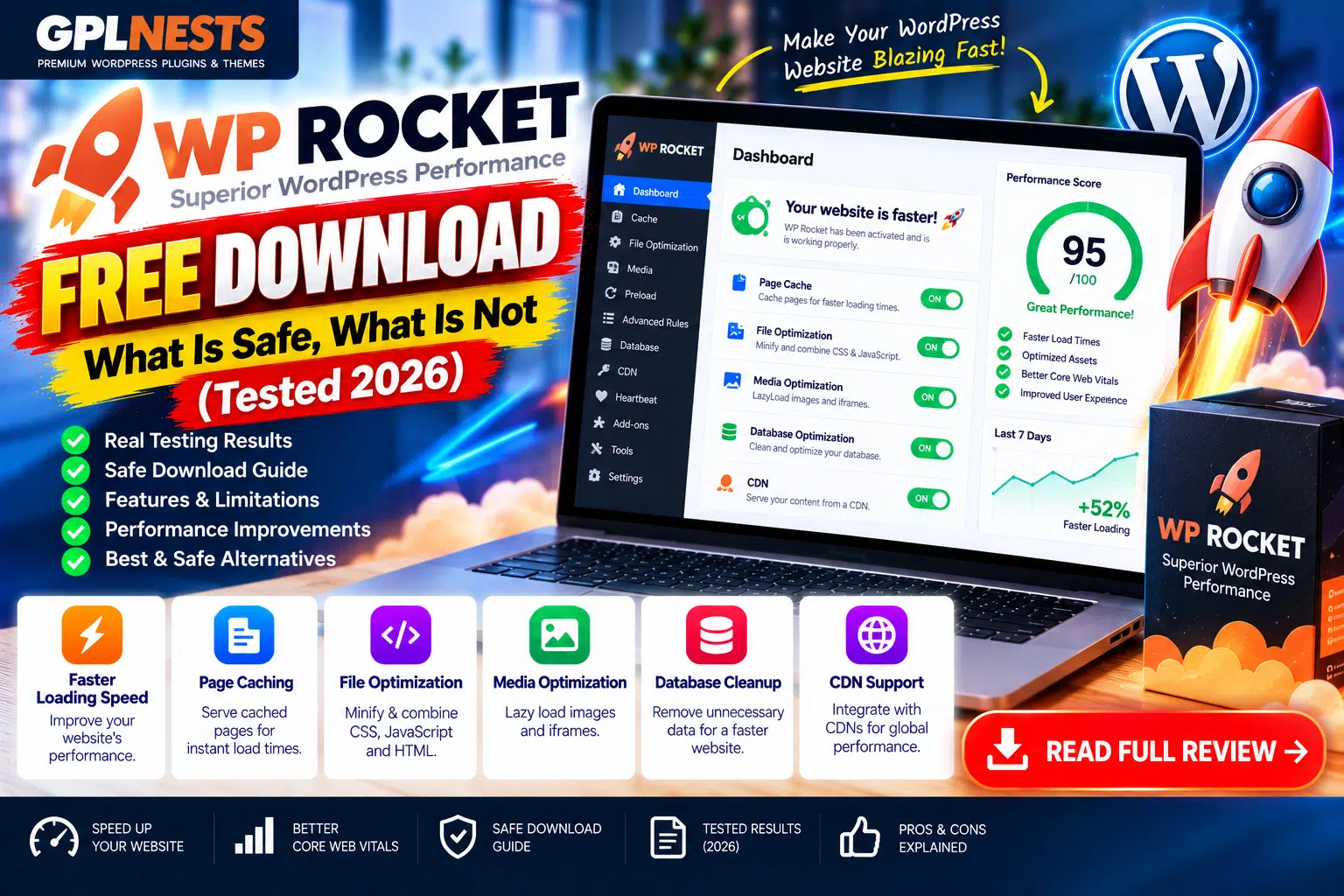

Searching for a WP Rocket free download? Before installing a ZIP file from an unfamiliar website, understand the difference between an official plugin download, licensed access, and an unofficial copy.
WP Rocket is a premium WordPress caching plugin designed to improve website performance through page caching and optimization features. However, it does not offer a permanent free edition of the complete plugin.
This guide reviews official documentation and WordPress.org alternatives. It is a source-based safety review, not a claim that third-party ZIP files were personally tested for malware.
Is WP Rocket Available for Free?
WP Rocket’s official website distributes the plugin through its authorized purchase and account system. After purchasing, customers can download the plugin ZIP from their account.
The developer’s public pages contain conflicting information about trials:
- Its Knowledge Base describes a 14-day free trial requiring a valid payment method, with a charge at the end unless cancelled.
- Its trial landing page, contact page, and refund policy instead say there is no trial and describe a 14-day money-back guarantee.
Because these official pages disagree, check the terms displayed during checkout and confirm them with WP Rocket support before providing payment details.
WP Rocket Download: Safe vs Risky
| Download Source | Safety Consideration |
|---|---|
| Your authorized WP Rocket account | Recommended source |
| Official developer support | Best place to verify licensing and downloads |
| Unknown ZIP-sharing website | Provenance and integrity may be unclear |
| Nulled or cracked plugin site | Avoid; files may be modified or outdated |
| WordPress.org free alternatives | Legitimate options with their own feature sets |
An unofficial ZIP is not automatically infected. However, without trustworthy provenance and integrity verification, you cannot confidently establish that it contains the original files.
Modified plugins may introduce hidden code, unauthorized access, unwanted redirects, or compatibility problems. They may also miss security updates.
Four Free Alternatives to WP Rocket
These are separate plugins, not free editions of WP Rocket.
| Plugin | Main Features | Best For |
|---|---|---|
| Easy Optimizer | Page caching, CSS/JS optimization, lazy loading and image tools | All-in-one optimization |
| Cache Rocket | Page caching, asset optimization, database cleanup and cache warming | Free local caching tools |
| WP-Optimize | Caching, database cleanup and image optimization | Database and performance maintenance |
| SpeedyCache | Caching, CSS/JS optimization, compression and preload | Straightforward caching |
1. Easy Optimizer
The WordPress.org listing describes page caching, unused CSS removal, JavaScript optimization, lazy loading, image optimization, and hosting-cache integrations. Its core features are offered free of charge.
2. Cache Rocket
Cache Rocket provides local page caching, file optimization, lazy loading, database cleanup, and cache warming. Certain cloud features, including managed CDN delivery and cloud image optimization, require a connected account.
3. WP-Optimize
WP-Optimize combines page caching with database cleanup and image compression. Its free version offers useful maintenance tools, while Premium adds features such as multisite optimization and advanced scheduling.
4. SpeedyCache
SpeedyCache provides caching, preload, CSS optimization, GZIP compression, browser caching, and CDN integration. Its developer reserves several advanced tools—including image optimization and delayed JavaScript—for Pro.
Feature availability can change, so check each plugin’s current listing before installation.
How to Install a Performance Plugin Safely
Follow these steps before changing your caching setup:
- Back up your website. Save your database and website files.
- Use a trusted source. Download WP Rocket from your authorized account or alternatives from WordPress.org.
- Check compatibility. Review WordPress, PHP, hosting, and theme requirements.
- Avoid duplicate page caches. Disable the previous caching plugin’s page-cache function before enabling another.
- Enable optimizations gradually. Test CSS, JavaScript, lazy loading, and image settings one at a time.
- Check important pages. Test login, forms, mobile navigation, and WooCommerce cart, checkout, and account pages.
- Measure results. Compare the same pages under similar conditions using a performance testing tool.
No caching plugin guarantees a particular PageSpeed score. Results depend on hosting, website design, content, third-party scripts, and configuration.
Frequently Asked Questions
Does WP Rocket have a permanent free version?
No. The complete WP Rocket plugin is a premium product.
Are nulled WP Rocket plugins always infected?
Not necessarily, but their integrity and security cannot be assumed. Modified or outdated packages can expose websites to risk.
Which free alternative should I choose?
Consider Easy Optimizer for its broad feature set, WP-Optimize for database maintenance, Cache Rocket for local caching, or SpeedyCache for conventional performance optimization.
Can I run WP Rocket and another caching plugin together?
Avoid running two page-cache systems simultaneously. Overlapping optimization features can also cause layout, script, or cache problems.
Final Verdict
The safest way to obtain WP Rocket is through its authorized download channel. If you do not want a premium plugin, choose a legitimate free alternative that fits your hosting environment.
Before installing any performance plugin, create a backup, configure one caching system at a time, and test your website carefully.
For more WordPress plugin reviews, performance guides, and security updates, visit GPLNESTS.COM.