
Managing a WooCommerce store often means installing separate plugins for invoices, wishlists, pricing, and checkout customization. Booster for WooCommerce brings many of these tools together.
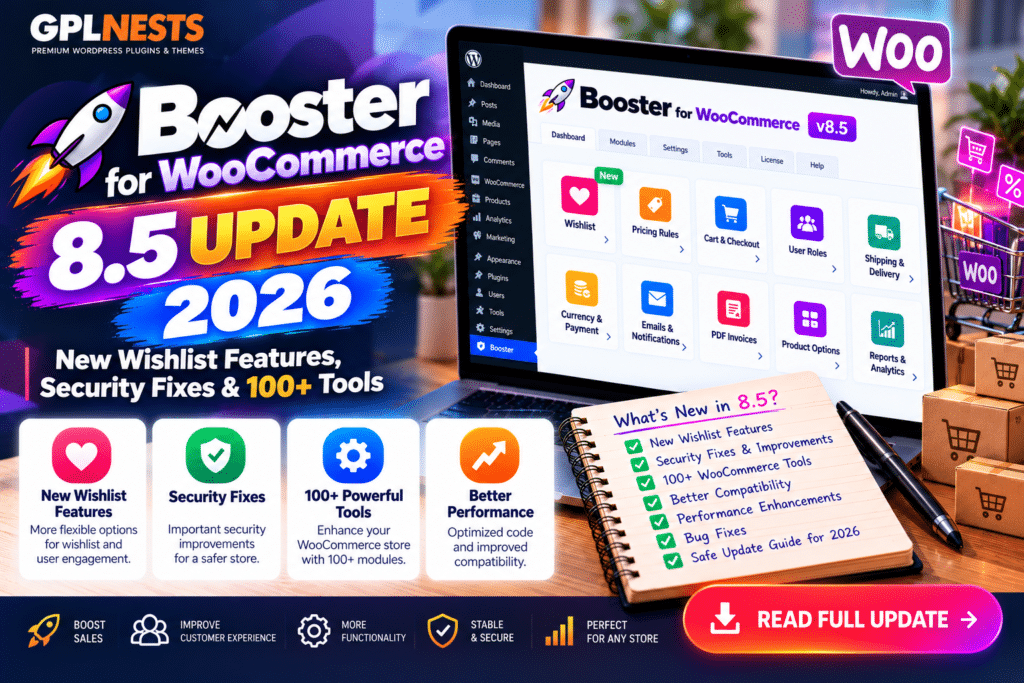
The Booster for WooCommerce 8.5 update introduces practical improvements to wishlists, shipping guidance, invoice setup, and security.
Version 8.5.0 arrived on October 8, 2026, followed by version 8.5.1 on October 15.
Here’s what’s new and whether the free or premium edition is right for your store.
Booster for WooCommerce 8.5: Update Summary
| Feature | What’s New |
|---|---|
| Version 8.5.0 | Released October 8, 2026 |
| Version 8.5.1 | Released October 15, 2026 |
| Wishlist | Option to retain products after adding to cart |
| Shipping | Clearer free-shipping setup guidance |
| PDF Invoices | Guided setup and sample preview |
| Security | Improved product-data and document handling |
| Dashboard | Less intrusive plugin announcements |
| Pricing Model | Free and Booster Elite |
1. Improved WooCommerce Wishlist Controls
One of the most useful additions in Booster 8.5 is improved wishlist management.
Previously, products were removed from a customer’s wishlist after being added to the cart.
Store owners can now choose to keep those products saved.
To enable this behavior, disable Remove from wishlist after adding to cart in the wishlist settings.
The previous removal behavior remains enabled by default, including after upgrading.
This gives shoppers more flexibility when saving products for future purchases.
2. Clearer Free-Shipping Configuration
WooCommerce stores sometimes offer free shipping based on product categories or minimum order amounts.
Booster 8.5 improves the setup guidance for these scenarios.
It explains how separate shipping methods can support either eligibility condition without displaying unnecessary duplicate options.
Importantly, the update doesn’t automatically modify your existing shipping rules.
Store owners must review and configure their shipping methods themselves.
3. Easier PDF Invoice Setup
Booster 8.5 introduces a more guided approach to configuring branded PDF invoices.
Store owners can enter business details, add an optional logo, and preview a sample invoice.
The setup helps users understand available options without manually editing HTML templates.
Free users can generate invoices manually or when orders are completed, with optional attachment to completed-order emails.
Important: A successful sample preview doesn’t guarantee email delivery or compliance with local tax requirements.
4. Security Improvements in Version 8.5.0
The developer reports improved handling of customer-supplied product details and document processing.
These changes strengthen input handling and related security protections.
However, the official changelog doesn’t identify a specific CVE or confirm that attackers exploited a vulnerability.
Website owners should describe this release as security hardening, rather than claiming it fixes a publicly documented active attack.
5. What’s New in Booster 8.5.1?
Version 8.5.1 focuses on the WordPress administration experience.
Booster announcements now appear on Booster settings pages instead of across the wider dashboard.
Each user can permanently dismiss an announcement.
The developer confirms that this update doesn’t change existing store or checkout settings.
It’s a small improvement that makes plugin management less distracting.
Booster Free vs Elite: Feature Comparison
Booster includes more than 100 tools across its free and premium offerings.
| Feature | Free | Elite |
|---|---|---|
| Basic PDF invoices | Yes | Advanced options |
| Product wishlist | Yes | Additional features |
| Variation swatches | Basic buttons | Images and advanced styles |
| Abandoned cart recovery | One reminder email | Expanded automation |
| Multi-currency | Basic options | Advanced currency tools |
| Checkout customization | Basic fields | Conditional fields |
| Product add-ons | Basic | Advanced options |
| Premium support | No | Yes |
Booster Elite is designed for stores requiring more extensive customization and automation.
The free version is a reasonable starting point for smaller businesses.
Booster for WooCommerce: Pros and Cons
Pros
- Combines many WooCommerce tools in one plugin
- Useful free invoice and wishlist features
- Modular configuration
- Regular feature and security updates
Cons
- Large number of settings can overwhelm beginners
- Advanced tools require Elite
- Some modules support only Classic Checkout workflows
- Compatibility should be tested for each enabled feature
How to Update Booster Safely
Follow these steps before upgrading.
- Back up your website. Save your WordPress files and database.
- Check compatibility. Review WooCommerce, PHP, and other important extensions.
- Test on staging. Check enabled Booster modules before updating your live store.
- Update the plugin. Go to Dashboard → Plugins → Installed Plugins and select Update Now.
- Review wishlist settings. Decide whether saved products should remain after cart additions.
- Test checkout and invoices. Verify shipping methods, payment processing, invoice generation, and customer emails.
For Booster Elite, obtain updates through your supported premium update channel.
Frequently Asked Questions
Is Booster for WooCommerce free?
Yes. Booster offers a free WordPress plugin, while Booster Elite provides additional premium features.
What is new in Booster 8.5?
The update adds wishlist retention controls, clearer shipping guidance, invoice setup improvements, and security hardening.
What does Booster 8.5.1 fix?
It improves the placement and dismissal of plugin announcements in the WordPress dashboard.
Does Booster support WooCommerce Checkout Blocks?
Some modules do, but others require Classic Checkout. Check compatibility for the features you use.
Final Verdict
The Booster for WooCommerce 8.5 update makes several everyday store-management tasks easier.
Wishlist controls, invoice setup guidance, and security improvements are useful additions, while version 8.5.1 creates a cleaner dashboard experience.
If you already use Booster, updating to the latest compatible release is recommended.
For more WooCommerce plugin reviews, security updates, and tutorials, visit GPLNESTS.COM.



