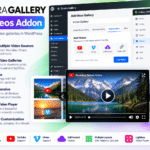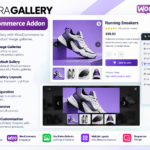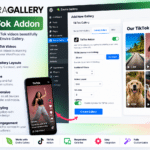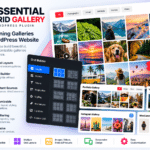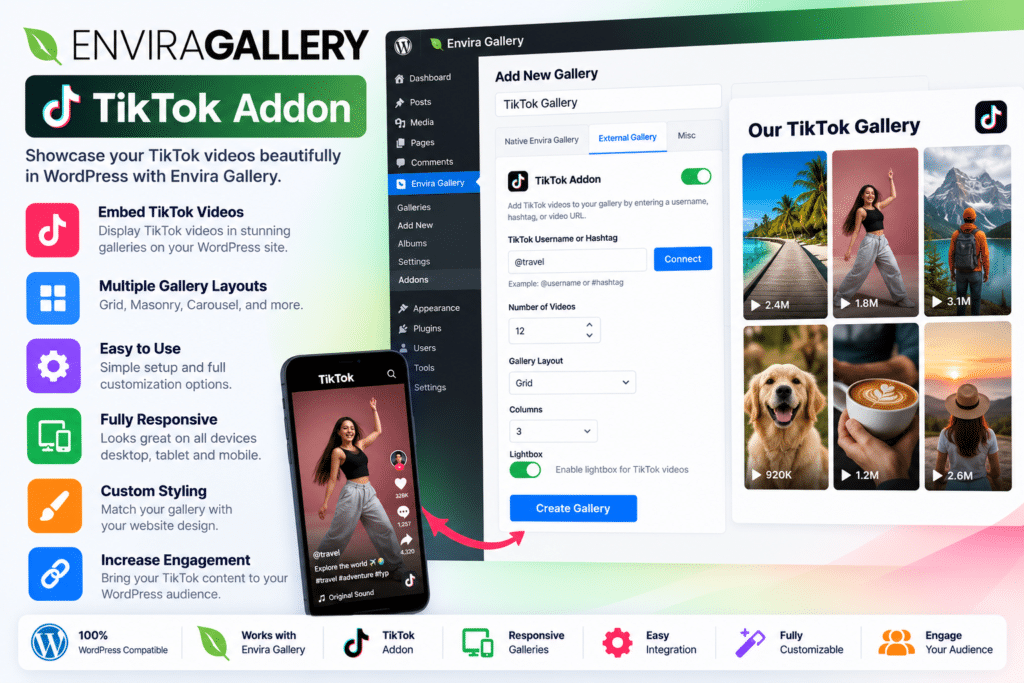
The Envira Gallery Dribbble Addon extends the core Envira Gallery plugin with an external gallery source for Dribbble content. After authorizing your Dribbble account, you can create a gallery from your available designs and customize how images appear and behave on your website.
It combines Dribbble integration with Envira Gallery’s existing layout and lightbox options, giving you more control over how visitors explore your creative portfolio.
Key Features
- Dribbble Account Integration – Connect your Dribbble profile to display design work on your WordPress website.
- Multiple Account Support – Connect up to three Dribbble accounts for managing multiple profiles or creative brands.
- External Gallery Source – Select Dribbble when creating an external gallery in Envira Gallery.
- Custom Image Count – Choose how many Dribbble images to include in your gallery.
- Flexible Image Links – Configure images to open in a lightbox, link to the original Dribbble page, or display the full-size image on your website where supported.
- Image Size Selection – Choose the available image size that best suits your gallery presentation.
- Original Design Titles – Display the titles associated with your Dribbble shots.
- Caption Length Controls – Limit caption text to keep gallery layouts clean and readable.
- Open Links in a New Tab – Configure external Dribbble links to open in a separate browser tab.
- Dribbble Data Caching – Enable available caching options to reduce repeated data retrieval.
- Envira Layout Customization – Use compatible Envira Gallery layout settings to match your portfolio design.
- Lightbox Support – Combine the gallery with compatible Envira lightbox features for a more focused viewing experience.
- Social Sharing Options – Use supported Envira sharing features to help visitors discover and share your creative work.
- Simplified Portfolio Management – Reduce repetitive image-uploading tasks by using Dribbble as a source for your gallery.
Perfect For
The Envira Gallery Dribbble Addon is useful for UI/UX designers, graphic designers, illustrators, branding specialists, web designers, freelance creatives, digital artists, and design agencies.
It can help freelancers present selected projects to potential clients, agencies showcase creative work, and designers maintain a consistent portfolio across their website and Dribbble profile.
Turn Your Dribbble Profile Into a Website Portfolio
Your Dribbble profile can be an important part of your creative identity, but website visitors may not always discover it. By integrating Dribbble with Envira Gallery, you can bring your design work into your own website and make it part of your portfolio experience.
This provides a convenient way to showcase visual projects, build credibility with prospective clients, and give visitors another reason to explore your work.
Customize Your Gallery to Match Your Brand
Every creative portfolio has its own style. The Dribbble Addon lets you choose the number of images, adjust image links, manage titles and captions, and use compatible Envira Gallery presentation options.
These controls help you create a gallery that fits your website’s visual identity, whether you prefer a clean minimalist portfolio or a more detailed showcase of your design projects.
Spend Less Time Managing Images
Maintaining the same creative work across multiple platforms can become repetitive. Using Dribbble as an external gallery source helps simplify the process of presenting your work on WordPress.
You can select the content you want to display and configure the gallery without treating every image as a separate manual upload task. Available caching settings can also help manage repeated requests for Dribbble content.
Important Compatibility Information
The Envira Gallery Dribbble Addon is an extension, not a standalone WordPress gallery plugin. You need Envira Gallery Pro or a higher eligible license, along with an authenticated Dribbble account.
The integration depends on Dribbble’s available data and API access. Changes to third-party services, revoked authorization, or API rate limits may affect gallery functionality. Check your installed versions and license eligibility before deploying it on a live website.
Envira Gallery Dribbble Addon – Showcase Your Creative Work
Bring your Dribbble designs into your WordPress portfolio with the Envira Gallery Dribbble Addon. With account integration, image selection, caption controls, flexible linking, and Envira’s gallery customization options, it helps creative professionals present their work in one convenient online destination.