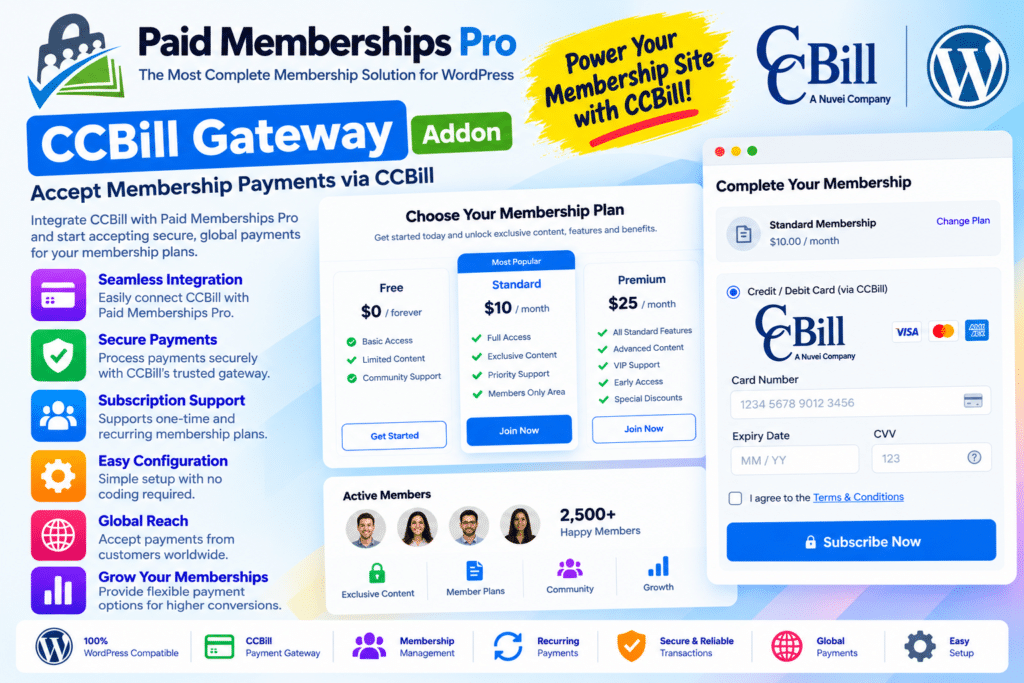
CCBill Gateway for Paid Memberships Pro is a WordPress addon that connects your membership website with the CCBill payment platform. It allows eligible membership businesses to accept payments through CCBill while using Paid Memberships Pro to manage membership levels, protected content, and member access.
The integration uses an off-site checkout process, directing customers to the CCBill payment page to complete their transactions before returning them to your membership website. This helps connect payment processing with the membership registration and checkout workflow.
CCBill supports payment options that can include major credit cards, debit payments, and ACH, depending on merchant eligibility and account configuration. This makes the integration worth considering for membership businesses that already use CCBill or require its payment services.
Whether you operate a subscription-based content website, a premium resource library, or a members-only community, CCBill Gateway provides an additional payment option for your Paid Memberships Pro setup.
What You’re Getting
- CCBill payment gateway integration for Paid Memberships Pro.
- Off-site payment processing through the CCBill checkout page.
- Connection to your existing CCBill merchant account.
- Membership checkout integration with WordPress.
- Support for CCBill account and sub-account configuration.
- Payment notification handling through the required webhook.
- Integration with the existing membership level and access management workflow.
- Testing options to verify the payment process before launch.
Key Features
- CCBill Payment Integration – Connect your WordPress membership website to the CCBill payment platform.
- Off-Site Checkout – Redirect members to the CCBill-hosted payment page to complete their payment.
- Membership Checkout Compatibility – Integrate payment processing into the Paid Memberships Pro membership registration workflow.
- Credit Card Payments – Accept supported major credit cards through your approved CCBill merchant account.
- Additional Payment Methods – Use eligible debit and ACH payment options when available for your account and configuration.
- Merchant Account Configuration – Enter the account information supplied by CCBill to establish the gateway connection.
- Client Account and Sub-Account Settings – Configure the required account identifiers for the supported merchant setup.
- Datalink Credentials – Enter the Datalink username and password required by the integration.
- Flex Forms Integration – Configure the relevant Flex Form ID to connect the checkout workflow with your CCBill setup.
- Salt Configuration – Provide the required salt value as part of the gateway authentication and configuration process.
- Webhook Support – Receive transaction updates from CCBill so that payment activity can be reflected correctly on your membership website.
- Membership Confirmation Flow – Return customers to your website’s membership confirmation page after successful payment.
- Gateway Testing – Test the checkout flow and transaction handling before accepting live payments.
- Centralized Membership Management – Continue managing membership levels and member access through Paid Memberships Pro.
- Gateway-Level Transaction Handling – Rely on CCBill for payment processing while using the membership plugin for membership-related administration.
Connect CCBill with Your Membership Website
Running a paid membership website requires a reliable way to collect payments and associate successful transactions with the correct membership. CCBill Gateway adds another payment option to the Paid Memberships Pro checkout process.
Once configured, customers can select a paid membership level and proceed through the supported checkout workflow. They complete payment on the CCBill-hosted page and return to your website after the transaction.
This arrangement can be useful for membership businesses that already have a CCBill merchant account and want to connect it to their existing WordPress membership system.
Simplify the Membership Checkout Process
An integrated checkout helps connect payment processing with membership registration. Rather than building a separate payment workflow from scratch, the addon provides a gateway connection within Paid Memberships Pro.
You can continue using the membership plugin to define access levels, organize protected content, and manage members. CCBill handles the payment portion of the process according to the services enabled for your merchant account.
The exact checkout experience and available payment methods depend on your CCBill account, Flex Form configuration, and the installed versions of both plugins.
Keep Payment Updates Connected
Correct transaction notifications are essential for membership websites. The CCBill integration requires a properly configured webhook so that payment events can be communicated back to your website.
When setting up the gateway, confirm that the webhook is enabled and that the relevant CCBill configuration is correct. The developer also recommends ensuring that the allowed site associated with your Flex Form ID matches your membership site’s IP address.
Testing these settings before launch can help identify configuration problems that might otherwise affect transaction updates or membership checkout.
Who Should Use Paid Memberships Pro CCBill Gateway?
This addon can be useful for:
- Paid membership websites that want to accept payments through CCBill.
- Subscription businesses using Paid Memberships Pro to manage member access.
- Premium content publishers offering paid access to articles, resources, or digital libraries.
- Online communities that require a paid registration workflow.
- Digital service providers selling access to members-only resources.
- WordPress developers and agencies integrating CCBill into supported membership websites.
- Existing CCBill merchants who want to connect their payment account to Paid Memberships Pro.
Requirements and Setup Notes
CCBill Gateway is an addon, not a standalone membership or payment plugin. You must install and activate Paid Memberships Pro and have an eligible CCBill merchant account before configuring the integration.
The setup requires the following information from your CCBill account:
- Client Account Number
- Client Sub Account Number
- Datalink Username
- Datalink Password
- Flex Form ID
- Salt
After installing the addon, open Memberships → Settings → Payments, select CCBill as the payment gateway, enter the required credentials, and save your settings. Enable the required CCBill webhook and verify the allowed-site configuration before testing checkout.
Important considerations:
- The developer currently labels the addon as being in beta and advises caution when using it on production websites.
- The documented integration supports only one sub-account’s credentials at a time.
- Payment methods depend on your CCBill merchant account and its enabled services.
- Successful payment updates depend on correct webhook and gateway configuration.
- Test membership registration, payment completion, redirects, and membership access before accepting live transactions.
Verify the current addon version, compatibility requirements, and licensing terms before installing it on a production website.
Connect Your Membership Site with CCBill
Paid Memberships Pro CCBill Gateway provides a way to connect CCBill payment processing with your existing WordPress membership system. Its off-site checkout workflow, merchant credential settings, and webhook integration help connect payment transactions with membership registration.
If you already use Paid Memberships Pro and have an eligible CCBill merchant account, this addon may provide the payment integration you need. Because it is currently marked as beta, test the complete checkout and membership-access workflow carefully before deploying it to a live website.