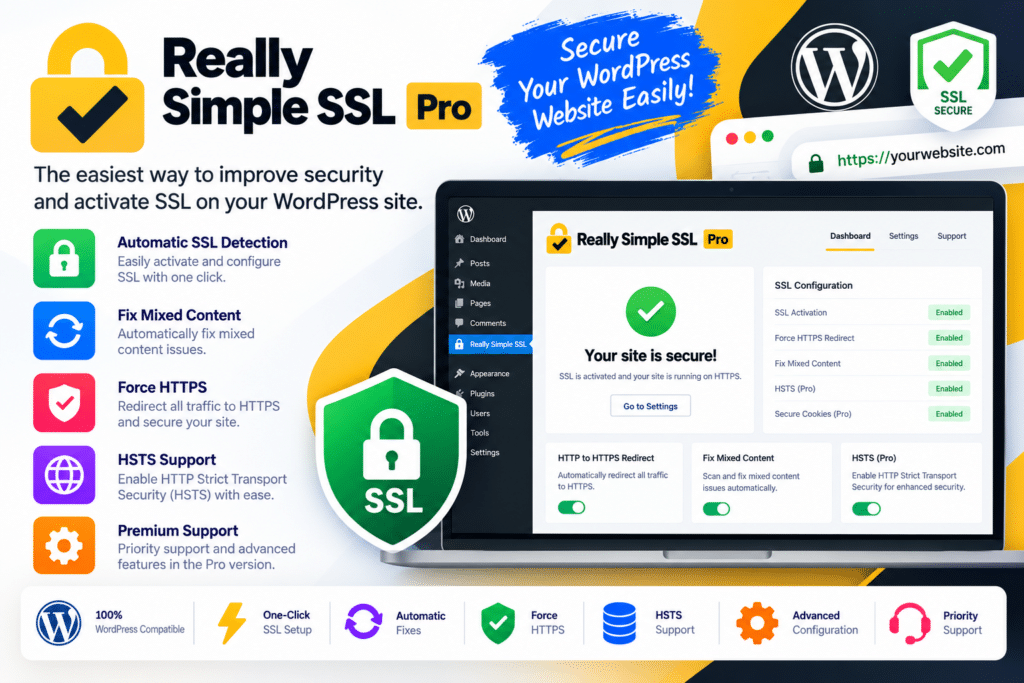
Really Simple Security Pro extends the core Really Simple Security plugin with advanced SSL controls and additional security features. It helps you enforce HTTPS, detect insecure resources, strengthen login security, and configure protections against suspicious traffic.
The plugin also provides tools for identifying vulnerable WordPress components, applying selected security measures, and reviewing security-related activity. Its modular approach allows you to configure the features relevant to your website while keeping security management within the WordPress dashboard.
The exact tools available depend on your installed version, configuration, and license.
Key Features
- HTTPS Enforcement – Redirect visitors from HTTP to HTTPS when your server and SSL certificate are correctly configured.
- Mixed Content Detection – Identify resources that still load over insecure HTTP connections.
- Mixed Content Fixer – Help correct supported mixed-content issues in front-end and back-end pages.
- HSTS Support – Configure HTTP Strict Transport Security to encourage browsers to use secure connections.
- Security Headers – Configure headers that help protect against risks such as clickjacking and certain content-injection attacks.
- Content Security Policy – Configure supported CSP directives to control which resources browsers may load.
- WordPress Firewall – Use plugin-level firewall controls to block selected suspicious traffic and unwanted requests.
- IP Allowlist and Blocklist – Permit trusted IP addresses and block selected addresses or ranges.
- Region-Based Access Controls – Restrict access from selected geographic regions where supported.
- 404 Request Blocking – Detect and block sources that generate unusually high numbers of nonexistent-page requests.
- Two-Factor Authentication – Add an additional verification step to supported WordPress login workflows.
- TOTP Authentication – Configure time-based one-time passwords for supported authenticator applications.
- Passkey Login – Use supported passkey authentication to simplify login while strengthening account protection.
- Login Attempt Limits – Restrict repeated failed login attempts to help reduce brute-force activity.
- Strong Password Policies – Encourage or enforce stronger passwords using the available login protection settings.
- CAPTCHA Integration – Configure supported CAPTCHA options to help distinguish legitimate login attempts from automated abuse.
- Custom Login URL – Change the default login path using the available hardening settings.
- WordPress Hardening – Disable or restrict selected WordPress features that may increase exposure when unnecessary.
- File Permission Checks – Identify certain insecure file and directory permissions and attempt supported corrections.
- Vulnerability Detection – Receive notifications about known vulnerabilities affecting WordPress core, themes, and plugins.
- Automated Vulnerability Measures – Configure supported responses, such as repeated update attempts or quarantining certain vulnerable components.
- Database Prefix Hardening – Change and randomize the database table prefix using the available advanced settings.
- XML-RPC and Directory Restrictions – Disable or restrict selected functionality, including XML-RPC and directory browsing, where appropriate.
- Security Event Monitoring – Review available security-related activity and firewall events to help investigate suspicious requests.
- SSL Health Checks – Check supported SSL and server configuration details to identify potential HTTPS problems.
Perfect For
Really Simple SSL Pro is useful for WordPress administrators, bloggers, small businesses, WooCommerce store owners, membership websites, agencies, and developers managing multiple WordPress installations.
Business owners can strengthen login security, online stores can reduce exposure to common website risks, and agencies can standardize selected security settings across client websites. Website administrators can also use vulnerability notifications to identify outdated or potentially vulnerable components that need attention.
Simplify Your HTTPS Configuration
A correctly configured HTTPS connection helps protect data transmitted between visitors and your website. However, enabling an SSL certificate does not always resolve every issue automatically.
Mixed content can occur when a page loads images, scripts, stylesheets, or other resources over HTTP even though the page itself uses HTTPS. Really Simple Security Pro provides tools to detect and address supported mixed-content problems and configure HTTPS enforcement.
Your hosting environment must have a valid SSL certificate, and server or CDN settings may also need adjustment. The plugin helps manage configuration but cannot replace a correctly configured server and certificate.
Strengthen Login Protection
WordPress login pages can attract automated password-guessing attempts and other suspicious activity. Really Simple Security Pro provides additional login controls, including two-factor authentication, login attempt limits, stronger password policies, and supported passkey options.
You can configure these protections according to your site’s users and administrative requirements. For websites with multiple contributors or customer accounts, select settings carefully so legitimate users can still access their accounts without unnecessary friction.
Monitor Vulnerabilities and Improve WordPress Hardening
Outdated plugins, themes, and WordPress core components can expose websites to known security issues. The plugin’s vulnerability detection tools help administrators identify components that may require updates or further action.
Additional hardening settings let you restrict selected functionality, review file permissions, and configure other safeguards. Where supported, the plugin can attempt automated measures for certain vulnerable components.
These tools can make routine security maintenance more manageable, but detected vulnerabilities still require appropriate updates, compatibility checks, and administrator oversight.
Configure Security Headers and Firewall Rules
Security headers help browsers apply additional restrictions when handling your website’s content. Really Simple Security Pro provides configuration options for supported headers, including Content Security Policy, which can help control the sources from which browser resources are loaded.
The plugin also includes firewall rules and access controls that can block selected IP addresses, suspicious requests, or unwanted traffic. Because strict security settings can interfere with legitimate services, test changes carefully before enabling them on a production website.
The plugin’s firewall is one layer of protection and should not be treated as a substitute for hosting-level security, backups, or a dedicated external web application firewall where one is needed.
Important Compatibility Information
Really Simple SSL Pro is now branded as Really Simple Security Pro. When choosing this product, check the product name and version carefully because older packages may still use the Really Simple SSL name.
The plugin requires WordPress and a properly configured hosting environment. HTTPS enforcement requires a valid SSL certificate, while some firewall, authentication, and hardening features depend on server configuration and installed plugin versions.
Certain advanced settings can affect login access, caching, REST API requests, integrations, or site functionality. Back up your website and test configuration changes on a staging site where possible. Keep WordPress, themes, and plugins updated, and maintain a reliable backup and recovery process.
Really Simple SSL Pro – Secure Your WordPress Website
Manage HTTPS configuration and strengthen your WordPress security setup with Really Simple SSL Pro, now Really Simple Security Pro. Its mixed-content tools, firewall controls, login protection, vulnerability monitoring, and hardening options provide a practical foundation for improving website security without managing every setting separately.