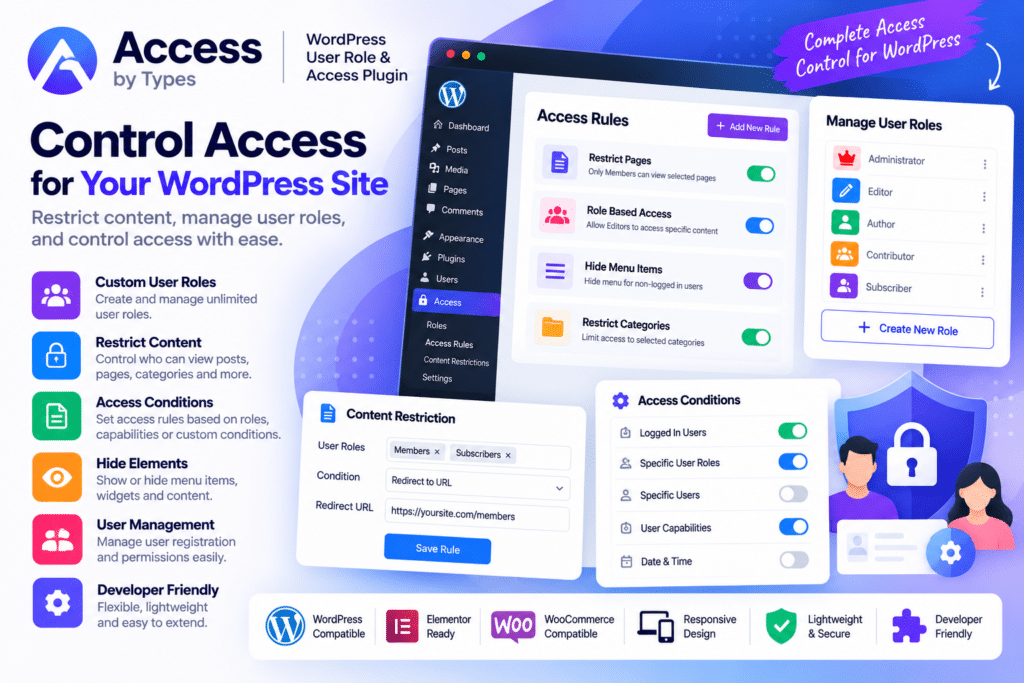
Types | Access, also known as Toolset Access, is a WordPress access-control plugin designed to help website owners manage user roles, permissions, and access to website content.
It gives administrators more detailed control over what different users can read, create, edit, delete, publish, and manage across WordPress.
Whether you’re creating a membership site, directory, client portal, community, or custom business application, Toolset Access provides a practical way to build role-based content and administration workflows.
Key Features
- Custom User Roles – Create custom WordPress roles with permissions tailored to your website.
- Role-Based Content Access – Control which user roles can view or manage selected content.
- Post & Page Permissions – Manage supported read, edit, delete, publish, and preview capabilities.
- Custom Post Type Access – Configure permissions separately for supported custom content types.
- Individual User Permissions – Grant selected privileges to specific users where needed.
- Frontend Content Restrictions – Control which visitors or members are allowed to read protected content.
- Custom Access-Denied Content – Choose what users see when they do not have permission to view content.
- Taxonomy Permissions – Manage who can create, edit, delete, or assign supported taxonomy terms.
- Custom Field Group Access – Control access to supported Toolset field groups.
- Admin Access Control – Manage selected capabilities and WordPress administration access.
- Multiple Roles per User – Assign supported users additional roles alongside their primary role.
- Toolset Integration – Work with other compatible Toolset components and custom WordPress content.
- WooCommerce Compatibility – Apply supported access controls in WooCommerce-based workflows.
- Membership Website Support – Build different levels of content and management access for members.
Perfect For
Types | Access is suitable for membership websites, directories, customer portals, intranets, educational platforms, WooCommerce projects, community websites, business applications, agencies, and WordPress sites that require customized user permissions.
Control Who Can Do What
Standard WordPress roles work well for basic websites, but more complex projects often need greater control.
You may want one group of users to create content without publishing it, another group to edit specific custom post types, and selected members to access content that remains hidden from everyone else.
Toolset Access lets you configure these rules through a centralized access-control interface rather than relying entirely on custom permission code.
Create Custom Roles for Your Website
You can create custom roles and assign the privileges required for different types of members.
These roles are stored using the standard WordPress role system, helping them work with other compatible WordPress plugins. Users can also have additional roles alongside their primary WordPress role when the workflow requires it.
Build Better Role-Based WordPress Websites
Manage permissions more precisely with Types | Access – WordPress User Role & Content Access Plugin.
With custom roles, content restrictions, post-type permissions, taxonomy controls, individual user access, and Toolset integration, Access provides a flexible solution for creating more controlled WordPress websites.