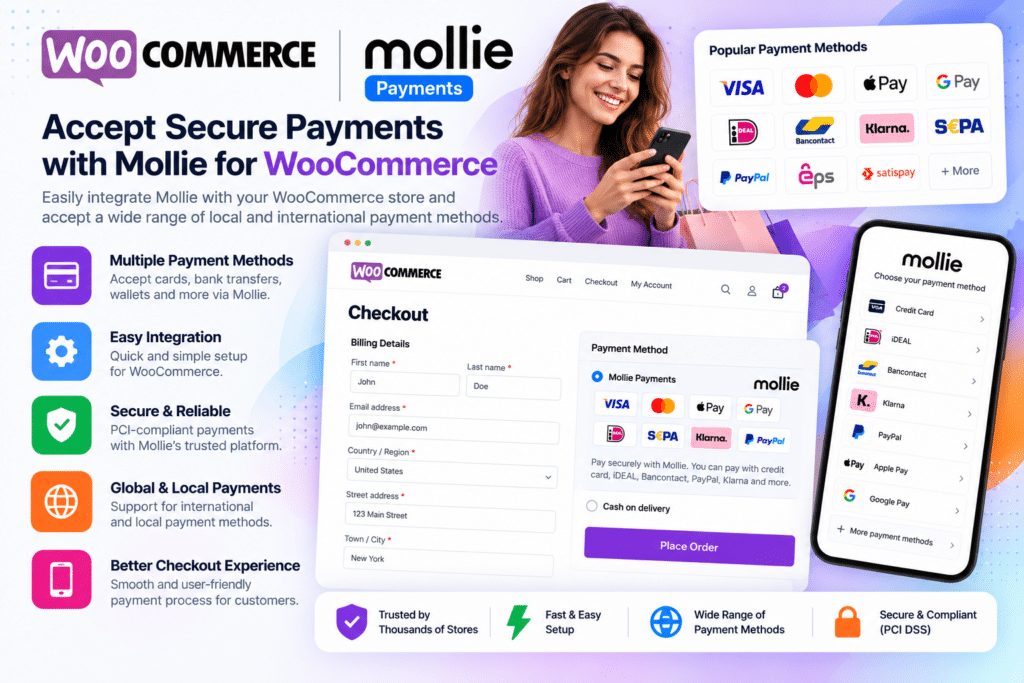
Mollie Payments for WooCommerce is a payment gateway integration that connects your WooCommerce store with the Mollie payment platform.
It allows online stores to offer a wide range of regional and international payment methods directly through WooCommerce, helping customers choose payment options that are familiar in their country or market.
Whether you run a local WooCommerce store, international shop, subscription business, or growing eCommerce brand, Mollie provides a flexible payment infrastructure without requiring you to build individual gateway integrations yourself.
Key Features
- Multiple Payment Methods – Offer a broad selection of supported local and international payment options.
- Credit & Debit Cards – Accept supported card payments through Mollie’s payment infrastructure.
- Apple Pay Support – Display supported Apple Pay payment buttons on product, cart, and checkout pages.
- PayPal Express – Provide supported express PayPal checkout for eligible products.
- iDEAL Payments – Accept iDEAL for customers in supported markets.
- Bancontact & European Methods – Offer regional methods including Bancontact, EPS, KBC, Przelewy24, Multibanco, TWINT, and other supported options.
- Buy Now, Pay Later – Enable supported payment methods from providers such as Klarna, Riverty, in3, Billie, and Billink where available.
- Localized Checkout – Present payment methods appropriate to supported customer locations and markets.
- WooCommerce Refunds – Process supported full or partial refunds using WooCommerce’s refund workflow.
- Subscription Support – Use compatible payment methods for recurring payments with supported WooCommerce subscription setups.
- Payment Method Customization – Customize supported checkout descriptions, logos, and payment method presentation.
- Order Management – Keep WooCommerce order and Mollie payment status information connected.
- Test & Live API Keys – Connect your store using Mollie API credentials for supported testing and live transactions.
- WooCommerce Integration – Manage supported payment options directly through WooCommerce settings.
Perfect For
Mollie Payments for WooCommerce is suitable for online stores, subscription businesses, digital product shops, European eCommerce websites, international stores, agencies, retailers, service providers, and businesses that want to offer customers multiple payment options through one payment provider.
Offer More Ways to Pay
Customers often prefer payment methods they already know and trust.
Mollie for WooCommerce currently supports methods including Apple Pay, PayPal Express, iDEAL, Bancontact, credit and debit cards, SEPA Bank Transfer, Klarna, Riverty, Multibanco, Przelewy24, MobilePay, TWINT, Vipps, Wero, and additional supported regional options.
Available methods depend on your Mollie account, business location, customer market, and payment-method approval.
Support Recurring Payments
Mollie can also work with WooCommerce subscription workflows.
For supported subscriptions, customers make an initial payment using an eligible method. Subsequent charges can then be processed through the supported recurring payment method configured for the subscription.
Mollie currently documents support for WooCommerce subscription features such as renewal synchronization, retries for failed payments, suspension, cancellation, reactivation, resubscription, and supported automatic or early renewals.
Manage Refunds Through WooCommerce
Eligible payments can be refunded using WooCommerce’s standard refund manager.
Both full and partial refunds are supported for applicable transactions, making it easier to handle order adjustments without managing every refund separately outside WordPress.
Build a Flexible WooCommerce Checkout
Expand your checkout with WooCommerce | Mollie Payments – Payment Gateway Plugin.
With cards, digital wallets, bank payment methods, Buy Now Pay Later options, subscription support, refunds, localized payment choices, and WooCommerce integration, Mollie provides a flexible payment solution for modern online stores.