WP Rocket is a WordPress performance plugin designed to help your website load faster and provide a smoother browsing experience. It brings together caching and optimization tools in an easy-to-use interface, making it a practical choice for website owners who want to improve performance without dealing with complicated technical settings.
From page caching and cache preloading to file optimization and lazy loading, WP Rocket helps reduce unnecessary loading work and improve how your website delivers content to visitors.
Whether you run a blog, WooCommerce store, business website, or content-heavy platform, WP Rocket provides a convenient way to manage important performance settings directly from WordPress.
Key Features
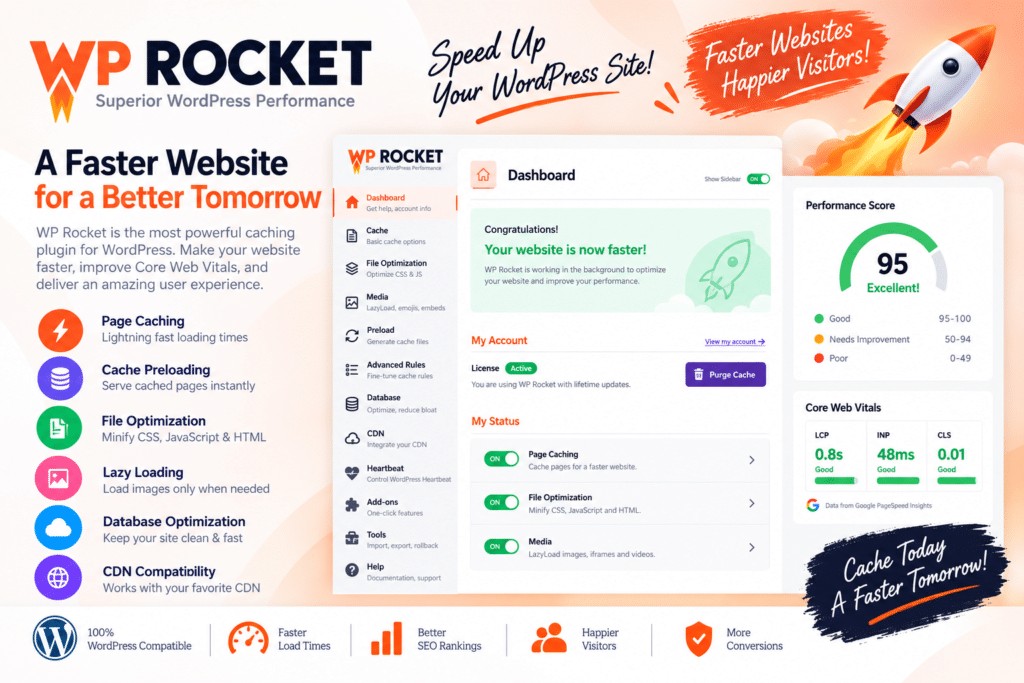
- Page Caching – Create cached versions of your pages to reduce server processing and improve loading times.
- Cache Preloading – Prepare cached pages in advance so visitors can receive optimized content more quickly.
- Browser Caching – Help returning visitors load supported website resources more efficiently.
- GZIP Compression – Reduce the size of supported files transferred between your server and visitors.
- CSS & JavaScript Optimization – Minify and optimize supported files to reduce unnecessary loading overhead.
- Delay JavaScript Execution – Delay selected JavaScript until user interaction to improve initial page loading.
- Lazy Loading – Load images, iframes, and other supported media only when needed.
- Database Optimization – Clean up selected revisions, drafts, transients, and other unnecessary database entries.
- CDN Compatibility – Configure supported CDN services to deliver website assets more efficiently.
- WooCommerce Compatibility – Apply caching with consideration for dynamic shopping pages and customer sessions.
- Easy-to-Use Dashboard – Manage performance settings through a straightforward WordPress interface.
- Performance-Focused Tools – Improve your website’s technical foundation and support a better user experience.
Perfect For
WP Rocket is suitable for WordPress blogs, WooCommerce stores, business websites, portfolios, agencies, news websites, online course platforms, and other websites that need a more efficient loading experience.
Make Your Website Feel Faster
A slow website can frustrate visitors and make it harder for them to explore your content. WP Rocket helps address common performance issues by reducing unnecessary requests, optimizing file delivery, and making better use of caching.
Its settings allow you to improve your website’s performance while keeping control over which optimizations are enabled.
Improve Your WordPress Performance
Give your website a stronger performance foundation with WP Rocket – WordPress Cache & Performance Plugin. With caching, file optimization, lazy loading, and database cleanup tools, WP Rocket helps you create a faster and more efficient WordPress experience.
Performance results depend on your hosting, theme, plugins, website content, and configuration. WP Rocket can improve loading performance, but it does not guarantee a specific PageSpeed score or Core Web Vitals result.