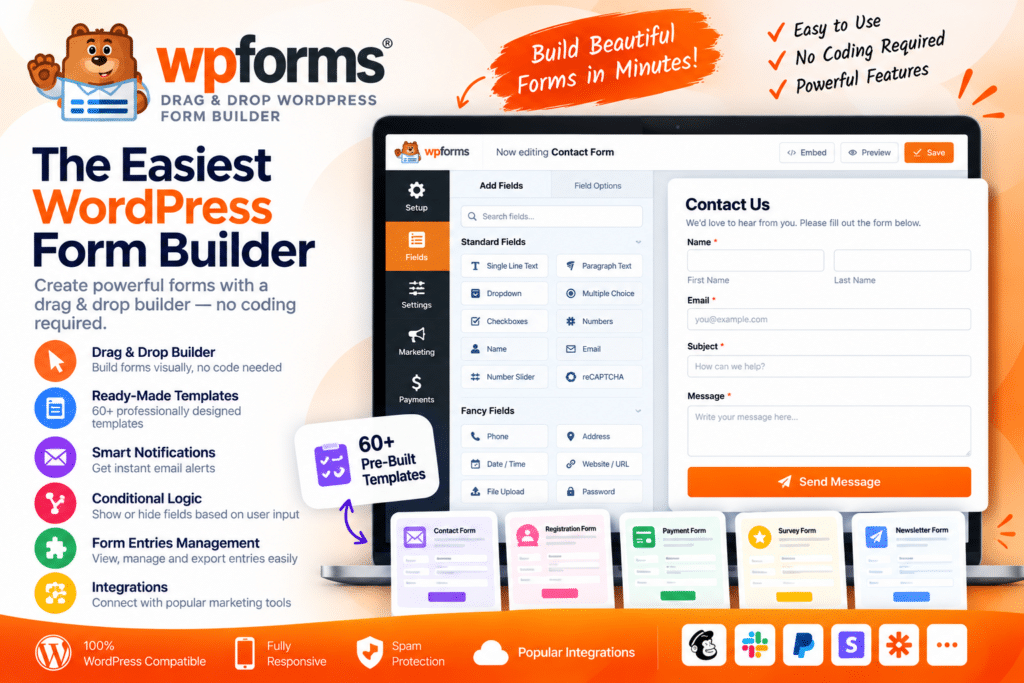
WPForms is a user-friendly WordPress form builder designed to help website owners create professional forms without needing to write code.
Its drag-and-drop interface makes it easy to build contact forms, registration forms, surveys, payment forms, newsletter signup forms, booking requests, and many other types of forms directly inside WordPress.
Whether you run a business website, blog, WooCommerce store, membership site, agency, or online service, WPForms provides a flexible way to collect visitor information and manage website enquiries.
Key Features
- Drag & Drop Form Builder – Create and customize forms visually without coding.
- Ready-Made Form Templates – Start quickly with supported templates for common form types.
- Contact Forms – Build simple or advanced contact and enquiry forms.
- Conditional Logic – Show or hide supported fields based on user selections.
- Multi-Page Forms – Break longer forms into easier-to-complete sections where supported.
- File Upload Fields – Allow visitors to submit supported files through your forms.
- Payment Forms – Collect payments using compatible payment integrations.
- Email Notifications – Send automated notifications when supported forms are submitted.
- Form Entries Management – Review and manage submitted form information from WordPress with supported plans.
- Spam Protection – Reduce unwanted submissions using supported anti-spam features.
- Surveys & Polls – Create interactive surveys and polls with compatible features.
- User Registration Forms – Build registration and login workflows when supported by the required addon or plan.
- Responsive Design – Keep forms easy to complete across desktop, tablet, and mobile devices.
- Marketing Integrations – Connect forms with supported email marketing and CRM services.
Perfect For
WPForms is suitable for business websites, bloggers, WooCommerce stores, agencies, freelancers, membership websites, schools, nonprofit organizations, service providers, marketers, online course websites, and anyone who needs professional WordPress forms.
Create Forms Without Complicated Coding
Building a WordPress form manually can require HTML, styling, validation, email handling, and other technical work.
WPForms simplifies this process with a visual builder where you can add fields, rearrange them, configure settings, and publish forms without manually creating the underlying code.
From a basic contact form to more advanced lead-generation or payment workflows, the plugin can be adapted to different website requirements.
Build Better WordPress Forms
Create professional forms faster with WPForms – Drag & Drop WordPress Form Builder.
With drag-and-drop editing, templates, conditional logic, file uploads, payment integrations, notifications, spam protection, and responsive layouts, WPForms provides a practical toolkit for collecting information and connecting with website visitors.