
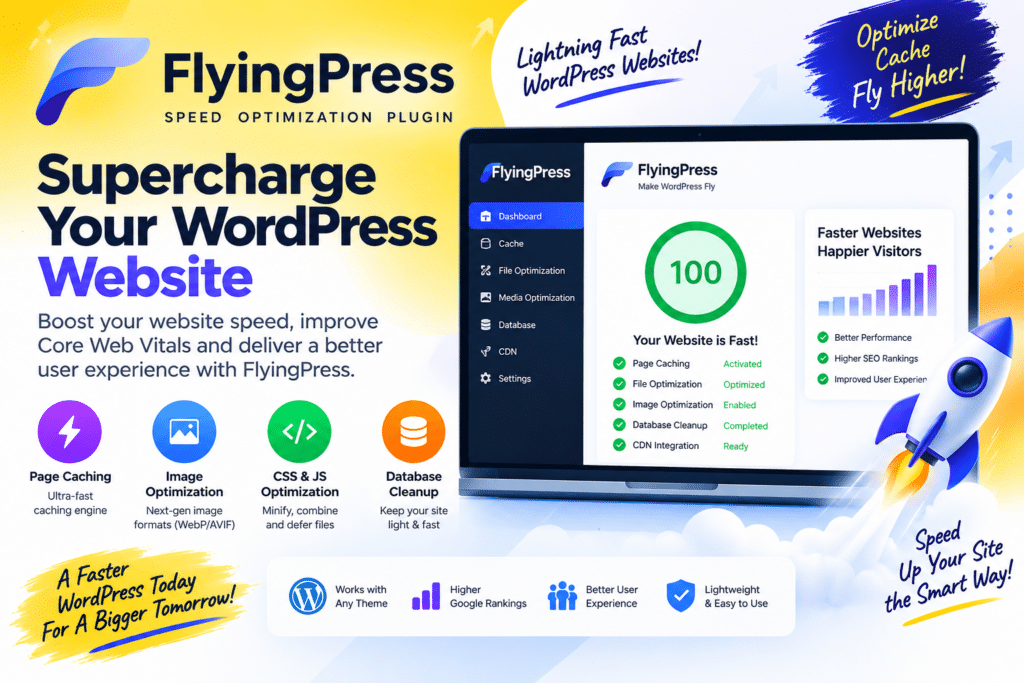
FlyingPress is a WordPress performance optimization plugin built to make websites faster without forcing you to manage several different speed plugins.
It goes beyond basic page caching and helps optimize CSS, JavaScript, images, fonts, and other frontend resources that can affect loading speed and Core Web Vitals.
Whether you run a blog, business website, WooCommerce store, or an Elementor-powered site, FlyingPress gives you a practical set of tools for improving WordPress performance from one dashboard.
Why Use FlyingPress?
A WordPress website can become slow for many reasons. Heavy themes, page builders, third-party scripts, large images, fonts, and too many plugins can all add extra work for the browser.
FlyingPress helps reduce some of this unnecessary overhead.
Instead of installing one plugin for caching, another for lazy loading, and another for JavaScript optimization, FlyingPress brings several important performance features together.
Key Features
Page Caching
FlyingPress creates cached versions of your WordPress pages so suitable requests can be served more efficiently.
This reduces repeated WordPress processing and can improve page response times.
Cache Preloading
Visitors shouldn’t have to be the first person to generate a cached page.
Cache preloading helps prepare pages ahead of time so cached content is available when visitors arrive.
CSS Optimization
Large themes and page builders often load more CSS than an individual page actually needs.
FlyingPress provides CSS optimization tools designed to reduce unnecessary stylesheet overhead and improve rendering.
Always check important pages after enabling aggressive CSS settings.
JavaScript Optimization
JavaScript can have a major impact on frontend performance.
FlyingPress provides controls for optimizing script delivery, including delaying suitable JavaScript until it is actually needed.
This can be particularly useful on websites containing analytics, marketing scripts, widgets, and page-builder functionality.
Lazy Loading
Images and other suitable resources don’t always need to load immediately.
Lazy loading delays off-screen resources until they are needed, reducing the amount of data required during the initial page load.
Font Optimization
Poorly configured web fonts can slow down a website and affect how quickly text appears.
FlyingPress includes font-related optimization features to help improve font delivery.
For the best results, you should also avoid loading font families and weights your website doesn’t use.
Database Optimization
Over time, WordPress can collect revisions, drafts, transients, and other unnecessary database information.
FlyingPress includes database-cleaning functionality that can help keep the WordPress database tidier.
Create a backup before running major database cleanup operations.
Core Web Vitals
FlyingPress includes several features that can help address common issues related to Core Web Vitals.
Better caching and resource optimization can contribute to improved loading and responsiveness, while careful image and font handling can help reduce visual instability.
However, FlyingPress cannot guarantee specific Google PageSpeed or Core Web Vitals scores.
Hosting, theme quality, images, advertisements, plugins, and third-party scripts still matter.
Works With Elementor
FlyingPress can be a useful performance plugin for Elementor websites.
Elementor gives you extensive design flexibility, but complex pages can also contain significant CSS and JavaScript.
FlyingPress can help optimize how those resources are delivered.
After changing optimization settings, check your:
- Header and menu
- Elementor forms
- Popups
- Sliders
- Animations
- Mobile menu
- Footer
This helps catch compatibility issues before visitors do.
WooCommerce Optimization
FlyingPress can also be used with WooCommerce websites.
Online stores require more careful caching because cart, checkout, account, and other customer-specific areas contain dynamic information.
After configuring FlyingPress, always test:
Product → Add to Cart → Cart → Checkout → Payment → Order Confirmation
A faster store is useful only when the purchasing process continues to work correctly.
FlyingPress vs WP Rocket
FlyingPress and WP Rocket are both premium WordPress performance solutions.
WP Rocket is known for providing a streamlined caching and optimization experience.
FlyingPress also combines caching with extensive frontend performance controls, making it attractive to users who want to fine-tune areas such as CSS, JavaScript, fonts, and other resources.
Neither plugin is automatically faster on every website.
Performance depends heavily on your hosting, theme, plugins, content, and configuration.
FlyingPress vs LiteSpeed Cache
LiteSpeed Cache is particularly attractive when your website is hosted on compatible LiteSpeed infrastructure because it can take advantage of server-level caching features.
FlyingPress is a premium solution that can be considered across a broader range of hosting environments.
If your server already uses LiteSpeed, it is worth testing LiteSpeed Cache before adding another full caching solution.
Who Is FlyingPress For?
FlyingPress is a good fit for:
- WordPress blogs
- Business websites
- WooCommerce stores
- Elementor websites
- Affiliate websites
- Agencies
- Content websites
- Performance-focused WordPress users
It is particularly useful when you want caching and frontend optimization managed from a single plugin.
Why We Like FlyingPress
The strongest part of FlyingPress is that it doesn’t stop at basic caching.
It gives WordPress users several practical ways to reduce frontend performance problems without having to build an overly complicated collection of optimization plugins.
The interface also makes advanced performance features more approachable for users who don’t want to manually optimize every script and stylesheet.
Pros and Cons
Pros
- Powerful page caching
- Cache preloading
- CSS optimization
- JavaScript optimization
- Lazy loading
- Font optimization
- Database cleanup
- Core Web Vitals-focused tools
- Elementor compatible
- Suitable for WooCommerce
- Clean performance workflow
Cons
- Premium solution
- Advanced settings require testing
- Results differ between websites
- Some functionality may overlap with hosting tools
- WooCommerce requires careful configuration
Final Thoughts
FlyingPress is a strong choice for WordPress users who want more than a basic caching plugin.
Its combination of caching, CSS and JavaScript optimization, lazy loading, font handling, and database tools can simplify the process of improving a WordPress website.
For Elementor sites, WooCommerce stores, blogs, and business websites, it offers a good balance between powerful optimization and usability.
Just remember that no performance plugin can fix every speed problem automatically. Good hosting, lightweight design, optimized images, and sensible plugin usage are still essential.



