
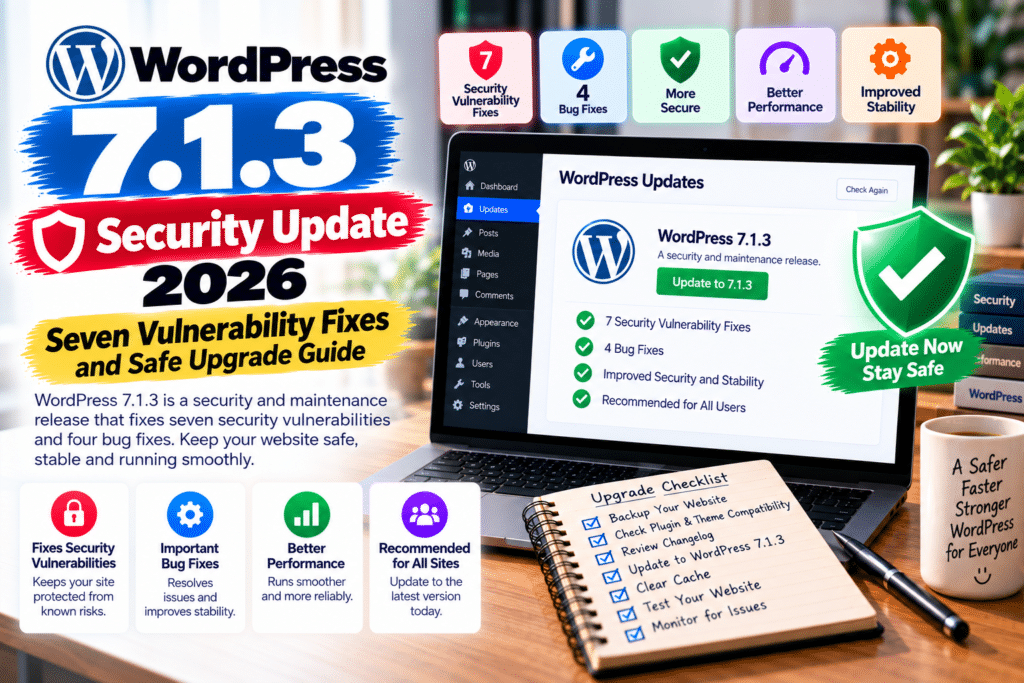
WordPress has released another important security update, and website owners should pay attention.
The WordPress 7.1.3 security update, released on October 6, 2026, addresses seven security vulnerabilities and four maintenance issues.
From cross-site scripting to unauthorized information disclosure, these fixes help protect WordPress websites against several security risks.
Here’s what changed, why it matters, and how to update your website safely.
WordPress 7.1.3 Update: Quick Overview
| Details | Information |
|---|---|
| WordPress Version | 7.1.3 |
| Release Date | October 6, 2026 |
| Security Fixes | 7 |
| Maintenance Fixes | 4 |
| Update Type | Security and maintenance |
| Recommended Action | Update immediately |
| Official Download | WordPress.org |
7 Security Vulnerabilities Fixed in WordPress 7.1.3
1. Stored XSS in WordPress Comments
A stored cross-site scripting (XSS) vulnerability affected the Comments administration page.
Malicious content in pending comments could potentially execute unwanted JavaScript when an authorized moderator interacted with it under certain conditions.
The issue was reported by Trail of Bits in collaboration with OpenAI.
2. Denial-of-Service Vulnerability
Researchers discovered a denial-of-service (DoS) weakness in the WP_Http::make_absolute_url() method.
Under specific conditions, the issue could cause excessive processing and affect website availability.
Anthropic reported the vulnerability.
3. SQL Injection in WXR Export
WordPress also fixed a second-order SQL injection issue involving its WXR export functionality.
The vulnerability concerned how certain previously stored data was handled during export operations.
This issue was reported by Anthropic.
4. Unauthorized Sticky Posts
Another security weakness allowed users with the Author role to mark posts as sticky without the necessary permissions.
WordPress 7.1.3 corrects this authorization problem.
The issue was also reported by Anthropic.
5. Private Comment Information Disclosure
A vulnerability could expose comments associated with private or unpublished posts to unauthenticated visitors.
Although the issue involved comment data rather than unrestricted access to private posts, it represented a significant privacy concern.
Ananda Dhakal from Patchstack reported this vulnerability.
6. XSS Through Imgur Embeds
WordPress fixed a cross-site scripting weakness affecting embedded Imgur content.
The issue involved how externally supplied embed content was trusted and displayed.
The security fix improves handling of potentially unsafe embedded content.
7. WordPress Hook Name Collision
The final security issue involved forgeable parameters passed to dynamic WordPress hooks.
Under certain conditions, these parameters could cause action name collisions and unintended behavior.
Alex Concha from the WordPress security team reported the issue.
Four Maintenance Fixes in WordPress 7.1.3
Alongside the seven security patches, WordPress confirmed four maintenance fixes.
Technical reporting identifies improvements involving:
- Media uploads: Preventing fatal errors on servers without the optional PHP DOM extension.
- Admin toolbar: Correcting oversized site icon display.
- ReverbNation embeds: Addressing an outdated embed endpoint.
- Someecards embeds: Removing an unsupported embed provider.
These maintenance changes help improve compatibility and everyday website functionality.
How to Update WordPress 7.1.3 Safely
Updating WordPress is straightforward, but preparation helps prevent unexpected problems.
Step 1: Back Up Your Website
Create a complete backup of your WordPress database and files.
Use a trusted backup plugin or your hosting provider’s backup system.
Step 2: Check Plugin Compatibility
Review important plugins, including WooCommerce, Elementor, payment gateways, and security extensions.
Check your theme’s compatibility information as well.
Step 3: Test on a Staging Website
For business-critical websites, install the update on a staging copy first.
Test important pages, contact forms, checkout functionality, and user accounts.
Step 4: Install WordPress 7.1.3
Open your WordPress dashboard and navigate to:
Dashboard → Updates → Update Now
If automatic background updates are enabled, WordPress may already have installed the release.
Step 5: Clear Website Cache
Clear your WordPress cache, server cache, and CDN cache if applicable.
This helps ensure visitors receive updated content and resources.
Step 6: Test Your Website
Check your homepage, navigation, login page, media uploads, forms, and checkout.
Also confirm that your plugins and theme continue working normally.
What About Older WordPress Versions?
WordPress is backporting the security fixes to older eligible branches, including versions as far back as WordPress 4.7.
However, only the newest WordPress version receives active support.
For most websites, upgrading to the current supported release is the safer long-term approach.
Frequently Asked Questions
When was WordPress 7.1.3 released?
WordPress 7.1.3 was released on October 6, 2026.
How many vulnerabilities does WordPress 7.1.3 fix?
It addresses seven security vulnerabilities and includes four maintenance fixes.
Is WordPress 7.1.3 a security update?
Yes. WordPress officially classifies it as a security and maintenance release.
Should I update my WordPress website?
Yes. WordPress recommends updating immediately. Back up your website and test critical functionality before upgrading.
Will WordPress update automatically?
Some websites support automatic background updates. Check Dashboard → Updates to confirm your installed version.
Final Verdict
The WordPress 7.1.3 security update addresses important vulnerabilities involving comments, database exports, permissions, and embedded content.
These fixes make the release relevant for bloggers, businesses, developers, and WooCommerce store owners.
Update your website, maintain reliable backups, and regularly review your WordPress security settings.
For more WordPress news, plugin reviews, and security tutorials, visit GPLNESTS.COM.



