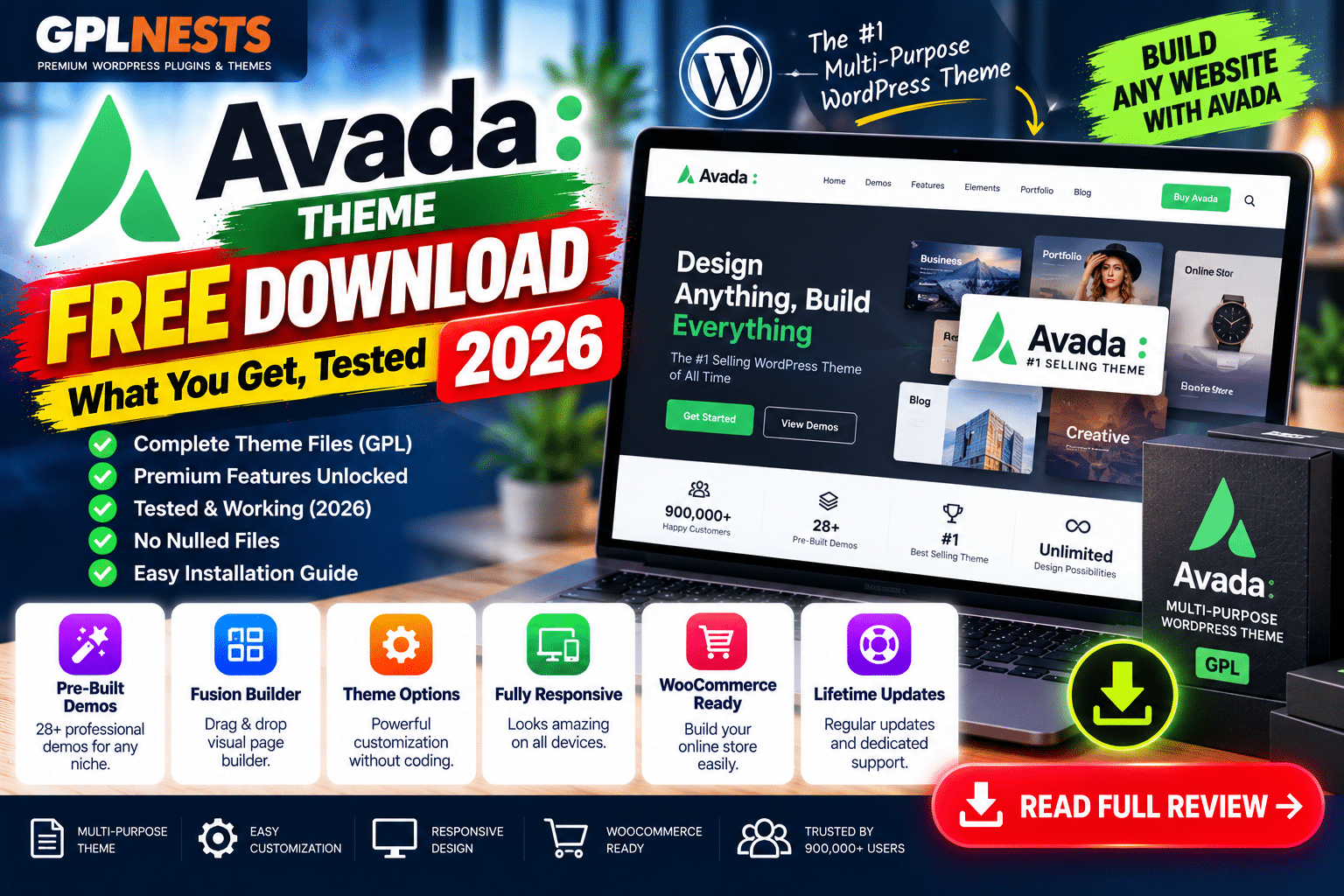
Looking for an Avada theme free download? Before installing a copy, it is important to understand what is genuinely free, what requires a license, and what risks come with unofficial download packages.
Avada is a premium WordPress theme and website builder developed by ThemeFusion. Its official ThemeForest listing confirms that Avada is a paid product, with future updates and six months of support included in the regular license.
What do you get with Avada?
| Feature | Availability |
|---|---|
| Avada theme | Premium |
| Avada visual builder | Included with licensed product |
| Prebuilt website demos | Included with eligible product access |
| Header and footer builder | Included |
| WooCommerce integration | Supported |
| Responsive layouts | Yes |
| Theme updates | Available under product licensing terms |
| Developer support | Subject to license/support terms |
| Official permanent free edition | No |
Avada offers extensive design controls, a visual builder, and prebuilt website layouts for business websites, portfolios, blogs, and online stores. Its WooCommerce integration makes it an option for businesses that want to customize shop pages.
Avada Website Builder+1
Can you download Avada for free?
Avada does not have an official permanent free edition. You can explore its official demos and documentation before purchasing, but the complete premium theme is distributed through its authorized sales channels.
Be careful with websites advertising “Avada NULLED,” “Avada cracked,” or “Avada full version free.” Such packages may be outdated, modified, or bundled with unwanted code. An unofficial download is not automatically infected, but its integrity and update history may be difficult to verify.
Avada Classic vs Avada One in 2026
Avada’s current product lineup includes Avada Classic and Avada One.
-
Avada Classic: The established ThemeForest theme, which continues to receive security fixes, bug fixes, and updates.
-
Avada One: A subscription-based website builder offering prebuilt websites, Avada Studio content, product updates, and support. Its Pro plan adds sales, marketing, and AI tools.
Check which product you’re evaluating before downloading, because licensing and included services differ.
Pros and cons
Pros
-
Extensive visual design customization
-
Prebuilt websites and reusable design content
-
WooCommerce support
-
Built-in tools for creating headers, footers, and page layouts
Cons
-
No official permanent free edition
-
Premium features and services depend on licensing
-
A feature-rich builder may be more than a simple website needs
-
Moving away from a theme-specific builder can require layout adjustments
How to install Avada safely
-
Purchase or access Avada through an authorized source.
-
Download the theme package from your account.
-
Back up your WordPress website.
-
Open Appearance → Themes → Add New Theme → Upload Theme.
-
Upload the correct theme ZIP and activate it.
-
Follow the official setup instructions for bundled components and demo imports.
-
Test your pages, mobile layouts, forms, and WooCommerce checkout after installation.
Avoid uploading unknown ZIP files to a live website. Keep your theme and related components updated, and verify the license terms for the features and support you need.
Frequently asked questions
Is Avada available for free?
There is no official permanent free edition of the full Avada theme. Official demos and documentation can be explored before purchase.
Does Avada work with WooCommerce?
Yes. Avada supports WooCommerce and includes tools for customizing online-store layouts.
Is an Avada free-download ZIP safe?
Its safety depends on the source and whether the files have been modified. Prefer authorized downloads and verify package integrity.
Is Avada One the same as Avada Classic?
No. They have different product and licensing arrangements. Avada Classic remains available through ThemeForest, while Avada One uses subscription plans.
Final verdict
Avada is worth considering if you want an all-in-one visual builder with extensive design options and WooCommerce support. However, there is no official free edition of the complete premium theme.
For a safer installation, use the authorized product download, check licensing details, and maintain regular backups. Explore more WordPress themes and plugin guides at GPLNESTS.COM.