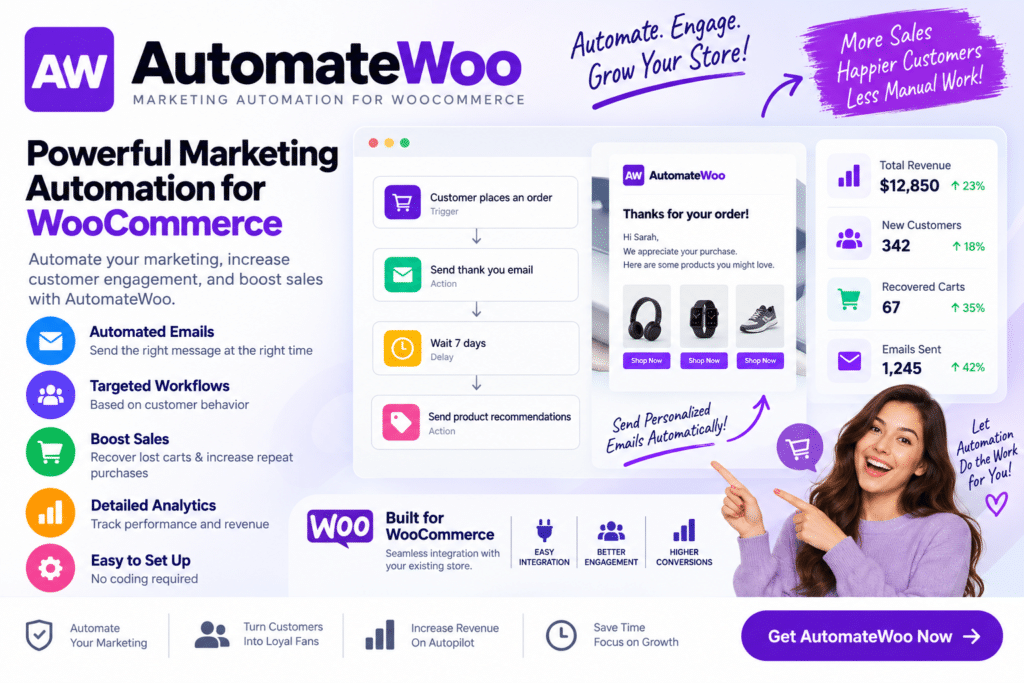
AutomateWoo is a WooCommerce marketing automation plugin designed to help online stores automate repetitive customer communication and marketing workflows.
Instead of manually following up with every shopper, you can create automated workflows triggered by supported customer and store activities. These workflows can be used for abandoned cart follow-ups, customer emails, review reminders, win-back campaigns, personalized offers, and other eCommerce marketing activities.
For growing WooCommerce stores, AutomateWoo can help reduce repetitive marketing work while keeping communication relevant to different stages of the customer journey.
Key Features
- Marketing Automation Workflows – Create automated WooCommerce marketing processes using supported triggers, rules, and actions.
- Abandoned Cart Follow-Ups – Reach out to shoppers who leave products in their carts without completing checkout.
- Automated Customer Emails – Send relevant messages based on supported customer or order activity.
- Win-Back Campaigns – Re-engage customers who haven’t purchased from your store for a configured period.
- Review Reminders – Encourage customers to leave product feedback after eligible purchases.
- Personalized Marketing – Use supported customer and order information to make automated messages more relevant.
- Customer Segmentation – Target workflows according to supported customer behavior, purchases, or other conditions.
- Order-Based Automation – Trigger marketing actions based on supported WooCommerce order events.
- Birthday & Special Occasion Workflows – Create personalized campaigns when the necessary customer data is available.
- Coupons & Incentives – Incorporate supported WooCommerce coupons into automated marketing campaigns.
- Follow-Up Campaigns – Keep communicating with customers after purchases or other important events.
- Workflow Rules & Conditions – Control when automations should run using configurable conditions.
- WooCommerce Integration – Build marketing workflows around your existing WooCommerce store and customer data.
- Store Growth Automation – Reduce repetitive tasks while maintaining consistent communication with shoppers.
Perfect For
AutomateWoo is useful for WooCommerce stores, fashion shops, beauty stores, electronics retailers, subscription businesses, digital product stores, online brands, membership businesses, agencies managing WooCommerce stores, and eCommerce businesses that want to automate customer marketing.
Automate the Customer Journey
Customers interact with an online store in many different ways. Some complete a purchase immediately, while others abandon their carts, become inactive, or need a reminder before returning.
AutomateWoo lets you create workflows around these different behaviors. Instead of sending every message manually, supported triggers and conditions can automatically start the appropriate campaign.
This can help your store maintain more consistent customer communication while saving time on repetitive marketing tasks.
Grow Your WooCommerce Marketing
Simplify repetitive eCommerce marketing with AutomateWoo – Marketing Automation for WooCommerce.
With automated workflows, abandoned cart follow-ups, review reminders, win-back campaigns, customer segmentation, personalized emails, and WooCommerce-based triggers, AutomateWoo provides a flexible toolkit for creating more automated customer journeys.