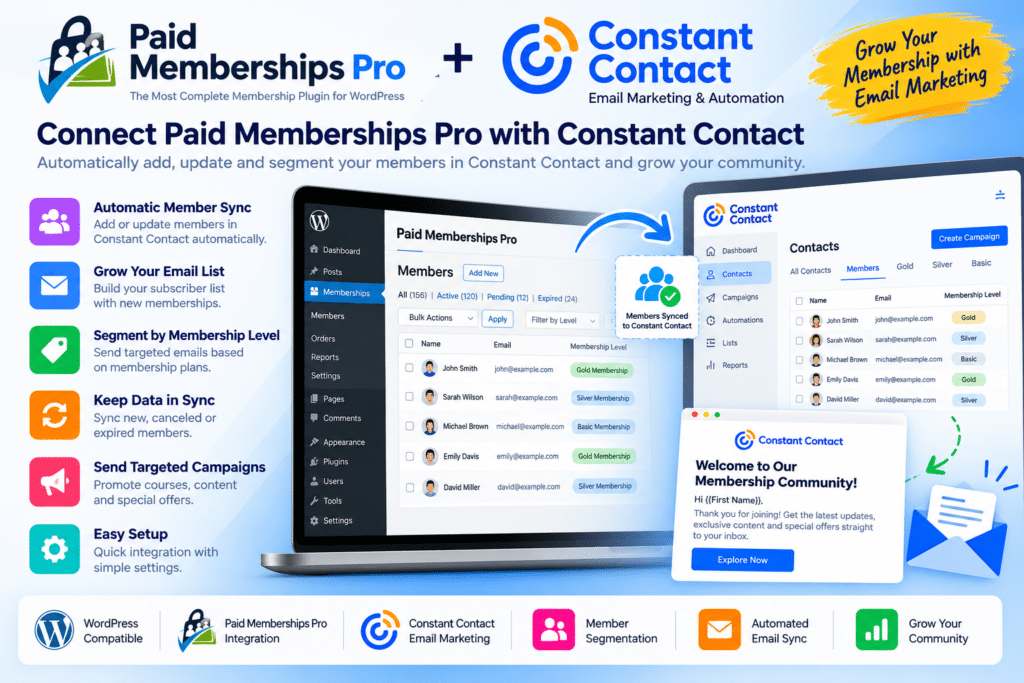
Paid Memberships Pro | Constant Contact is an integration designed to connect your WordPress membership website with Constant Contact email marketing.
It helps site owners keep membership activity and email lists better connected by allowing supported member information to be passed from Paid Memberships Pro into Constant Contact.
This makes it useful for membership sites that want to automate subscriber management, organize members into mailing lists, and keep communication workflows more consistent.
Whether you run an online community, course platform, subscription website, association, or premium content site, this integration can help reduce manual email-list management.
Key Features
- Paid Memberships Pro Integration – Connect membership data with supported Constant Contact workflows.
- Email List Syncing – Add eligible members to selected mailing lists automatically where supported.
- Membership-Based Segmentation – Organize subscribers according to membership level or configured rules.
- Automatic Subscriber Updates – Keep supported contact information more closely aligned between systems.
- New Member Automation – Add new members to mailing lists as part of the membership workflow.
- Member Communication Support – Use Constant Contact to send newsletters, updates, promotions, and announcements.
- Multiple Membership Levels – Build different email-list workflows for supported membership tiers.
- Reduced Manual Work – Minimize the need to export and import member lists manually.
- WordPress Integration – Manage the connection through your Paid Memberships Pro website environment.
- Marketing List Organization – Keep different member groups better organized for targeted communication.
- Email Campaign Support – Use synced contacts with supported Constant Contact campaigns.
- Membership Lifecycle Workflows – Adapt email communication around supported membership changes.
- Business & Community Use – Useful for professional associations, communities, course sites, and subscription platforms.
- Flexible Marketing Workflow – Connect membership management with your wider email marketing strategy.
Perfect For
Paid Memberships Pro | Constant Contact is suitable for membership websites, online communities, course creators, professional associations, nonprofit organizations, clubs, subscription businesses, coaching websites, educational platforms, and premium content sites.
Connect Memberships with Email Marketing
Managing memberships and email marketing separately can create extra administrative work.
This integration helps connect the two systems so supported member information can flow into Constant Contact automatically. You can then use your mailing lists to send updates, newsletters, promotions, renewal reminders, or other communications.
For sites with multiple membership levels, segmentation can also help keep messaging more relevant to different groups of members.
Simplify Member Email Communication
Connect your membership platform with Paid Memberships Pro | Constant Contact.
With subscriber syncing, membership-based list management, automated contact updates, and Constant Contact integration, this add-on provides a practical way to keep your membership and email marketing workflows better aligned.