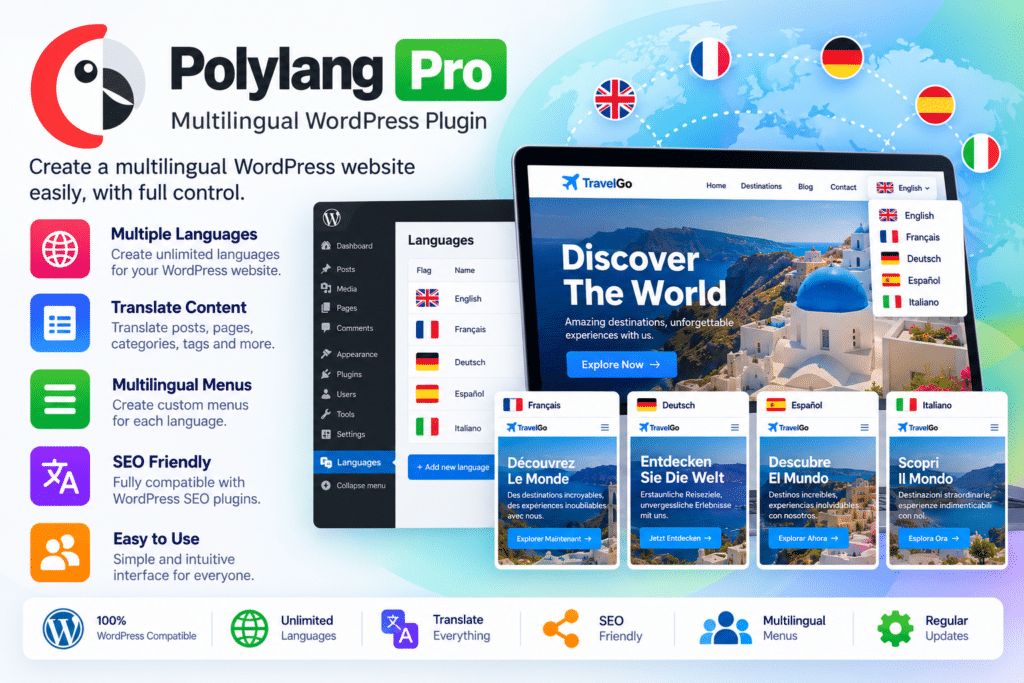
Polylang Pro extends the multilingual capabilities of WordPress with advanced translation management, customizable language switchers, URL configuration options, and tools for working with professional translators.
You can create separate versions of your content for different languages, connect translations, and configure how language-specific pages appear in your website’s URLs. The plugin also supports importing and exporting translation files in XLIFF format, making it easier to collaborate with external translators.
For websites using the WordPress block editor and Site Editor, Polylang Pro provides additional integration to help manage multilingual content and supported template parts.
Key Features
- Multilingual Content Management – Create translated versions of WordPress pages, posts, and other supported content.
- Custom Post Type Translation – Manage translations for supported custom post types and custom taxonomies.
- Media Translation – Associate media content with the appropriate language and manage translated media information.
- Manual Translation Workflow – Translate content directly through the WordPress administration interface.
- DeepL Machine Translation – Use the DeepL integration to assist with translating supported content, with your own DeepL API key.
- Content Duplication – Duplicate posts and pages when creating translations to simplify the translation process.
- Content Synchronization – Keep selected information synchronized across translations where supported.
- Customizable Language Switcher – Add language selectors to menus, widgets, blocks, or other supported website areas.
- Flag and Dropdown Options – Configure language switcher appearance using available flags, lists, and dropdown styles.
- Flexible Language URLs – Organize languages using subdirectories, subdomains, or separate domains.
- Translated URL Slugs – Translate supported URL components to create more suitable addresses for different languages.
- Shared URL Slugs – Use the same slug across translations where supported by your URL configuration.
- Multilingual SEO Support – Generate hreflang tags and language-specific metadata to help search engines understand language relationships.
- Open Graph Metadata – Support language-aware social sharing metadata for translated content.
- Browser Language Detection – Configure language selection behavior based on a visitor’s browser preferences.
- XLIFF Import and Export – Exchange translation files with compatible translation tools and professional translators.
- WordPress Block Editor Support – Manage multilingual content with integration for the WordPress editing experience.
- Full Site Editing Support – Translate supported template parts and work with compatible Site Editor functionality.
- ACF Pro Integration – Manage translations involving supported Advanced Custom Fields Pro content and fields.
- REST API Support – Use supported multilingual functionality in compatible developer workflows and integrations.
- Developer-Friendly Hooks – Extend and customize behavior through supported functions, filters, and hooks.
- Performance-Focused Architecture – Use a multilingual solution designed around WordPress’s native functionality and content structure.
Perfect For
Polylang Pro is suitable for international businesses, multilingual blogs, agencies, online publishers, educational websites, service providers, and developers building multilingual WordPress projects.
Businesses can create localized pages for different markets, bloggers can publish articles in multiple languages, and agencies can manage translations across client websites. Organizations serving international audiences can also provide translated navigation and language-specific content to make their websites easier to use.
Reach More Visitors With Multilingual Content
Publishing in multiple languages helps you communicate with visitors who prefer different languages. Instead of sending every visitor to the same version of a page, Polylang Pro lets you create connected translations and provide a language switcher for navigating between them.
For example, a business could maintain English and Hindi versions of its main pages, while an international publication could organize content for several regional audiences. Each translation can be managed within the familiar WordPress workflow.
The quality of the final experience still depends on accurate translations, appropriate localization, and consistent content management.
Simplify Your Translation Workflow
Managing multiple language versions can become complicated when pages, menus, media, and other content need to stay organized. Polylang Pro provides duplication, synchronization, and translation-file tools to reduce repetitive work.
You can duplicate existing content to create a starting point for a translation, update selected synchronized information, and exchange XLIFF files with translators. DeepL integration can also help speed up the initial translation process for supported content.
Machine translation should be reviewed before publication, especially for technical information, product descriptions, legal text, and content that requires cultural accuracy.
Improve Multilingual SEO Structure
A multilingual website needs more than translated paragraphs. Search engines should be able to identify the language of each page and understand the relationship between corresponding translations.
Polylang Pro supports hreflang implementation, language-specific metadata, and flexible URL structures. You can choose subdirectories such as /en/ and /hi/, configure subdomains, or use separate domains for different languages.
Translated slugs can also make URLs more relevant to each audience. These features help establish a clearer multilingual site structure, although search rankings still depend on content quality, technical SEO, competition, and other factors.
Manage Translations With the WordPress Site Editor
Websites built with modern WordPress editing tools may use block-based templates and reusable template parts. Polylang Pro provides integration with the block editor and supported Site Editor functionality to help manage multilingual site content.
This is useful for websites that need translated page content and compatible template components while maintaining a consistent design across languages. Exact behavior depends on the theme, editor features, and installed plugin versions.
Important Compatibility Information
Polylang Pro is a multilingual plugin, not a standalone page builder or automatic translation service. WordPress must be installed, and the plugin should be configured with the languages and content types required by your website.
DeepL machine translation requires your own DeepL API key and is not currently compatible with Elementor and some other page builders, according to Polylang’s official documentation. Polylang Pro also does not provide a one-click feature that translates an entire website automatically.
For WooCommerce stores, Polylang for WooCommerce is a separate addon that handles multilingual products, store pages, emails, attributes, and related eCommerce functionality. Check the included product and license carefully, since Polylang Pro alone is not sufficient for a fully multilingual WooCommerce shop.
Before installation, verify compatibility with your current WordPress version, theme, page builder, SEO plugin, custom fields, and other translation-related tools.
Polylang Pro – Build a Multilingual WordPress Website
Expand your website’s reach with Polylang Pro. Its translation management tools, language switchers, multilingual SEO support, translated URL options, and DeepL integration provide a flexible foundation for managing a WordPress website in multiple languages while keeping content organized within the WordPress dashboard.