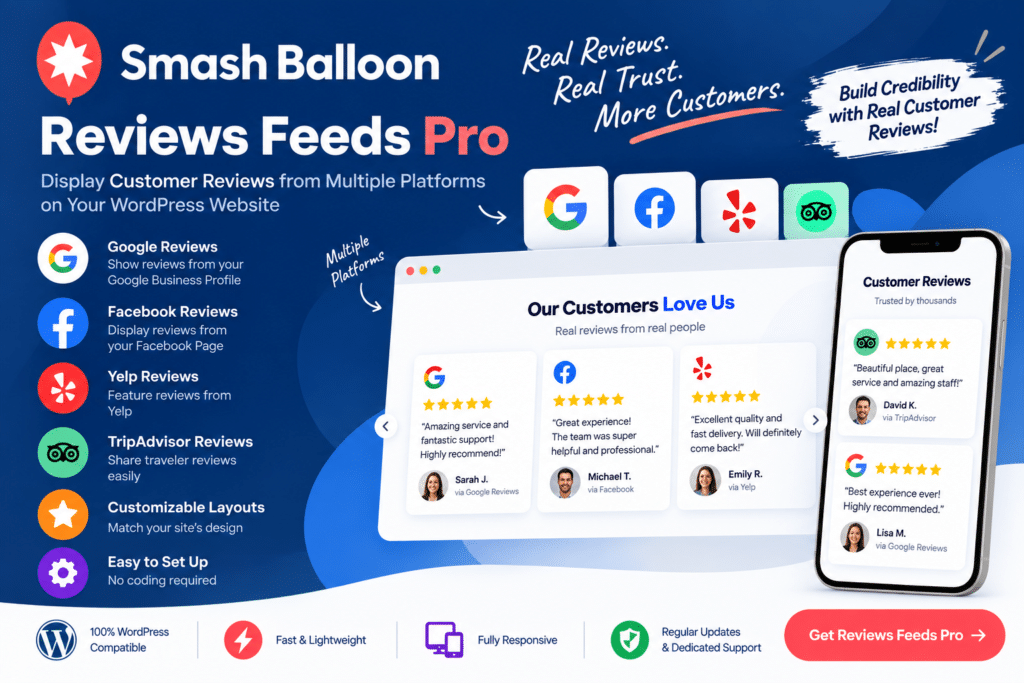
Smash Balloon Reviews Feed Pro is a WordPress reviews plugin designed to help you display customer reviews from supported review platforms directly on your website.
Instead of manually copying testimonials, you can create attractive review feeds that fit naturally into your WordPress design. This makes it easier to showcase real customer experiences, strengthen social proof, and give new visitors more information about your business.
Whether you run a local business, WooCommerce store, restaurant, agency, service company, or professional website, Reviews Feed Pro provides a flexible way to bring supported third-party reviews into your WordPress pages.
Key Features
- Multiple Review Sources – Display reviews from supported third-party review platforms.
- Custom Review Feeds – Create review feeds that match the layout and style of your website.
- Automatic Feed Updates – Keep supported review content updated without manually adding every new review.
- Multiple Layout Options – Present customer reviews using available layouts suitable for different areas of your website.
- Review Filtering – Control which supported reviews appear based on available filtering options.
- Star Rating Display – Showcase customer ratings alongside review content where supported.
- Responsive Design – Keep review feeds easy to browse across desktop, tablet, and mobile devices.
- Visual Customization – Adjust supported styling options to better match your website branding.
- Multiple Feeds – Create different review displays for various pages or areas of your website.
- WordPress Integration – Add review feeds to supported WordPress pages, posts, and layouts.
- Social Proof – Use customer feedback to help visitors learn about previous customer experiences.
- Performance-Focused Display – Present review content through a WordPress-focused feed solution.
- Flexible Placement – Add reviews to homepages, service pages, landing pages, product-related pages, and other relevant locations.
Perfect For
Reviews Feed Pro is useful for local businesses, WooCommerce stores, restaurants, hotels, agencies, freelancers, professional services, healthcare businesses, salons, contractors, online stores, and other WordPress websites that want to showcase customer feedback.
Turn Customer Feedback into Social Proof
Potential customers often want to know what other people think before contacting a business or making a purchase.
Reviews Feed Pro makes it easier to bring supported customer reviews onto your own website, helping visitors discover feedback without having to leave the page they’re viewing.
You can place reviews near important calls to action, service descriptions, or other conversion-focused content to provide additional context during a visitor’s decision-making process.
Showcase Reviews on WordPress
Build attractive customer review sections with Smash Balloon Reviews Feed Pro – WordPress Reviews Plugin.
With multiple review sources, customizable feeds, responsive layouts, filtering options, and automatic content updates, Reviews Feed Pro provides a convenient way to integrate supported customer reviews into your WordPress website.