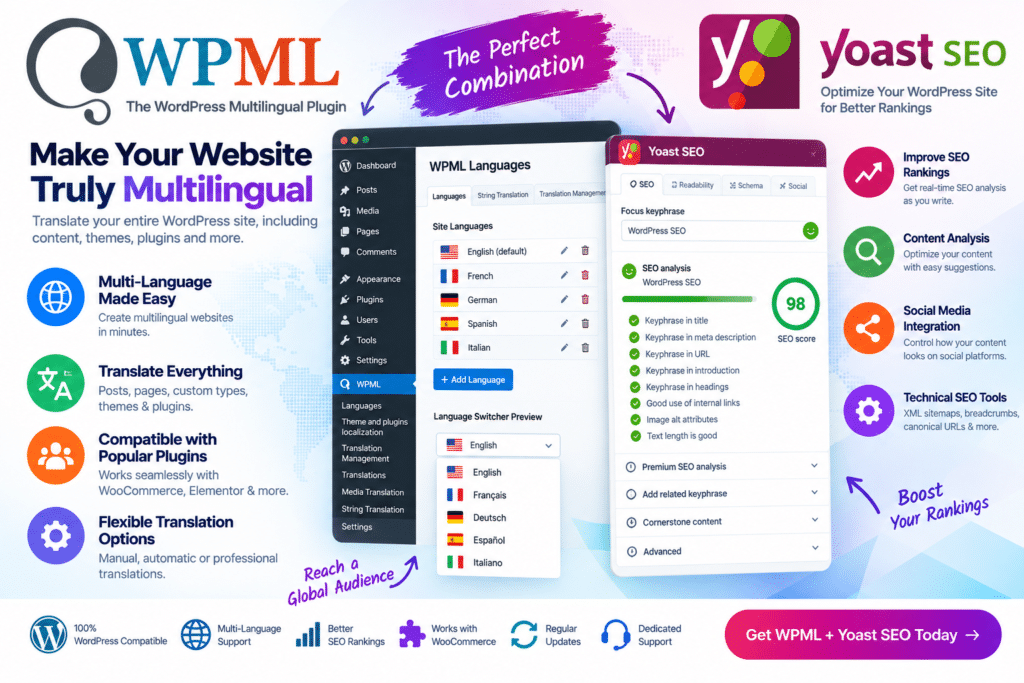
WPML – Yoast SEO is a multilingual SEO integration designed to help WordPress websites manage search optimization across multiple languages.
It connects WPML’s multilingual functionality with Yoast SEO so translated pages, posts, products, and other supported content can have properly localized SEO information. This can include SEO titles, meta descriptions, social metadata, and other supported optimization settings.
For multilingual business websites, blogs, WooCommerce stores, and international projects, this integration helps keep SEO settings consistent while allowing each language version to be optimized separately.
Key Features
- WPML & Yoast SEO Integration – Connect multilingual content management with Yoast SEO functionality.
- Translated SEO Titles – Create language-specific SEO titles for supported translated content.
- Meta Description Translation – Manage translated meta descriptions for different language versions.
- Multilingual SEO Management – Optimize supported pages and posts individually for each language.
- SEO Metadata Translation – Translate supported SEO fields alongside the main website content.
- Social Metadata Support – Manage supported social-sharing information for multilingual content.
- WooCommerce Compatibility – Useful for multilingual stores when configured with the required WooCommerce translation tools.
- Multilingual Content Optimization – Keep SEO settings aligned with translated posts, pages, products, and custom content.
- Search Appearance Control – Manage supported search-result information for different language versions.
- Centralized Translation Workflow – Handle supported SEO metadata as part of the WPML translation process.
- Yoast SEO Analysis Support – Use available Yoast SEO optimization tools while working with multilingual content.
- Multiple Language Support – Create optimized versions of content for the languages configured on your website.
- WordPress Integration – Work within familiar WPML and Yoast SEO workflows.
- International Website Support – Useful for websites targeting audiences across different languages and regions.
Perfect For
WPML – Yoast SEO is suitable for multilingual business websites, international blogs, WooCommerce stores, corporate websites, agencies, publishers, educational websites, service businesses, and other WordPress projects targeting visitors in more than one language.
Optimize Every Language Version
Translating a page does not automatically mean its SEO information is optimized for the new language.
Search titles, descriptions, keywords, and other metadata often need to be adapted to the language and search behavior of each target audience.
The WPML and Yoast SEO integration helps bring these SEO fields into the multilingual workflow, making it easier to manage search optimization across translated versions of your website.
Improve Multilingual WordPress SEO
Build a more consistent multilingual SEO workflow with WPML – Yoast SEO.
By combining WPML translation management with Yoast SEO optimization features, the integration helps you manage translated SEO titles, meta descriptions, social metadata, and other supported search settings across multiple languages.