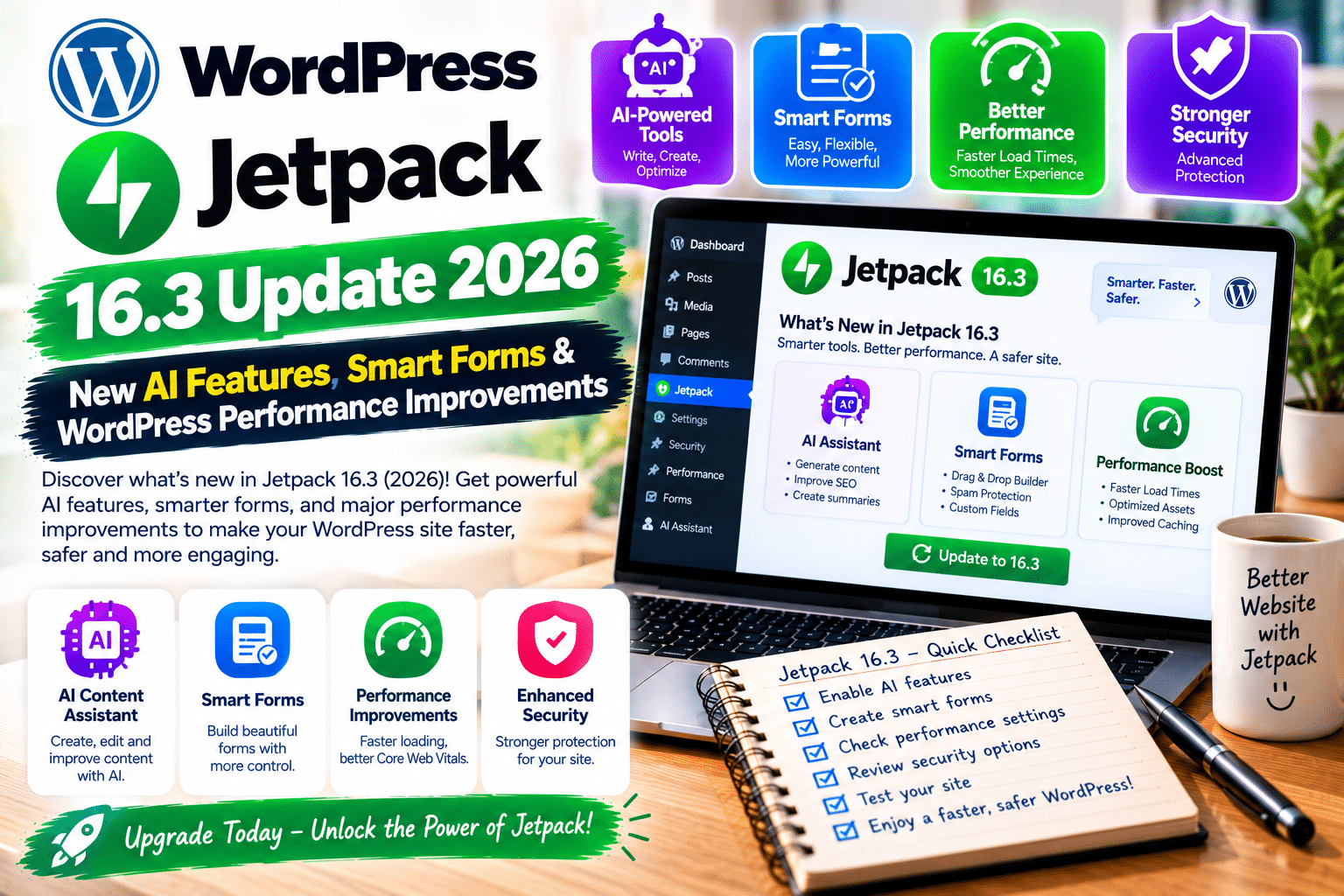
Jetpack has released another major WordPress plugin update, bringing smarter forms, improved AI integrations, and better website management tools.
The Jetpack 16.3 update launched on October 6, 2026, followed by version 16.3.1 on October 12.
Whether you manage a blog, business website, or WooCommerce store, these improvements could make everyday WordPress tasks easier.
Here’s everything you need to know.
Jetpack 16.3 Update: Quick Overview
| Feature | What’s New |
|---|---|
| Jetpack 16.3 | Released October 6, 2026 |
| Jetpack 16.3.1 | Released October 12, 2026 |
| Smart Forms | Conditional field visibility |
| AI Integration | Improved ChatGPT and Codex setup |
| VideoPress | New playlist blocks and player improvements |
| Website Management | Redesigned Features dashboard |
| Zoom Scheduler | New appointment booking block |
| Performance | Optimized VideoPress player loading |
| Bug Fix | Long form-response scrolling restored |
1. Smarter Jetpack Forms With Conditional Logic
One of the most useful improvements in Jetpack 16.3 is conditional logic for forms.
Previously, visitors might have needed to complete unnecessary fields.
Now, forms can display questions based on previous answers.
For example, if someone selects “Business Inquiry,” additional company-related fields can appear.
This helps create cleaner contact forms and improves the visitor experience.
Jetpack’s official release announcement says conditional logic is available on free plans, although availability may vary by hosting environment.
The Forms dashboard also improves spam deletion with clearer confirmation messages and progress indicators.
2. Improved Jetpack AI Integration
Jetpack 16.3 makes connecting AI tools to WordPress easier.
The AI settings now include improved instructions for connecting ChatGPT and Codex through the Model Context Protocol (MCP).
A new guide explains how external AI agents can interact with supported WordPress capabilities.
The update also improves the transition from older AI panels to the newer WordPress Agent experience on eligible websites.
Why it matters: Website owners exploring AI-assisted workflows can find setup instructions more easily.
These changes do not mean every AI capability is free or automatically enabled.
3. New VideoPress Playlist Features
Jetpack 16.3 introduces two additional VideoPress blocks.
Latest Videos Playlist automatically displays recently uploaded videos.
All Playlists displays available video playlists in a grid or list.
Users can also customize playlist titles, descriptions, and player visibility.
For websites publishing tutorials, courses, or product demonstrations, these tools simplify video organization.
4. WordPress Performance Improvements
The update improves how VideoPress players load on pages containing multiple videos.
Instead of loading the player separately for each video, Jetpack can load the shared player resources once per page.
Jetpack demonstrated this improvement on a test page containing four videos.
This can reduce duplicate resource loading, although actual website speed improvements depend on your setup.
Important: Jetpack 16.3 does not guarantee higher PageSpeed Insights scores or Core Web Vitals improvements.
5. Redesigned My Jetpack Dashboard
The previous Products tab is now called Features.
This redesigned section makes it easier to manage Jetpack modules.
Website owners can search for features, check availability, and enable or disable supported modules.
The Activity Log also becomes a configurable module.
These changes provide a cleaner experience for users who don’t need every Jetpack feature.
6. New Zoom Scheduler Block
Jetpack 16.3 adds a Zoom Scheduler block for WordPress.
Simply insert the block and provide your Zoom Scheduler booking page URL.
Visitors can then access appointment scheduling directly from your website.
This feature is useful for consultants, agencies, coaches, and service businesses.
Jetpack lists the block as available on free plans, although the external Zoom scheduling service may have separate requirements.
7. Jetpack 16.3.1 Bug Fix
On October 12, Jetpack released version 16.3.1.
This maintenance update fixes a scrolling problem on standalone form-response pages.
Previously, long submissions could be cut off because the response page wouldn’t scroll properly.
The fix restores access to longer responses.
Jetpack Free vs Premium: What’s Included?
| Feature | Free | Paid Plans |
|---|---|---|
| Basic Jetpack Forms | Yes | Yes |
| Conditional Form Logic | Advertised as free; check eligibility | Yes, where supported |
| Zoom Scheduler Block | Yes | Yes |
| Basic Security Protection | Yes | Expanded protection |
| Real-Time Backups | No | Available |
| Advanced Malware Scanning | No | Available |
| Premium AI Capabilities | Limited availability | Plan-dependent |
| VideoPress Hosting | Plan-dependent | Paid options available |
Jetpack offers free core features, while advanced security, backups, AI, and video services may require separate purchases.
Always review the current plan details before upgrading.
How to Update Jetpack Safely
Follow these steps before installing the latest version.
- Back up your website. Save your database and WordPress files.
- Check compatibility. Review your WordPress version, theme, and important plugins.
- Use staging if available. Test the update before changing a production website.
- Update Jetpack. Go to Dashboard → Plugins → Installed Plugins and select Update Now.
- Review the new dashboard. Open My Jetpack and explore the Features tab.
- Test important functionality. Check contact forms, VideoPress, AI settings, and connected services.
For the latest bug fixes, install Jetpack 16.3.1 or a newer compatible version.
Frequently Asked Questions
When was Jetpack 16.3 released?
Jetpack 16.3 was released on October 6, 2026.
What’s new in Jetpack 16.3?
Major changes include conditional form fields, AI setup improvements, VideoPress playlist blocks, and a redesigned dashboard.
Is Jetpack 16.3 free?
The core Jetpack plugin is free. Some advanced features and services require paid plans.
Does Jetpack 16.3 improve website speed?
It optimizes certain VideoPress loading behavior, but actual performance gains depend on the website.
What does Jetpack 16.3.1 fix?
It restores scrolling on standalone pages containing long form responses.
Final Verdict
The Jetpack 16.3 update delivers practical improvements for WordPress website owners.
Conditional forms, better AI integrations, video playlist tools, and streamlined feature management make this a worthwhile release.
Update to the latest compatible version and test your important website features afterward.
For more WordPress plugin updates, performance tutorials, and security guides, visit GPLNESTS.COM.