
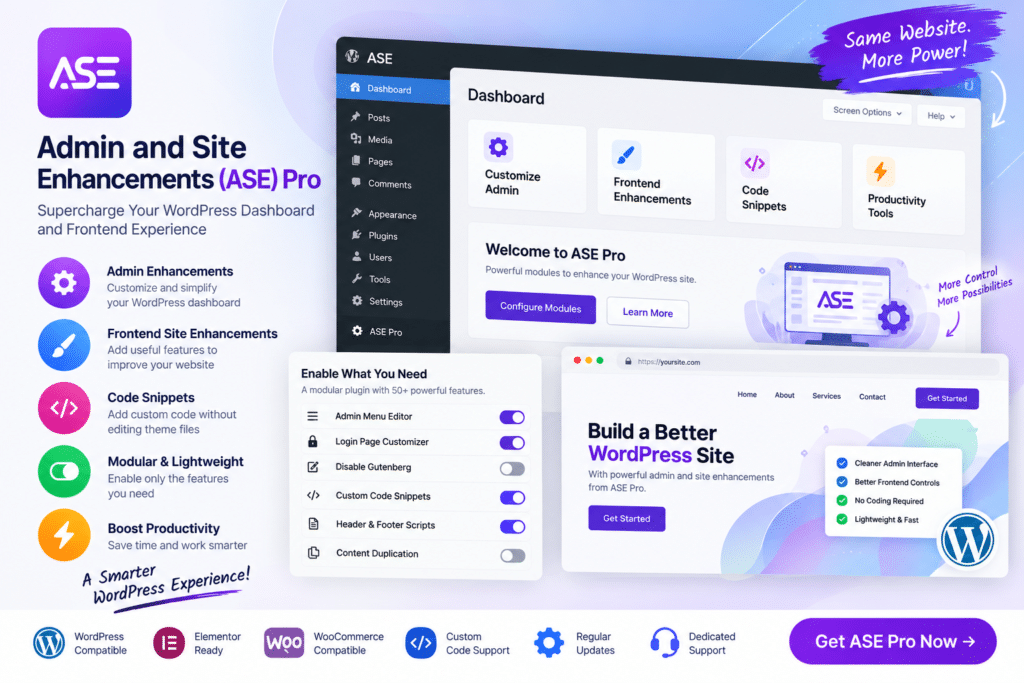
Admin and Site Enhancements (ASE) Pro is a multipurpose WordPress utility plugin designed to simplify website administration and bring a wide range of useful site-management features into one toolkit.
Instead of installing numerous small plugins for common WordPress tweaks, ASE Pro lets administrators enable the modules they need from a centralized interface. It can help streamline the WordPress dashboard, improve content-management workflows, adjust login and admin behavior, and handle various site enhancements.
For agencies, developers, freelancers, and website owners managing multiple WordPress features, ASE Pro can be a practical way to reduce plugin clutter and keep everyday administration more organized.
Key Features
- Modular WordPress Toolkit – Enable the site and admin enhancements you need without activating every available feature.
- Admin Interface Improvements – Customize supported areas of the WordPress dashboard for a cleaner workflow.
- Content Management Tools – Add useful enhancements for managing posts, pages, media, and other supported content.
- Admin Menu Organizer – Adjust and organize supported WordPress admin menu items.
- Login Page Enhancements – Customize supported login behavior and appearance options.
- Dashboard Cleanup – Remove or simplify unnecessary WordPress dashboard elements where supported.
- Media Management Enhancements – Improve selected aspects of the WordPress Media Library and upload workflow.
- Security & Login Tweaks – Apply supported administrative and login-related security settings.
- Disable Unwanted Features – Turn off selected WordPress functionality that your website doesn’t require.
- Site Optimization Tools – Access supported enhancements intended to simplify or optimize common WordPress behavior.
- Custom Code Management – Add or manage supported custom code snippets without editing core WordPress files directly.
- Email & System Utilities – Configure selected WordPress email and administrative behavior from one toolkit.
- Developer-Friendly Features – Useful for agencies and developers who regularly configure WordPress websites.
- Centralized Configuration – Manage many everyday WordPress enhancements from a single plugin interface.
Perfect For
ASE Pro is suitable for WordPress developers, freelancers, agencies, website administrators, bloggers, WooCommerce store owners, business websites, membership sites, client websites, and anyone who wants to simplify WordPress administration.
Replace Multiple Small Utility Plugins
WordPress websites often accumulate separate plugins for admin customization, login tweaks, content-management improvements, code snippets, media tools, and other small enhancements.
ASE Pro takes a modular approach by combining many of these utilities into one interface. You can enable the features relevant to your website while leaving unnecessary modules disabled.
This can make website management more convenient and reduce the need to maintain numerous single-purpose utility plugins.
Simplify WordPress Administration
Manage your website more efficiently with Admin and Site Enhancements (ASE) Pro – WordPress Admin Toolkit.
With modular admin enhancements, content-management tools, dashboard customization, login features, media utilities, optimization options, and developer-focused controls, ASE Pro provides a flexible toolkit for improving everyday WordPress management.






