
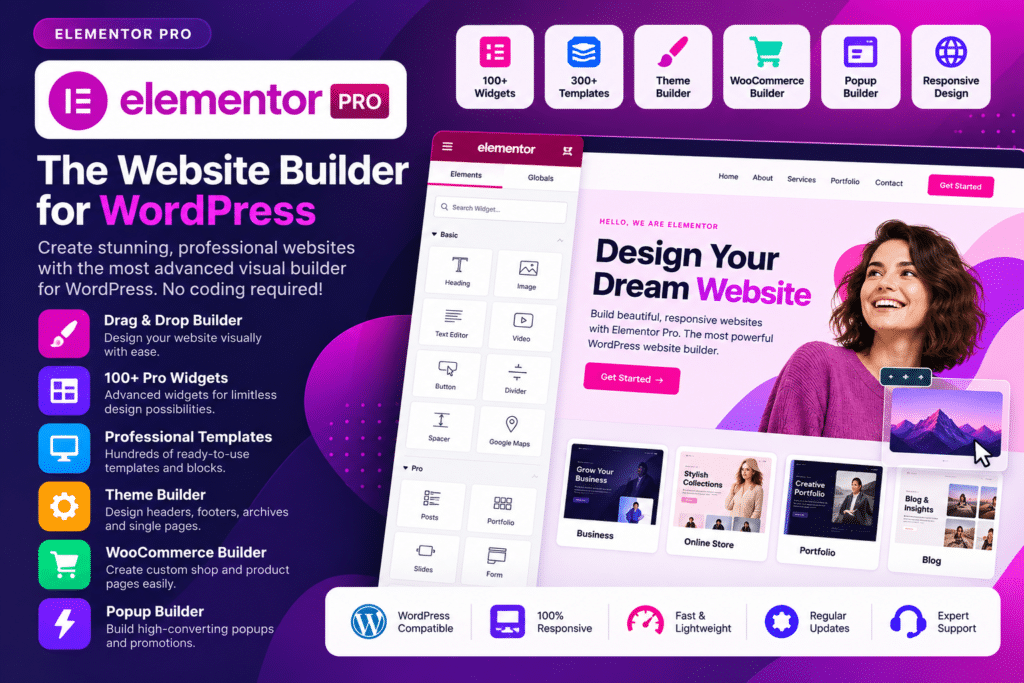
Elementor Pro is a powerful WordPress page builder that gives you more control over how your website looks and works. With its visual drag-and-drop editor, you can create professional pages and layouts without needing to write code.
The Pro version expands Elementor’s capabilities with advanced widgets, Theme Builder, form-building tools, dynamic content, WooCommerce design features, popup creation, and more. You can customize everything from landing pages and blog layouts to headers, footers, product pages, and other important parts of your website.
Whether you’re building a business website, online store, portfolio, blog, or landing page, Elementor Pro provides a flexible toolkit for creating custom WordPress designs faster.
Key Features
- Drag-and-Drop Editor – Build and customize pages visually with an intuitive editing experience.
- Advanced Pro Widgets—Access additional design elements for creating richer and more functional page layouts.
- Theme Builder – Design custom headers, footers, single-post templates, archive pages, and other theme areas.
- WooCommerce Builder – Customize product pages and other WooCommerce sections to better match your store design.
- Form Builder – Create contact forms, lead-generation forms, signup forms, and other interactive forms.
- Popup Builder – Design promotional popups, announcements, lead-capture forms, and other targeted overlays.
- Dynamic Content—Build templates that automatically display content from WordPress and supported custom fields.
- Responsive Editing—Fine-tune layouts for desktop, tablet, and mobile devices.
- Motion Effects – Add animations, scrolling effects, and other visual interactions to your pages.
- Custom CSS—Apply additional styling when you need more precise control over your designs.
- Global Design Controls – Maintain consistent typography, colors, and styling throughout your website.
- Marketing Integrations – Connect forms and website elements with supported marketing and productivity services.
Perfect For
Elementor Pro is a great choice for:
- Business websites
- WooCommerce stores
- Blogs and magazines
- Landing pages
- Portfolio websites
- Agency websites
- Freelancers and web designers
- Membership websites
- Marketing websites
- Custom WordPress projects
Design More Than Just Pages
Elementor Pro goes beyond basic page building by allowing you to customize key areas of your WordPress website from one visual design environment.
Create unique headers and footers, build custom templates, design conversion-focused landing pages, customize WooCommerce layouts, and add interactive elements without relying on multiple separate design tools.
Build Your WordPress Website Your Way
Create a website that matches your ideas with Elementor Pro. Its visual editor, advanced widgets, responsive controls, and site-building features give you the flexibility to create professional WordPress layouts while keeping the design process simple and efficient.
From your first landing page to a complete custom website, Elementor Pro gives you the tools to turn your design ideas into a polished WordPress experience.






