
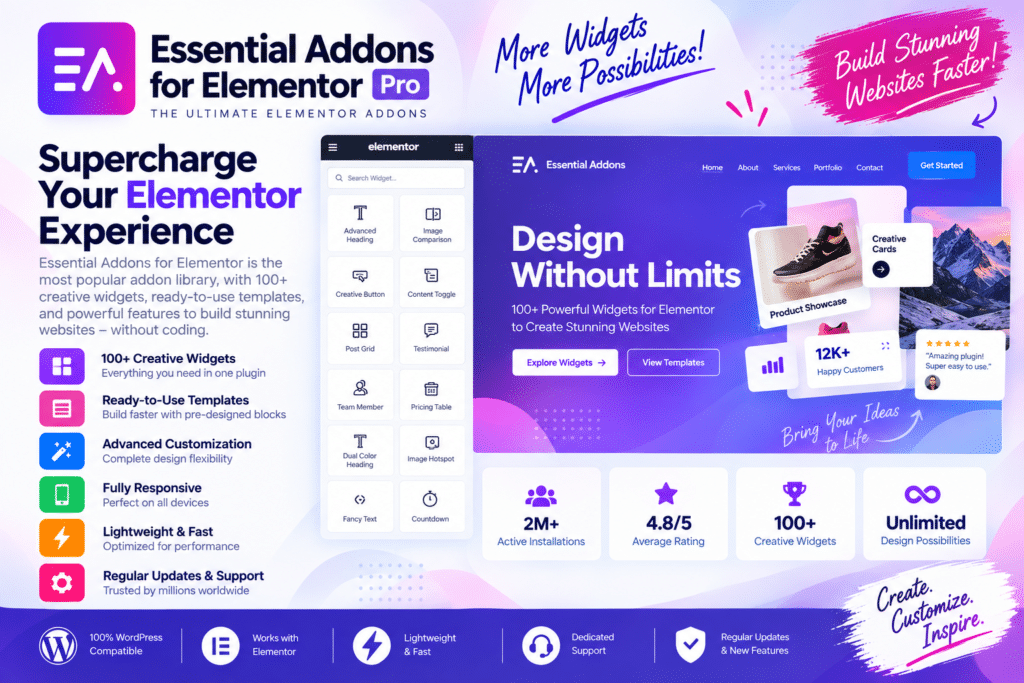
Essential Addons for Elementor Pro is a powerful WordPress plugin that expands the design possibilities of the Elementor page builder. It provides additional widgets, extensions, and creative tools to help you build professional websites with greater flexibility.
Whether you’re creating a business website, WooCommerce store, landing page, portfolio, or blog, Essential Addons gives you more options for designing engaging layouts and adding useful functionality without writing complex code.
With its collection of advanced elements and customization controls, you can create interactive sections, showcase content, and build more polished Elementor pages while keeping your workflow simple.
Key Features
- Advanced Elementor Widgets – Expand your page-building toolkit with additional design and content elements.
- Creative Content Elements – Create attractive sections for headings, images, testimonials, pricing, and other website content.
- Dynamic Content Options – Display supported WordPress content in flexible layouts.
- WooCommerce Widgets – Showcase products and create eCommerce-focused sections using supported WooCommerce elements.
- Form Styling – Customize the appearance of supported WordPress forms to match your website design.
- Interactive Elements – Add engaging effects and interactive content to your Elementor pages.
- Post & Content Grids – Display blog posts and other content in organized, visually appealing layouts.
- Marketing Elements – Create pricing tables, calls to action, testimonials, and promotional sections.
- Responsive Design Controls – Adjust layouts and elements for desktop, tablet, and mobile devices.
- Flexible Customization – Personalize colors, typography, spacing, and other design settings.
- Widget Management – Enable or disable available elements to keep your editing workspace organized.
- Elementor Integration – Build and customize pages through the familiar Elementor visual editor.
Perfect For
Essential Addons for Elementor Pro is suitable for:
- Business websites
- WooCommerce stores
- Landing pages
- Portfolio websites
- Blogs and magazines
- Digital marketing agencies
- Freelancers and web designers
- Online course websites
- Membership websites
- Creative WordPress projects
Expand Your Elementor Design Possibilities
Elementor provides a flexible foundation for building WordPress pages, and Essential Addons adds more creative and functional options to your toolkit. Instead of building every section from scratch, you can use ready-made widgets to create professional layouts more efficiently.
From product showcases and content grids to testimonials and interactive sections, the plugin helps you create pages that match your website’s goals and visual style.
Build More with Elementor
Take your Elementor website further with Essential Addons for Elementor Pro. Its advanced widgets, creative elements, and flexible customization options provide a practical solution for building engaging and professional WordPress pages.
Create richer layouts, streamline your design workflow, and bring more functionality to your Elementor-powered website.






