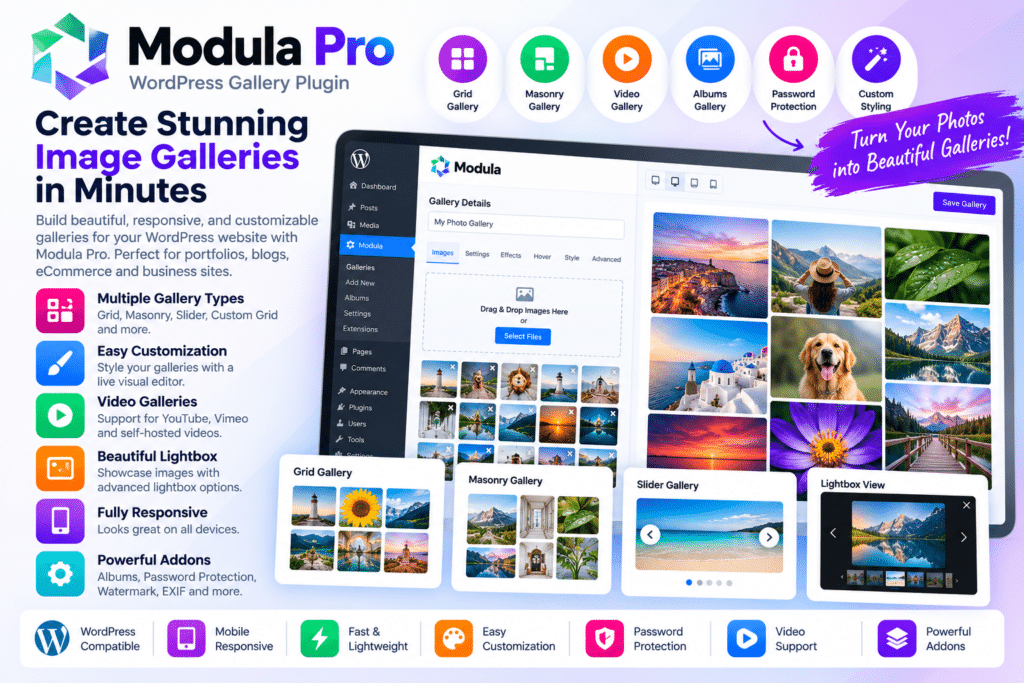
Modula Pro is an advanced WordPress gallery plugin designed to help photographers, designers, agencies, bloggers, and website owners create attractive image and video galleries without building layouts manually.
It provides flexible gallery controls for organizing visual content into professional grids, lightboxes, portfolios, and other supported layouts. You can customize gallery appearance, spacing, image sizes, hover effects, and other presentation settings to better match your website.
Whether you’re showcasing photography, client projects, artwork, products, events, or creative portfolios, Modula Pro provides a practical way to build polished visual galleries inside WordPress.
Key Features
- Custom Image Galleries – Build professional galleries using flexible layout controls.
- Responsive Gallery Design—Keep galleries easy to browse across desktop, tablet, and mobile devices.
- Custom Grid Layouts—Create supported gallery arrangements instead of relying only on fixed image grids.
- Lightbox Support—Let visitors open gallery images in a larger viewing experience.
- Video Galleries – Add supported video content alongside images where available.
- Hover Effects—Apply supported visual effects when visitors interact with gallery items.
- Image Optimization Options – Use supported performance features to improve gallery loading.
- Gallery Filters – Organize visual content into categories and let visitors filter supported items.
- Password-Protected Galleries – Restrict access to selected galleries where supported.
- Watermarking Features – Apply supported watermark options to help identify gallery images.
- Social Sharing—Allow visitors to share supported gallery content through available social options.
- EXIF Information—Display supported photography metadata where relevant.
- Drag-and-Drop Management – Arrange gallery images in the order you want through an easier editing workflow.
- Custom Styling Controls – Adjust supported spacing, borders, captions, typography, and gallery appearance.
Perfect For
Modula Pro is suitable for photographers, creative agencies, designers, artists, wedding photographers, travel bloggers, portfolio websites, event photographers, product showcases, architecture studios, and other image-focused WordPress websites.
Make Visual Content Stand Out
For photography and portfolio websites, presentation can be just as important as the images themselves.
Modula Pro gives you more control over how visual content is arranged and displayed, helping you create gallery layouts that fit the style of your website rather than forcing every image into the same basic grid.
Features such as filtering, lightboxes, hover effects, and responsive layouts can also make larger image collections easier for visitors to explore.
Build Professional WordPress Galleries
Showcase your visual content with the Modula Pro—WordPress Image Gallery Plugin.
With customizable gallery layouts, lightboxes, filters, responsive design, video support, visual effects, protection options, and flexible styling controls, Modula Pro provides a practical toolkit for creating modern WordPress galleries.