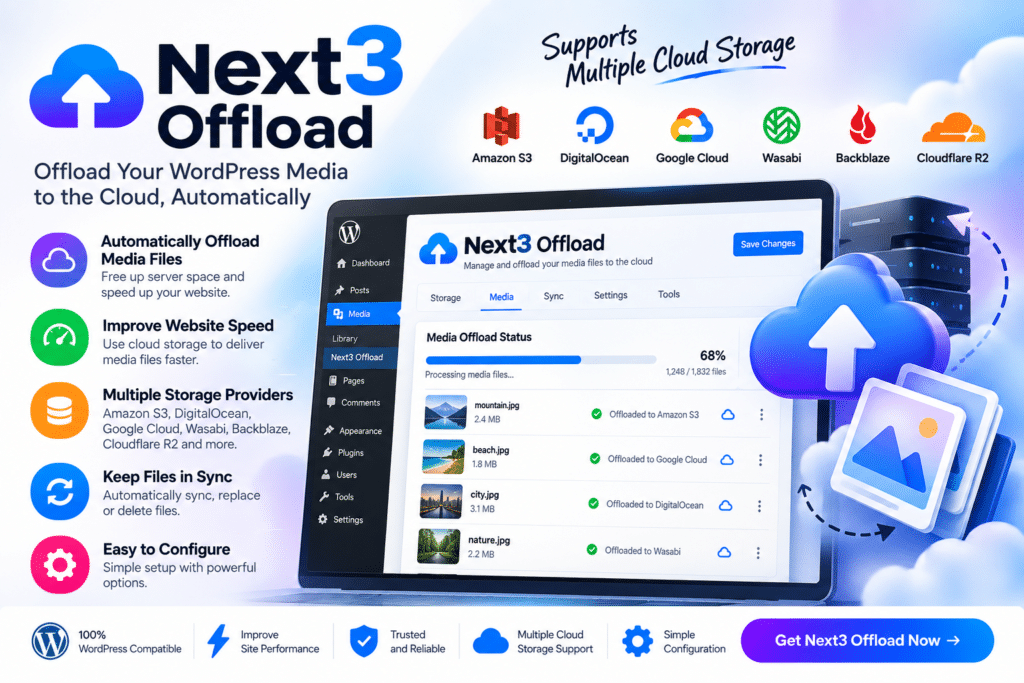
Next3 Offload is a WordPress media offloading plugin designed to help website owners move media files away from local hosting storage and serve them through supported cloud storage services.
Instead of keeping every image, video, document, and media file on your WordPress server, Next3 Offload can help connect your Media Library with compatible external storage. This can reduce local disk usage and make large media libraries easier to manage.
Whether you run a WooCommerce store, blog, membership website, portfolio, or content-heavy WordPress project, Next3 Offload provides a practical way to manage media storage more efficiently.
Key Features
- Media Offloading – Move supported WordPress media files to external cloud storage.
- Cloud Storage Integration – Connect WordPress with supported object storage providers.
- Media Library Compatibility – Continue managing supported files through the familiar WordPress Media Library.
- Automatic Offload – Send newly uploaded media to configured cloud storage where supported.
- Existing Media Migration – Offload previously uploaded WordPress media using supported migration tools.
- Local Storage Reduction – Free up server disk space by storing eligible files externally.
- CDN-Friendly Workflow – Serve supported media through compatible CDN or cloud delivery setups.
- URL Rewriting – Automatically use supported cloud or CDN URLs for offloaded media.
- WooCommerce Support – Useful for stores with large product-image libraries and other media-heavy catalogs.
- Bulk Media Processing – Manage large numbers of media files more efficiently with supported bulk operations.
- File Management Controls – Configure how supported local and cloud copies are handled.
- Responsive Image Support – Work with supported WordPress-generated image sizes and thumbnails.
- Performance-Oriented Setup – Reduce the amount of media served directly from your main WordPress hosting environment.
- WordPress Integration – Manage offloading settings from within your WordPress dashboard.
Perfect For
Next3 Offload is suitable for WooCommerce stores, image-heavy blogs, photography websites, membership platforms, online course websites, agencies, media publishers, portfolio sites, directories, and WordPress websites with large Media Libraries.
Reduce the Load on Your WordPress Server
Large media libraries can consume significant hosting storage and bandwidth over time.
Next3 Offload helps separate your media storage from your main WordPress server by moving supported files to compatible cloud storage. Your website can continue referencing those files while reducing the amount of local storage required.
For growing websites, this can make media management more scalable and help keep hosting resources focused on WordPress, PHP, database activity, and other application workloads.
Manage WordPress Media More Efficiently
Improve your media-storage workflow with Next3 Offload – WordPress Media Offload & Cloud Storage Plugin.
With cloud storage integration, automatic media offloading, bulk migration, URL rewriting, WooCommerce compatibility, and Media Library support, Next3 Offload provides a flexible solution for managing larger WordPress media collections.