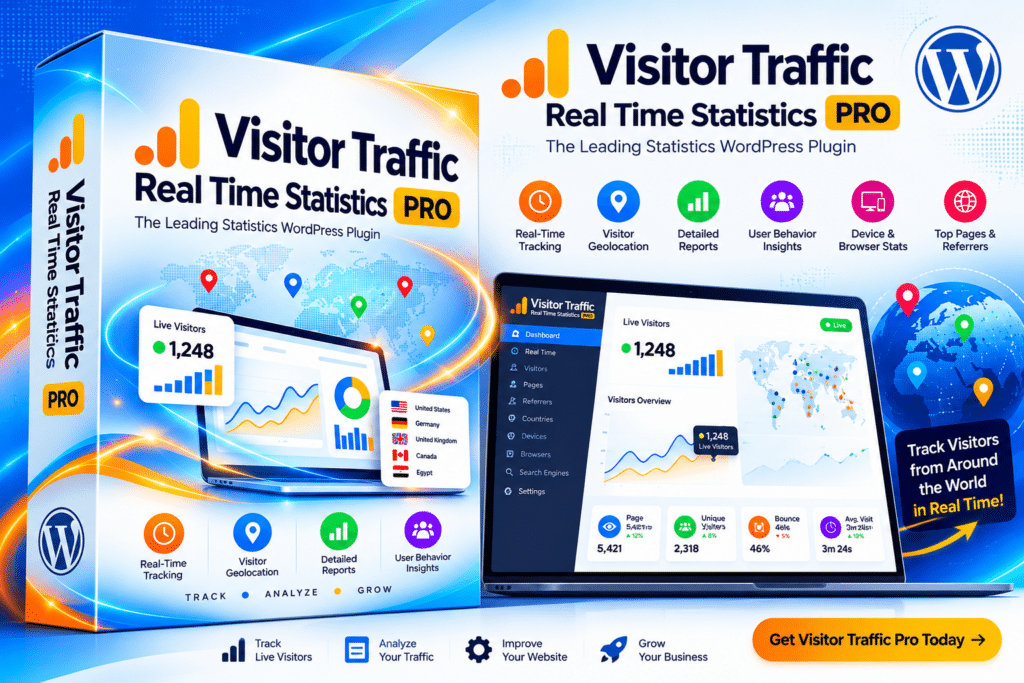
Visitor Traffic Real Time Statistics Pro is a WordPress analytics plugin designed to help website owners understand how visitors interact with their site.
It provides traffic statistics directly inside the WordPress dashboard, making it easier to monitor visits, popular pages, referral sources, visitor locations, devices, browsers, and other supported traffic information without constantly switching between different platforms.
Whether you manage a blog, business website, WooCommerce store, portfolio, or content-focused site, the plugin provides a convenient way to keep an eye on website activity and visitor trends.
Key Features
- Real-Time Traffic Statistics—Monitor supported visitor activity and recent website traffic from WordPress.
- Visitor Overview – Review visits, page views, sessions, and other available traffic metrics.
- Popular Pages – Discover which pages and posts receive the most visitor attention.
- Referral Tracking – See supported information about websites and sources sending traffic to your site.
- Geolocation Statistics—Review available country, region, or location-based visitor information.
- Device Information – Understand whether visitors are browsing from desktops, tablets, or mobile devices.
- Browser Statistics – View supported data about browsers used by your website visitors.
- Operating System Data – Analyze available information about visitor operating systems.
- Search & Traffic Sources – Gain additional insight into how visitors reach your website.
- Historical Statistics—Review supported past traffic data to identify longer-term trends.
- WordPress Dashboard Integration – Access analytics without leaving your WordPress administration area.
- Traffic Reports – Organize available visitor data into useful website statistics and reports.
- Content Performance Insights – Identify pages and posts attracting more traffic and engagement.
- Easy Analytics Workflow—Suitable for website owners who want straightforward traffic monitoring without an overly complicated interface.
Perfect For
Visitor Traffic Real Time Statistics Pro is suitable for bloggers, business websites, WooCommerce stores, news websites, agencies, content publishers, portfolios, membership sites, educational websites, and other WordPress projects that want accessible visitor analytics.
Understand Your Website Traffic
Knowing how people use your website can help you make better decisions about content, marketing, navigation, and future updates.
Visitor Traffic Real Time Statistics Pro brings supported visitor information into your WordPress dashboard so you can quickly see which content attracts attention, where traffic comes from, and what devices visitors use.
Instead of looking only at total visitor numbers, these additional insights can help you better understand how different parts of your website are performing.
Monitor Your WordPress Visitors
Track your website activity with Visitor Traffic Real Time Statistics Pro—WordPress Analytics Plugin.
With real-time statistics, visitor insights, popular-page reports, referral information, geolocation data, device statistics, and historical traffic reporting, the plugin provides a practical analytics solution for WordPress website owners.