
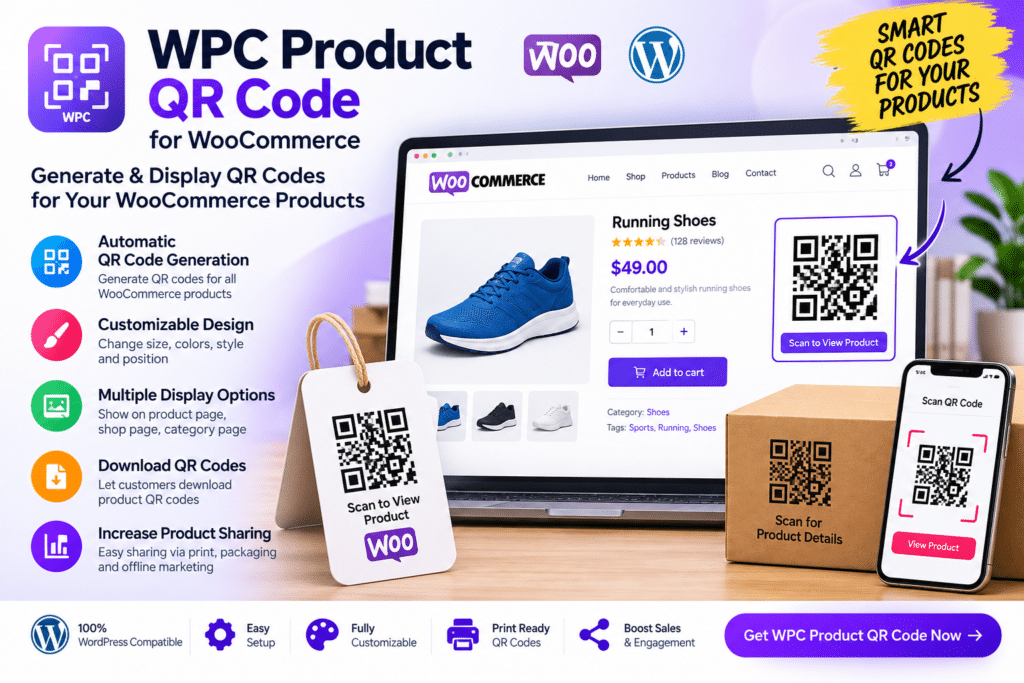
WPC Product QR Code for WooCommerce is a WordPress plugin designed to generate QR codes for WooCommerce products so customers can access product pages more quickly from smartphones and other compatible devices.
Instead of manually creating a separate QR code for each product, the plugin can connect QR functionality directly with your WooCommerce catalog. This makes it useful for physical stores, product packaging, brochures, printed catalogs, trade shows, menus, and other situations where you want to connect offline customers with online product pages.
Whether you run a retail store, wholesale business, showroom, or online catalog, WPC Product QR Code can provide a simple way to make product information easier to access.
Key Features
- Product QR Code Generation – Create supported QR codes for WooCommerce products.
- Direct Product Access – Let customers scan a code and open the associated product page.
- WooCommerce Integration – Work directly with products inside a compatible WooCommerce setup.
- Automatic QR Creation – Reduce the need to generate product codes manually one by one.
- Printable QR Codes – Use supported QR codes in brochures, catalogs, labels, or other printed materials.
- Offline-to-Online Connection – Help customers move from physical product displays to online product pages.
- Product Page Support – Associate QR codes with supported individual WooCommerce products.
- Mobile-Friendly Scanning – Make it easy for smartphone users to access product information.
- Retail Store Use – Add QR codes to shelves, displays, product packaging, or in-store promotional materials.
- Catalog & Brochure Use – Give printed marketing materials a quick link to your online store.
- Simple Product Sharing – Make supported product links easier to access and share through QR scanning.
- Flexible Store Applications – Useful for retail, B2B, wholesale, events, showrooms, and product catalogs.
- Consistent Product Linking – Keep QR codes connected to the appropriate WooCommerce product pages.
- WordPress Management – Manage supported QR code settings from within your WordPress environment.
Perfect For
WPC Product QR Code for WooCommerce is suitable for retail stores, wholesale businesses, fashion shops, electronics sellers, restaurants, product catalogs, exhibitions, trade shows, showrooms, packaging-based sales, B2B sellers, and businesses that connect physical products with online listings.
Connect Offline Shoppers with Your Store
QR codes can make it easier for customers to move from a physical product or printed page directly to an online product listing.
A shopper can scan the code from a phone and quickly access product descriptions, images, pricing, variations, or other information available on your WooCommerce product page.
This can be especially useful when space is limited on product labels or when you want printed marketing materials to lead customers back to your website.
Add QR Codes to WooCommerce Products
Make your catalog easier to access with WPC Product QR Code for WooCommerce.
With WooCommerce integration, product-linked QR codes, printable output, mobile-friendly scanning, and flexible offline-to-online use cases, the plugin provides a practical way to connect physical and digital shopping experiences.






