
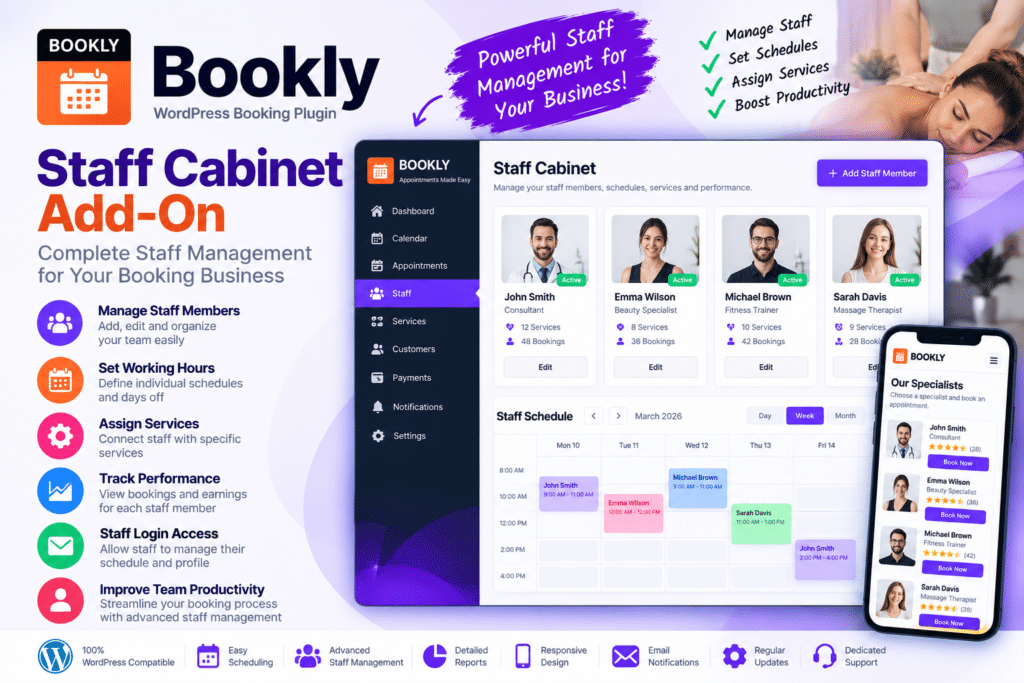
Bookly Staff Cabinet is an add-on for the Bookly appointment booking system that gives staff members access to a dedicated frontend area where they can manage their own schedules, appointments, and selected profile information.
Instead of requiring every employee to use the WordPress admin dashboard, Staff Cabinet can provide a cleaner and more focused interface for day-to-day appointment management.
This makes it especially useful for salons, clinics, consultants, fitness centers, service businesses, and other appointment-based websites where multiple staff members need to manage their own bookings.
Key Features
- Frontend Staff Dashboard – Give staff members access to a dedicated cabinet outside the main WordPress admin area.
- Appointment Management – Allow supported staff users to view and manage their own appointments.
- Schedule Management – Let employees review and update supported working hours and availability.
- Profile Management – Allow staff members to edit supported personal or professional information.
- Individual Staff Access – Keep each employee focused on their own appointments and schedule.
- Booking Overview – Provide a clearer view of upcoming and existing appointments.
- Calendar-Based Workflow – Help staff manage appointments through supported calendar-style views.
- Break & Availability Control – Manage supported breaks, days off, and working schedules.
- Customer Information Access – Let staff view relevant booking details when permitted by the configured setup.
- Reduced Admin Dependency – Minimize the need for staff members to work inside the main WordPress dashboard.
- Multi-Staff Business Support – Useful for businesses with multiple employees, specialists, or service providers.
- Bookly Integration – Works as part of a compatible Bookly booking environment.
- Responsive Interface – Make supported staff-management features accessible across desktop and mobile devices.
- Workflow Improvement – Help businesses distribute appointment-management responsibilities more efficiently.
Perfect For
Bookly Staff Cabinet is suitable for salons, spas, clinics, therapists, consultants, coaches, tutors, fitness centers, medical practices, repair businesses, beauty professionals, legal services, and other appointment-based businesses with multiple staff members.
Give Staff More Control
In a busy appointment-based business, forcing every employee to rely on an administrator for schedule changes and booking information can slow down daily operations.
Bookly Staff Cabinet helps solve this by giving staff members access to their own appointment-management area. They can review bookings, manage supported schedule information, and handle selected profile details without needing full WordPress administrator access.
This can make internal booking management more organized while keeping administrative access more controlled.
Improve Your Bookly Staff Workflow
Give your team a more practical booking-management experience with Bookly Staff Cabinet.
With frontend staff access, appointment management, schedule controls, profile options, and Bookly integration, Staff Cabinet provides a useful extension for businesses that want employees to manage their own booking activity more independently.






