
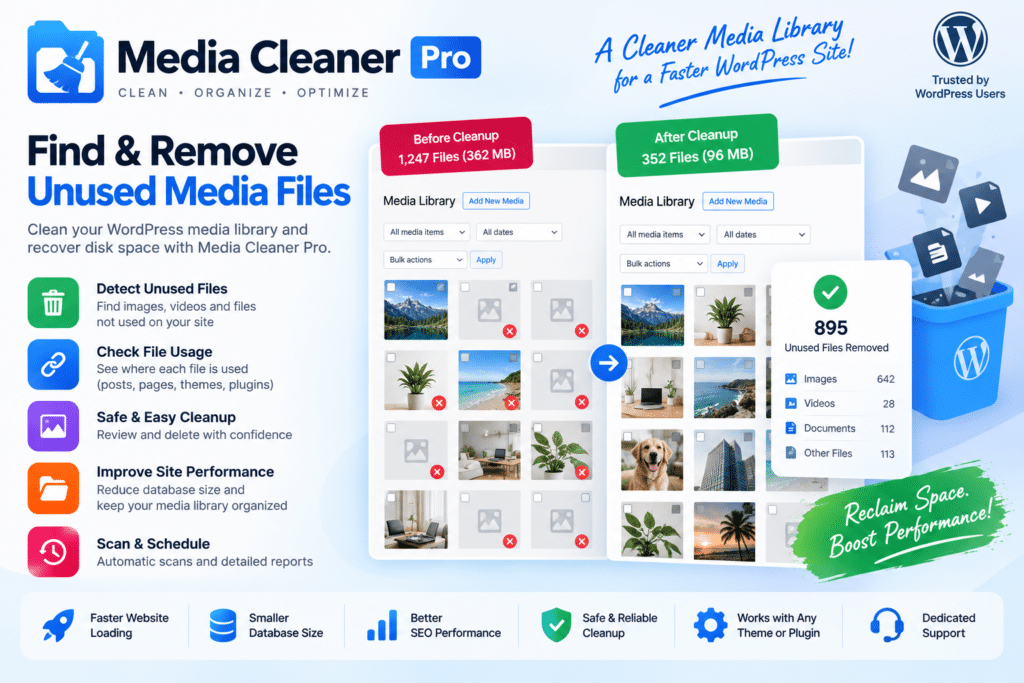
Media Cleaner Pro is a WordPress plugin designed to help you find and remove unused media files from your website. Over time, WordPress media libraries can become cluttered with old images, duplicate uploads, and files that are no longer needed. Media Cleaner Pro gives you tools to review these files and keep your media library more organized.
The plugin scans your website to identify media that may no longer be in use, helping you free up storage space and reduce unnecessary files. Its Pro features extend the cleanup process with additional scanning capabilities and compatibility options for supported WordPress setups.
Whether you manage a blog, WooCommerce store, portfolio, or content-heavy website, Media Cleaner Pro provides a practical way to maintain a cleaner media library while giving you control over what gets removed.
Key Features
- Unused Media Detection – Scan your website to identify media files that may no longer be used.
- Media Library Cleanup – Review and remove unnecessary files from your WordPress media library.
- Filesystem Scanning – Check supported files on your server to help identify media outside the standard library.
- Advanced Scanning Options – Use additional Pro scanning capabilities to improve media detection.
- Bulk Cleanup Tools – Manage multiple identified files more efficiently.
- Review Before Deletion – Inspect detected media before deciding what to remove.
- Trash & Recovery Workflow – Use supported recovery options to help protect against accidental deletion.
- Storage Management – Reduce unnecessary media files and reclaim server storage space.
- WordPress Integration – Manage cleanup tasks directly from your WordPress dashboard.
- Compatibility Options – Work with supported themes, page builders, and plugins depending on your configuration.
Perfect For
Media Cleaner Pro is suitable for:
- WordPress blogs
- WooCommerce stores
- Photography websites
- Portfolio websites
- News and magazine websites
- Business websites
- Content-heavy websites
- Web designers and developers
- Agencies managing client websites
Keep Your Media Library Organized
As a website grows, unused images and old media files can accumulate. Media Cleaner Pro helps you identify files that may no longer be needed, making it easier to review your media library and maintain a more organized WordPress installation.
Because media files can be referenced by themes, page builders, custom fields, or other plugins, it’s important to review scan results carefully before deleting anything.
Clean Up Your WordPress Media with Confidence
Take control of your website’s media library with Media Cleaner Pro. Its scanning, review, and cleanup tools help you identify unnecessary files and manage your WordPress storage more efficiently.
For best results, create a complete website backup before running cleanup operations and verify that important media files are not in use before permanently removing them.






