
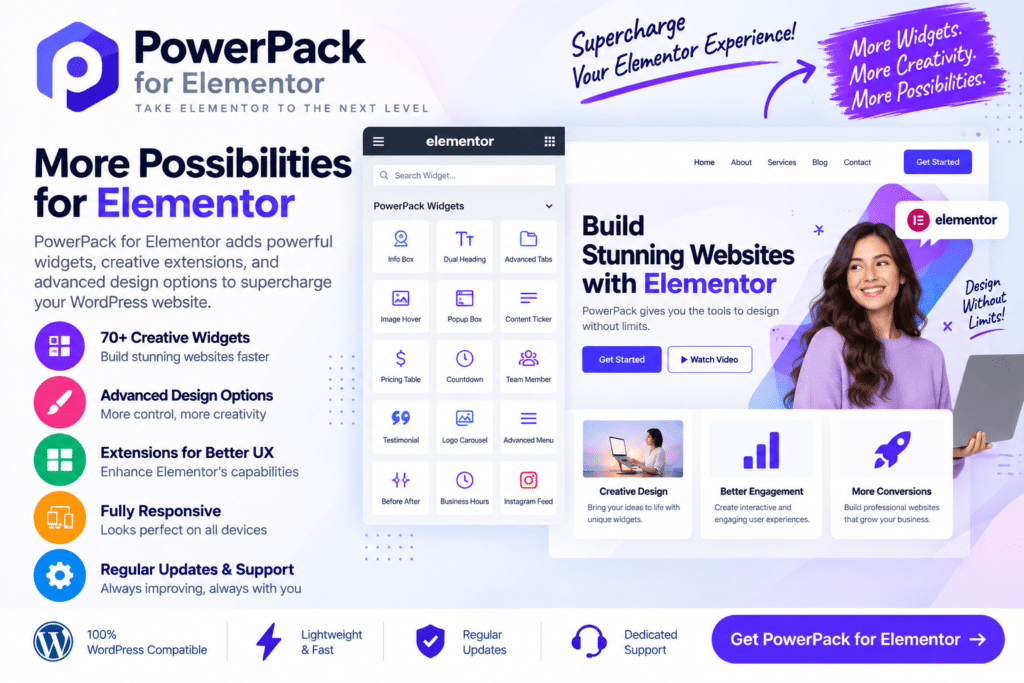
PowerPack for Elementor is a WordPress addon designed to extend the Elementor page-building experience with additional widgets, creative elements, and customization options.
It gives designers, developers, agencies, and website owners more building blocks for creating professional WordPress pages without having to code every custom element from scratch. Depending on the version and setup, you can use advanced content widgets, navigation elements, form styling, WooCommerce features, and other design tools directly within Elementor.
Whether you’re creating landing pages, business websites, online stores, portfolios, or marketing sites, PowerPack for Elementor can help you build more varied and polished layouts.
Key Features
- Advanced Elementor Widgets – Expand Elementor with additional widgets for different website-building needs.
- Creative Content Elements – Build visually engaging content sections using supported headings, cards, lists, and interactive elements.
- Navigation Widgets – Create supported menus and navigation experiences within Elementor layouts.
- Form Styling – Customize the appearance of forms from supported WordPress form plugins.
- WooCommerce Widgets – Design supported online store sections and product-focused layouts.
- Dynamic Content Tools – Work with supported dynamic information to create more flexible page designs.
- Display Conditions – Control when supported Elementor content appears based on configured conditions.
- Popup & Modal Elements – Add supported modal or popup-style content to your pages.
- Content Grid & Carousel Options – Present posts, images, products, or other supported content in organized layouts.
- Marketing Elements – Add calls to action, pricing content, testimonials, reviews, and other conversion-focused elements.
- Responsive Controls – Adjust supported designs for desktop, tablet, and mobile screens.
- Customization Options – Control typography, spacing, backgrounds, borders, and other supported visual settings.
- Widget Management – Keep your Elementor workspace organized by enabling or disabling supported widgets as needed.
- Elementor Integration – Use additional PowerPack elements within the familiar Elementor editing workflow.
Perfect For
PowerPack for Elementor is suitable for freelancers, web designers, WordPress developers, digital agencies, bloggers, marketers, WooCommerce stores, business websites, portfolio sites, landing pages, and anyone who wants additional Elementor design options.
Get More from Elementor
Elementor provides a strong foundation for visual website building, but some projects need more specialized content and design elements.
PowerPack for Elementor expands the available toolkit so you can create more complex layouts while continuing to work inside the Elementor interface. This can be particularly useful for agencies and freelancers who build different types of websites and need reusable design options.
With additional widgets and customization controls available in one addon, you can spend more time designing and less time searching for separate solutions for individual page elements.
Expand Your Elementor Design Toolkit
Create more flexible WordPress layouts with PowerPack for Elementor – Advanced Elementor Addons Plugin.
With advanced widgets, creative content elements, WooCommerce tools, form styling, navigation options, responsive controls, and extensive customization features, PowerPack gives Elementor users additional tools for building professional websites.






