
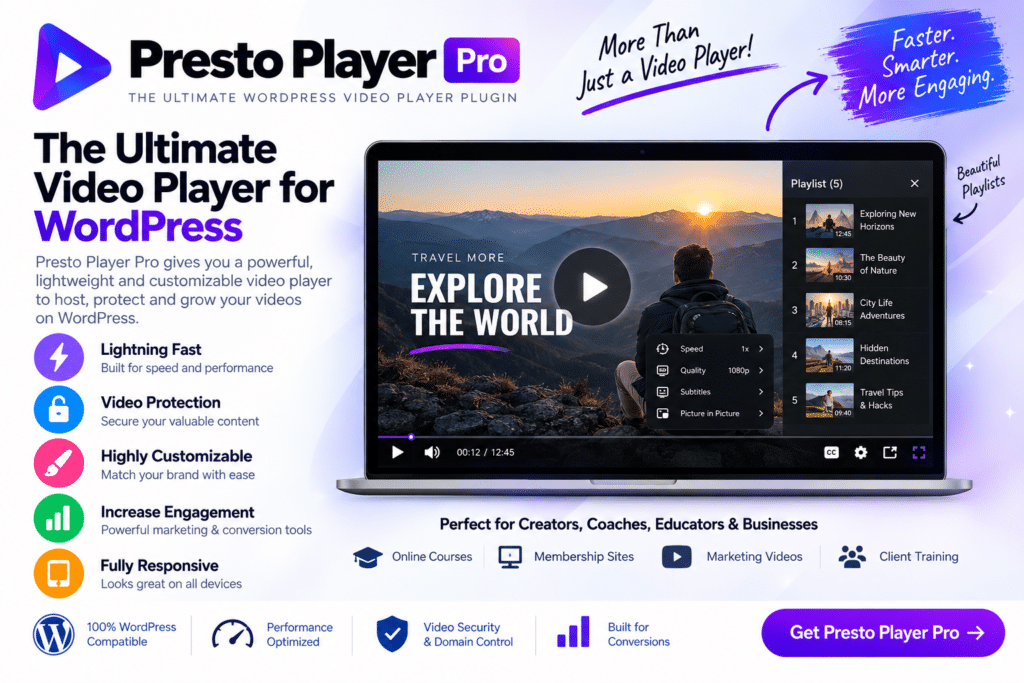
Presto Player Pro is an advanced WordPress video player plugin designed for website owners, course creators, marketers, bloggers, and businesses that want more control over how video content appears and performs on their websites.
Instead of relying on a basic embedded video player, Presto Player Pro provides additional tools for creating a more professional and engaging viewing experience. You can customize video presentation, add calls to action, work with supported video sources, and use viewer-focused features to make videos a more useful part of your website.
Whether you’re publishing online courses, tutorials, product demonstrations, webinars, or marketing videos, Presto Player Pro provides a flexible video solution built around WordPress.
Key Features
- Professional WordPress Video Player – Present video content using a clean, customizable player.
- Multiple Video Sources – Work with supported hosted and external video sources according to your setup.
- Custom Player Design – Adjust supported player elements to better match your website and branding.
- Video Calls to Action – Add supported CTAs to encourage viewers to take the next step.
- Email Capture – Use supported lead-generation functionality around your video content.
- Video Chapters – Organize longer videos into sections so viewers can navigate content more easily.
- Playback Controls – Give viewers access to supported playback options for a more convenient experience.
- Video Analytics – Review available engagement information to better understand how visitors interact with videos.
- Private Video Features – Use supported options for delivering video content in controlled website environments.
- Sticky Video Player – Keep supported videos visible as visitors continue browsing a page.
- Responsive Video Playback – Create a viewing experience suitable for desktop, tablet, and mobile devices.
- Learning Website Friendly – Useful for courses, tutorials, training programs, and educational content.
- Marketing-Focused Features – Turn videos into a more active part of lead generation and customer engagement.
- WordPress Integration – Manage supported video functionality from within your WordPress website.
Perfect For
Presto Player Pro is suitable for online course creators, membership websites, coaches, educators, marketers, bloggers, agencies, SaaS businesses, product demonstration websites, training platforms, webinar websites, and other WordPress projects that rely heavily on video.
Make Video Content More Engaging
Video can do much more than simply play on a webpage. For educational websites, chapters and playback controls can make longer lessons easier to navigate. For marketing websites, calls to action and lead-capture features can help connect video engagement with your wider marketing strategy.
Presto Player Pro brings these capabilities into a WordPress-focused workflow, helping you create video experiences that feel more integrated with the rest of your website.
Build a Better WordPress Video Experience
Take greater control of your website videos with Presto Player Pro – The Ultimate WordPress Video Player Plugin.
With customizable playback, video chapters, calls to action, lead-generation options, analytics, responsive design, and support for multiple video workflows, Presto Player Pro provides a flexible solution for adding professional video experiences to WordPress.






