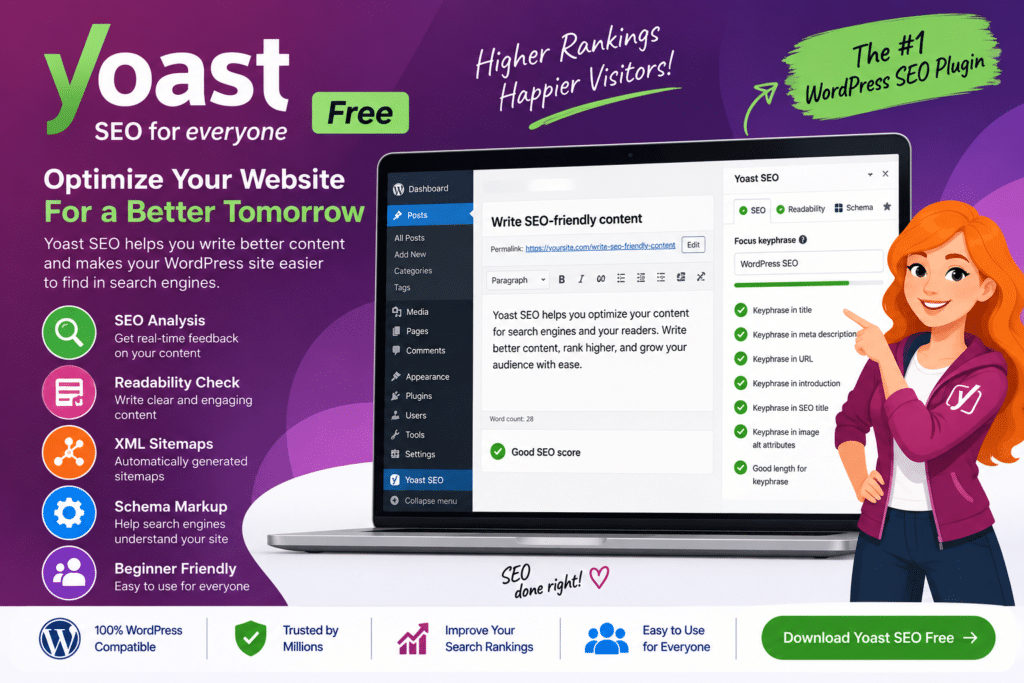
Yoast SEO Free is a popular WordPress SEO plugin designed to help website owners improve the basic search engine optimization of their pages and posts.
It provides practical tools for reviewing content, configuring important SEO information, creating XML sitemaps, and improving how your website communicates its content to search engines.
Whether you run a blog, business website, portfolio, news site, or a growing WordPress project, Yoast SEO Free gives you an accessible starting point for managing on-page SEO without needing to handle every technical detail manually.
Key Features
- SEO Analysis – Review pages and posts for common on-page SEO opportunities.
- Focus Keyphrase – Set a primary keyphrase to guide the optimization of supported content.
- Readability Analysis – Get suggestions that can help make your content clearer and easier to read.
- SEO Titles & Meta Descriptions – Customize how supported pages are described for search results.
- XML Sitemaps – Automatically generate and manage XML sitemap functionality for your WordPress website.
- Schema Markup – Add supported structured data to help search engines better understand your content.
- Search Appearance Controls – Configure how different types of WordPress content should be handled for search.
- Canonical URLs – Help search engines understand the preferred URL for supported pages.
- Content Analysis – Review headings, keyphrase usage, links, and other basic SEO elements.
- Social Sharing Information – Configure supported metadata used when content is shared on social platforms.
- Breadcrumb Support – Add and configure supported breadcrumb functionality for clearer site navigation.
- WordPress Editor Integration – Access SEO tools while creating and editing your WordPress content.
- Technical SEO Basics – Handle several common technical SEO tasks without manually editing website code.
- Beginner-Friendly Workflow – Use straightforward recommendations to understand common SEO improvements.
Perfect For
Yoast SEO Free is suitable for WordPress bloggers, small businesses, portfolio websites, service companies, content creators, beginners, news websites, local businesses, and website owners who need essential on-page and technical SEO tools.
Make WordPress SEO Easier to Manage
Search engine optimization involves more than adding keywords to an article. Your titles, descriptions, site structure, readability, internal organization, and technical configuration can all affect how easily search engines understand your website.
Yoast SEO Free brings many of these basic tasks into one familiar WordPress interface, making it easier to review your content before publishing.
Start Optimizing Your WordPress Website
Manage essential website SEO with Yoast SEO Free – WordPress SEO Plugin.
With SEO analysis, readability checks, XML sitemaps, metadata controls, schema functionality, and other optimization tools, Yoast SEO Free provides a practical starting point for improving the search readiness of a WordPress website.